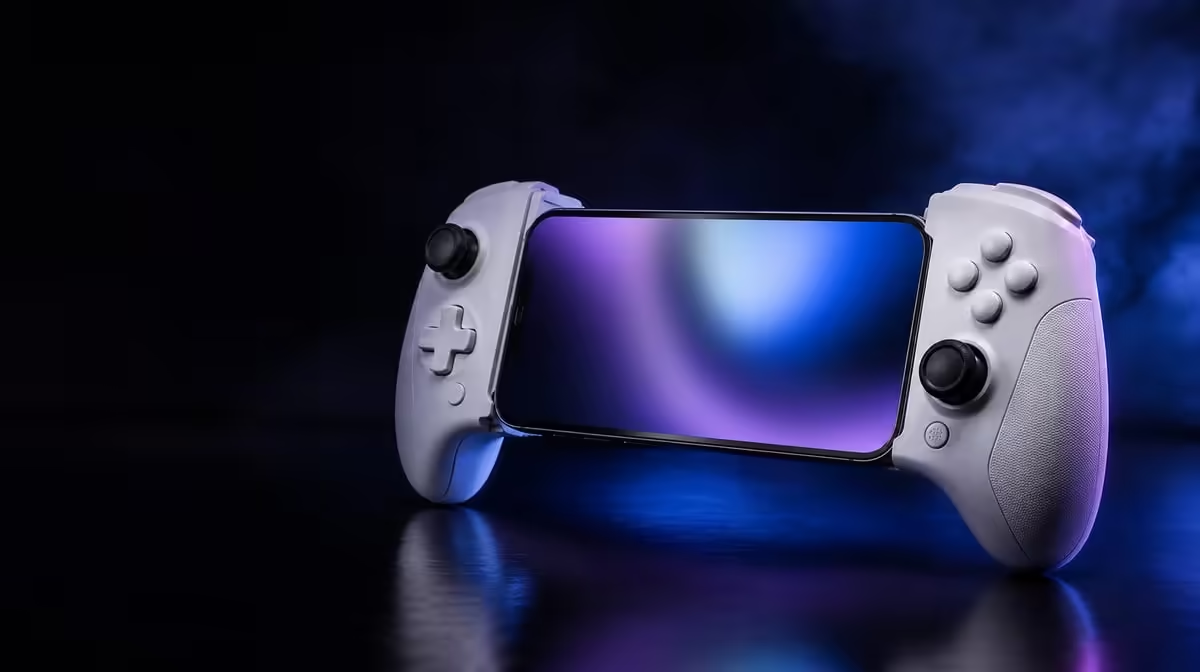
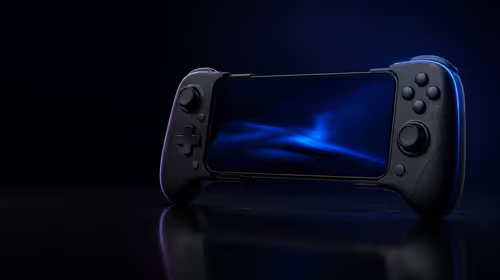
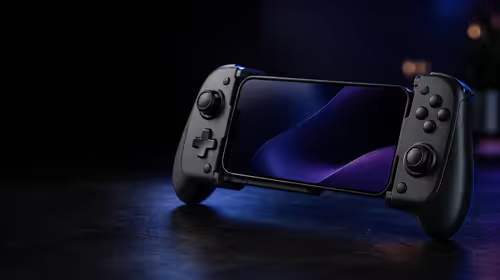
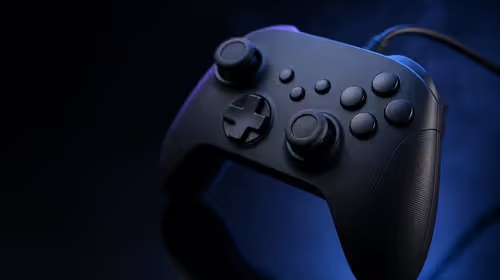
Gyro can turn a slight wrist movement into either a careful reticle correction or a steering command. Whether 6-axis gyro improves FPS and racing control depends on software support, neutral calibration and a sensitivity that fits the task. The R1,199 GameSir X3 Pro combines motion input with Hall sticks, allowing players to divide large and small movement between their thumbs and hands.
Quick Answer
Six-axis gyro can improve FPS aim by handling fine correction and can add intuitive steering in a supported racing title. The X3 Pro costs R1,199, but motion input becomes useful only after stable calibration, game-specific tuning and enough practice to compare it fairly with stick control.
🧭 Calibration defines neutral
Fit the phone securely, disconnect any cable that pulls against the controller and place the complete unit on a firm, level surface. Start the game's calibration while everything remains still. Holding the X3 Pro in the air introduces natural hand movement into the neutral reference.
Lift it into a relaxed grip and wait. If the camera or steering moves without deliberate rotation, repeat calibration before changing sensitivity. A drifting reference makes every later judgement unreliable.
Reduce dual rumble during this first pass. Vibration can move the controller at the same time the player is trying to understand its motion response. Feedback can be restored after calibration and basic sensitivity are settled.
Evetech's gaming controller range lets players compare current motion-capable layouts. Physical fit matters because a loose phone or strained USB-C connection can disturb the stable reference gyro needs.
🎯 Use motion for fine FPS correction
Set stick aim first. The right Hall stick should handle broad camera turns without excessive overshoot. Then enable gyro at a low value and deliberately stop the stick a little short of a target. Finish the placement by rotating the controller a few degrees.
Repeat from the left, right, above and below. If the reticle jitters, lower sensitivity or relax the grip. If the hands must turn uncomfortably far, raise the motion value by one small step. Do not alter the stick and gyro settings during the same trial.
Learn how the game pauses or recentres motion. Without a reset, the wrists can gradually rotate away from a comfortable angle. Some players use gyro only while aiming down sights; others prefer it throughout movement. Test the mapping that matches the game's actions.
Micro-switch triggers can complement this split by providing a defined firing press. Their physical actuation still needs to be practised after the reticle arrives on target.
🏁 Shape gyro into predictable steering
Start on a wide, consistent corner. Rotate the controller gently and observe how much steering the title applies. A good starting sensitivity covers normal bends with comfortable wrist travel while leaving the vehicle stable on a straight.
Adjust deadzone only after neutral calibration. Too little can translate grip movement into weaving; too much makes the steering feel dull around centre. Drive the same section with Hall-stick steering as a baseline, keeping assists and camera unchanged.
Motion need not become the permanent racing method. It may suit relaxed play while the stick remains preferable for another car or title. The purpose is to discover whether physical rotation creates a more repeatable line for that player.
Supporting cables and station pieces can be viewed through Evetech's gaming accessories section. Route any line so it cannot pull the controller towards centre or resist a turn.
📊 Compare results instead of novelty
For FPS play, count successful transitions between fixed targets and note overshoot. For racing, record three or more clean laps on the same track. Run stick-only and gyro-assisted trials after similar warm-up periods.
New motion input usually feels unfamiliar. Give it several sessions before drawing a conclusion, but avoid changing sensitivity after every error. Keep notes and adjust only when a pattern repeats.
Restore dual rumble for a final real-world run. If feedback disrupts fine motion, lower vibration or build a profile specifically for competitive play. The X3 Pro provides both features, and they do not need to operate at maximum intensity together.
The popular accessories collection offers broader mobile setup ideas. Keep the accuracy experiment unchanged even if other pieces are added.
Six-axis input therefore has genuine potential in both genres, but the useful movement scale differs. FPS correction asks for tiny angular changes; racing asks for smooth, repeated arcs. Separate profiles respect that difference.
Add a recentering exercise before longer play. Point the controller at a comfortable neutral angle, make a deliberate correction, pause the motion input if the game permits and return the hands to their starting position. Repeat until the reset no longer interrupts the main task.
For FPS testing, include both stationary targets and one moving target. A profile that feels precise for single taps may become too sensitive during tracking. Record whether the stick or gyro is responsible for each stage, then change only the layer causing the error.
For racing, test a straight, a wide corner and a quick direction change. These expose different weaknesses: unwanted movement around centre, insufficient steering range and overshoot. Keep the car, assists and camera fixed across the comparison.
Check fatigue after twenty minutes. A high gyro value can make tiny hand tremors visible, while a low value may demand large wrist rotation. The useful middle point should allow correction without forcing the player to brace the shoulders.
Cable routing deserves a moving test. Turn through the largest comfortable gyro angle and verify that the line follows without pulling. The X3 Pro's one-cable arrangement helps reduce clutter, but slack still determines whether motion remains free.
At R1,199, the controller lets one player keep separate FPS and racing experiments on the same hardware. The improvement question should be answered with recorded accuracy and comfort, not with the mere presence of six-axis sensing.
Save a calibration note for each posture. Desk play with supported elbows may need a different motion range from couch play with free arms. Do not copy one value blindly when the body's movement has changed.
Retest after enabling full rumble and connecting the normal power cable. These physical influences can disturb a finely tuned motion profile even though they are not part of the gyro sensor itself.
Six-axis control earns its place when it makes a measured task more repeatable without causing strain. The X3 Pro provides the option; the player's separate genre profiles turn it into a practical advantage.
Check the motion profile after the phone has been removed and fitted again. A changed balance or slightly different seating angle can alter how the same wrist rotation feels, even when numerical sensitivity stays fixed.
For shared use, save separate calibrations where the game permits it. One player's comfortable neutral angle should not force another into a twisted posture.
The R1,199 X3 Pro makes motion an available control layer. Good ergonomics and a repeatable baseline decide whether that layer improves aim or steering.
Frequently Asked Questions
How can gyro help with FPS aiming?
It can take over the last small correction after the right stick handles a broad turn, reducing the need for tiny thumb movement.
What does motion add to a racing profile?
Supported games can map controller rotation to steering, giving the player a physical way to shape a corner.
Why should rumble be reduced during initial tuning?
Vibration physically moves the controller and can make a new motion profile harder to assess.
What is the X3 Pro price with 6-axis input?
The GameSir X3 Pro costs R1,199 and combines gyro with Hall sticks, fast triggers and integrated cooling.
Ready to compare thumb and motion control on equal terms?
Explore Evetech's gaming controllers and build separate, measured profiles for your favourite FPS and racing titles.