



Hot-Swappable PCB Architecture in Modern Keyboards: Guide
Learn hot-swappable PCB architecture in modern keyboards—what it is, how sockets and traces work, and how to pick the right board. Speed up swaps, reduce risk, and upgrade faster 🔧⚡
Read moreWondering does DisplayPort 1.4 support 8K, or is it marketing hype? Let’s break down bandwidth, refresh rates, cables, and monitor support so you can buy with confidence. ✅🖥️
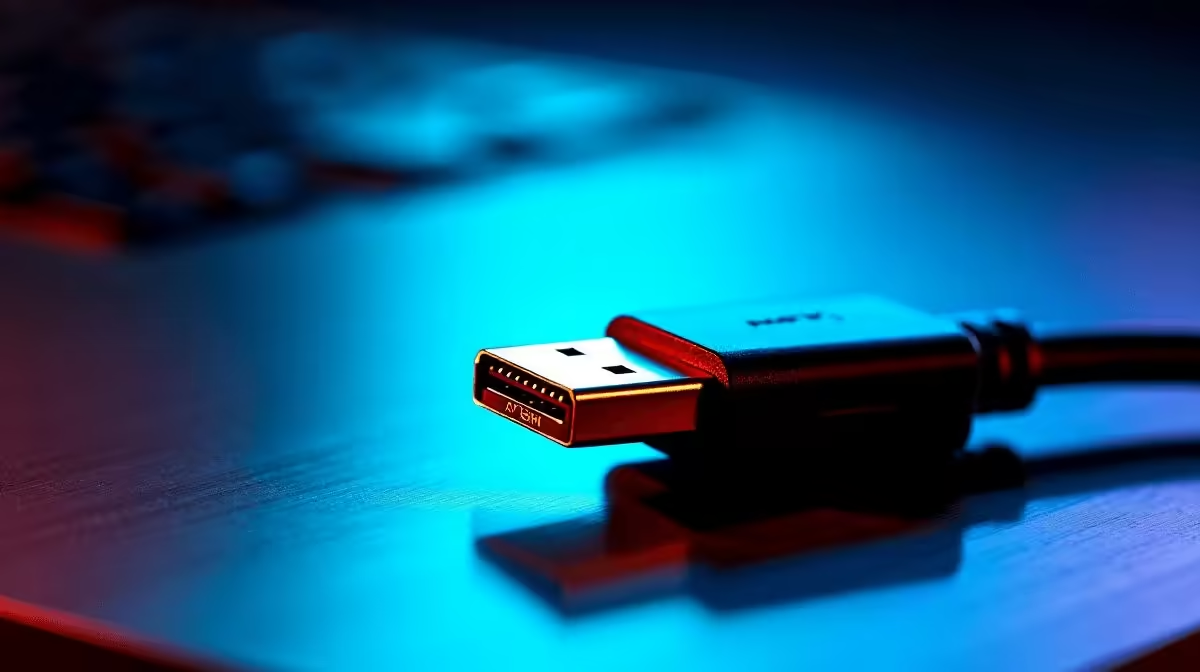
South African gamers love a good spec sheet. But when you’re staring at “8K support” on a monitor box, the real question is simpler: will your cable and GPU actually handle it? The short answer is yes, DisplayPort 1.4 can support 8K... but only under the right conditions. That means the display, graphics card, cable quality, and refresh rate all need to line up properly ⚡
DisplayPort 1.4 has enough bandwidth for very high resolutions, thanks to its support for Display Stream Compression, or DSC. In practical terms, that allows 8K output at 60Hz in some setups, rather than forcing everything through raw uncompressed bandwidth limits. VESA’s DisplayPort specification is the best reference here, and it confirms that DSC is part of the standard.
If you’re gaming, editing, or running a premium productivity setup, 8K is not just about resolution. It is also about frame rate, colour depth, and whether your device chain supports the same standard end to end. A monitor might advertise 8K, but if your GPU only outputs lower bandwidth modes, you will not get the full experience.
For most South African buyers, that means checking more than the port label. You need the right cable too. A poor-quality lead can create signal issues, black screens, or forced downshifts to lower refresh rates. If you are building a tidy desktop setup, it is worth browsing reliable cable options like Evetech’s comprehensive cable solutions before chasing a higher-resolution upgrade.
A lot of people assume “supports 8K” equals “ideal for 8K gaming.” Not quite. For gaming, 4K at higher refresh rates often feels more usable than 8K at a modest refresh rate. That is because motion clarity matters as much as pixel count. On the desktop, though, 8K can be excellent for creative work, huge timelines, and side-by-side windows.
Before you spend rand on a new monitor, check these points:
Before upgrading to 8K, test your current cable first. If your display flickers or drops signal, the cable is often the weakest link. A certified replacement can solve issues that look like GPU faults at first glance.
If you are shopping by brand, it can help to narrow things down. Some users prefer an HP cable range for office and home setups, while others like the flexibility of Promate connectivity options for mixed-use desks and portable gear. The key is not the logo alone... it is the spec match.
So, does DisplayPort 1.4 support 8K? Yes... in the right setup, and often with DSC enabled. For everyday users, that makes it a capable standard rather than a universal guarantee. If you are buying for gaming, make sure the whole chain supports your target resolution and refresh rate. If you are buying for work, focus on stability, cable quality, and device compatibility.
That is the smart way to spend your rand... and avoid buyer regret 🔧
Ready to Find Your Perfect Match? The Mac vs Windows debate is complex, but for maximum power, choice, and value in South Africa, Windows is hard to beat. Explore our massive range of laptop specials and find the perfect machine to conquer your world.
Yes, DP 1.4 can carry 8K, but the exact refresh rate depends on bandwidth, compression, and your GPU and monitor capabilities.
Many setups target 8K at lower refresh rates unless you enable compression features and use compatible GPUs, cables, and monitors.
It is. DP 1.4 bandwidth is finite, so 8K at higher refresh rates typically needs reduced settings or transport compression.
For best results, use a certified DisplayPort 1.4 cable rated for high bandwidth. Cheap or older cables may reduce link quality.
Not automatically. Your GPU must support the needed DisplayPort version and link configuration for 8K at your target refresh rate.
Common causes include an unsupported monitor mode, incorrect cable or port, missing compression support, or GPU driver settings.
Yes. Features like DSC and display settings can change what bandwidth is required, which can determine whether 8K is possible.
Learn hot-swappable PCB architecture in modern keyboards—what it is, how sockets and traces work, and how to pick the right board. Speed up swaps, reduce risk, and upgrade faster 🔧⚡
Read more
Mechanical switch lifespan explained—what the 50 million keystroke rating really means, plus tips to extend switch life and reduce double-press issues 🔧⌨️
Read more
60-percent vs full-size mechanical keyboard layouts—learn what each layout includes, who it suits, and how to choose the right fit 🧩⌨️ for typing, gaming, and productivity.
Read more
Double injection keycaps last far longer than standard printed keycaps in most setups. Learn typical lifespan ranges, what shortens them, and how to maximize durability for smoother daily typing and gaming 😊⌨️
Read more
Full-key anti-ghosting: does it stop missed inputs during fast-paced gaming? We break down latency, polling, and key matrix limits so you can buy smarter 🎮⚡
Read more
Protect mechanical keyboard switches from South African dust and summer humidity with practical cleaning and storage habits. Keep your switches smooth, reduce failures, and extend lifespan. 🌬️💧
Read more
Wondering if a TKL wireless mechanical keyboard is worth it for everyday productivity? We break down latency, battery life, comfort, and workflow gains for real work. ⚡⌨️

Maximise battery life on a fanless 15-inch laptop using efficiency core architecture. Cut idle drain, tune power profiles, and improve thermals for longer runtime. 🔋⚙️

Learn how to reduce desk clutter with a TKL wireless keyboard using fewer cables, smart placement, and tidy essentials. Get a faster, calmer workspace with better ergonomics. ✅🧼

RGB keyboard lighting too distracting? Learn how to manage backlight modes, set brightness, and reduce distraction for focus and productivity 😌🖱️

Are themed gaming keyboards worth the extra cost? Compare build quality, switch options, features, and resale value to find the best fit for your setup 🎮⌨️

Full-Size vs Tenkeyless mechanical keyboards for gaming: find out if a smaller layout truly improves aim, speed, and comfort. We break down layout, desk space, latency-feel, and keybinds 🎮⌨️

Dedicated media rollers vs function key shortcuts: learn which setup gives you better workflow control, faster media access, and fewer mistakes. 🖱️🎧

Best Mechanical Switch Type for Gaming: Clicky vs Linear vs Tactile. Find your feel, speed, and noise balance with practical guidance for FPS, MOBA, and productivity 😄🎮

Direct mouse answer: Mouse not keeping up with your work? Everything that matters about dual-mode 2.4GHz + BT 5.0: DPI behaviour, channel switching, battery curves and per-app button mapping. Covers when 2.4GHz USB wins (low-latency desk) and when BT 5.0 wins (laptop, d

Plain wireless mouse guide: Mouse not keeping up with your work? Everything that matters about wireless productivity mouse: DPI behaviour, channel switching, battery curves and per-app button mapping. Includes DPI tuning tips, channel switch shortcuts, and ZAR-aware fea

Real productivity numbers: Set up your wireless mouse in this order: everything that matters about wireless productivity mouse: DPI behaviour, channel switching, battery curves and per-app button mapping. Includes DPI tuning tips, channel switch shortcuts, and ZAR-aware

Pen not feeling like paper? Stylus lag and skipping usually trace to old drivers, dirty nibs, or display refresh mismatches, not the pen itself. Covers pressure curve tuning, tilt thresholds, nib swap timing, and SA pricing brackets.