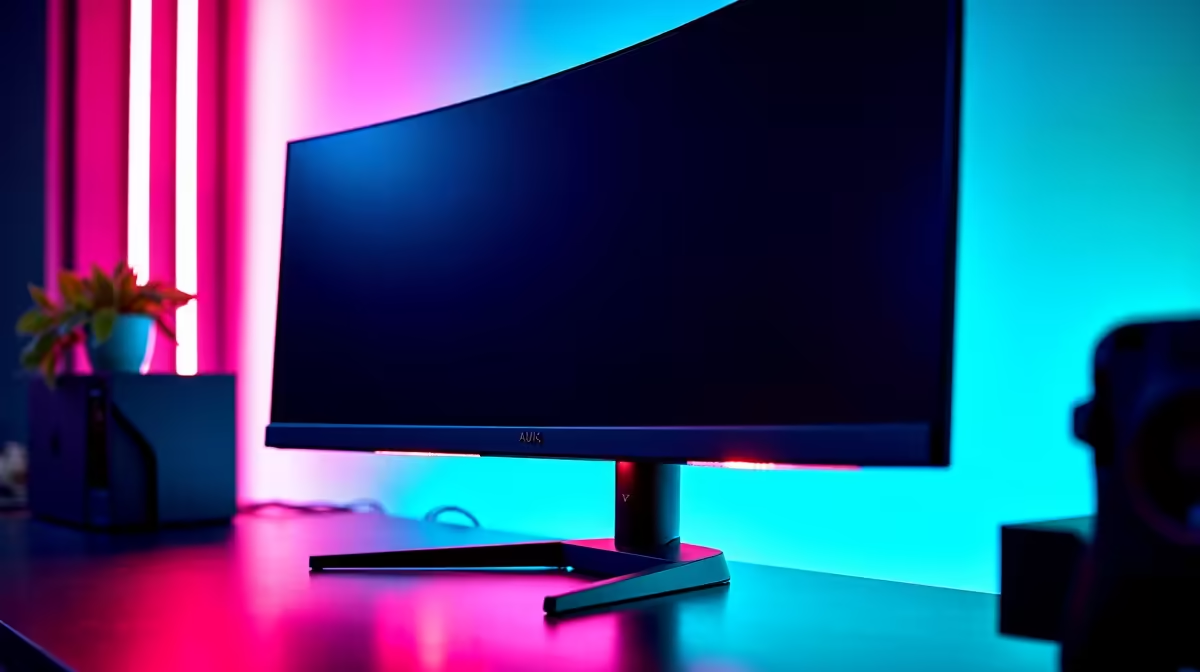
A 4K 144Hz monitor is the demanding combination of sharpness and speed, so an annotated comparison helps SA gamers weigh panel type, connectivity, and the hardware needed to drive it.
Quick Answer
Among 4K 144Hz monitors, prioritise a panel with DisplayPort 2.1 or HDMI 2.1, a fast IPS or OLED panel, and proven HDR. Expect SA pricing from roughly R10,000 for capable IPS models to R22,000 for premium OLED 4K 144Hz screens, and budget for a strong GPU to feed them.
Comparing The 4K 144Hz Field
Connectivity comes first; a 4K 144Hz signal needs HDMI 2.1 or DisplayPort 2.1 to run at full refresh without compromise. Panel type then splits the field: OLED offers perfect blacks and instant response for the best image, while fast IPS delivers strong brightness and value without burn-in concerns.
HDR quality varies widely, so look for genuine local-dimming or OLED contrast rather than a token HDR label. Adaptive sync support keeps frame pacing smooth when frame rates dip below 144.
The Hardware To Match
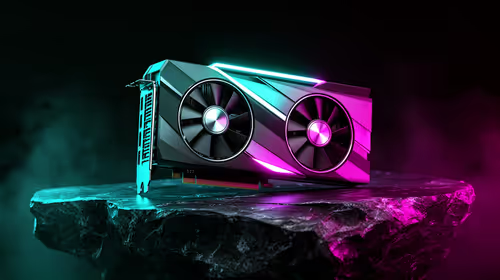
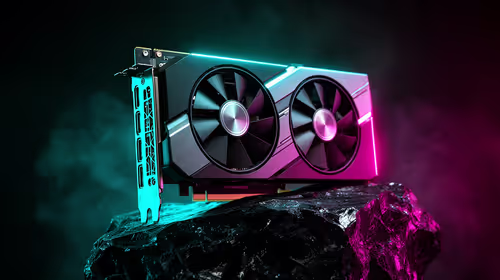
Driving 4K at high frame rates is GPU-intensive, so pair these monitors with an upper-tier card with 16GB of memory and strong upscaling. Without that, you will rarely approach 144fps at 4K in demanding titles, and the panel's speed goes unused.
FAQ
What connection do I need for 4K at 144Hz?
HDMI 2.1 or DisplayPort 2.1. Older standards cannot carry a full 4K 144Hz signal without dropping refresh or using compression compromises.
Is OLED or IPS better for a 4K 144Hz monitor?
OLED gives superior contrast and response for image quality; fast IPS offers higher brightness and no burn-in worry at lower cost. Choose by priority and budget.
What GPU drives 4K 144Hz well?
An upper-tier card with 16GB of memory and strong upscaling. Lower-tier GPUs rarely reach high frame rates at 4K in demanding games.
Confirm HDMI 2.1 or DisplayPort 2.1, pick OLED or fast IPS by budget, and pair the monitor with a 16GB upper-tier GPU to use its refresh.