Quick Answer
Daisy-chain connectivity links multiple fans from a single motherboard header by passing PWM signal and power through inline connectors between fans. All fans in the chain run at the same speed simultaneously, controlled by one header. The practical limit per chain is three 120mm fans on a standard 1A header, or up to five fans on a 2A header using a powered hub intermediate.
The Architecture of a Daisy-Chain System 🔧
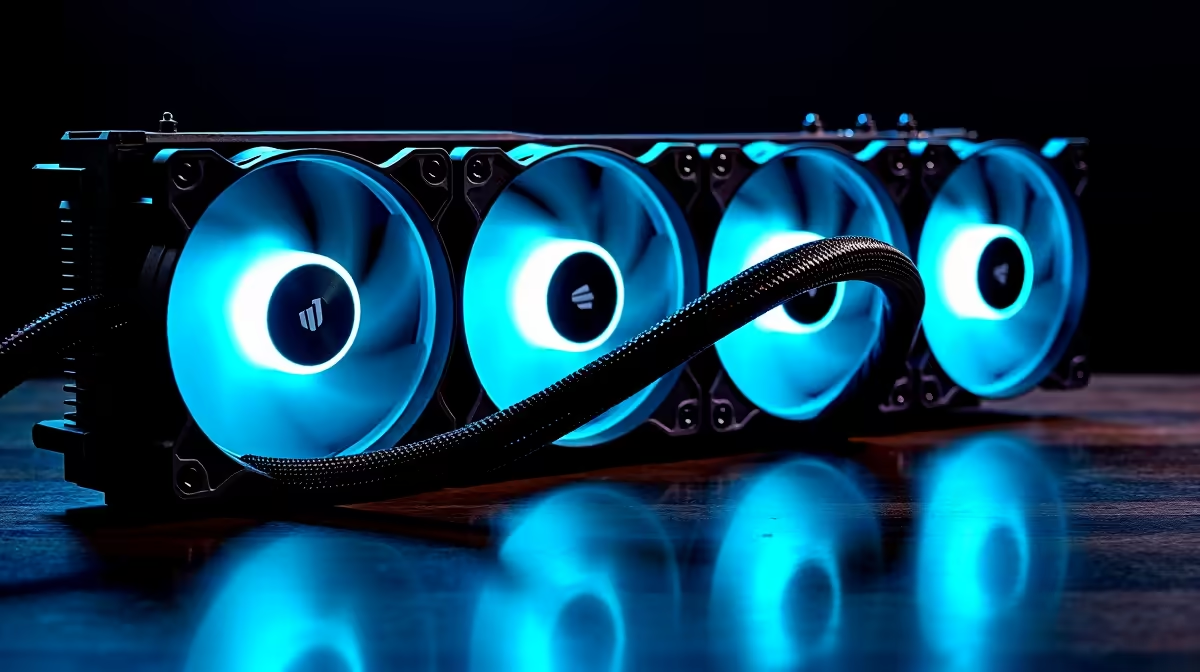
Each daisy-chain-capable fan has two connectors: a primary input that connects to the motherboard header or the preceding fan, and a secondary output that connects to the next fan. Power and PWM signal flow through both connectors in parallel, so each fan receives full PWM control and draws its own power from the chain. The motherboard sees total chain current as a single load.
The critical constraint is header current capacity. A standard CHA_FAN or SYS_FAN header on mid-range SA motherboards (MSI MAG, ASUS TUF, Gigabyte AORUS) provides 1A at 12V. Three 120mm fans at 0.25 to 0.35A each draw 0.75 to 1.05A total, which sits at or slightly over the limit. For chains of four or more fans, use a powered hub drawing from a SATA connector and accepting PWM signal from a single header.
Compatibility and Purchasing in SA 🖥️
Not all fans support daisy chaining. The feature requires a secondary output port on the fan housing. In South Africa, daisy-chain-capable triple packs are available from Lian Li (Uni Fan SL series), Corsair (iCUE Link series), and Phanteks (D30 series). Pricing ranges from R1,000 to R2,000 for a triple pack, currently stocked at Evetech. Corsair's iCUE Link system uses a proprietary connector that is not cross-compatible with standard 4-pin headers without an adapter, so confirm connector type before buying if you want to mix brands.
Managing Multiple Chains in a Complex Build 💰
A full-sized ATX tower with nine fan positions might use three separate chains: a front triple intake on CHA_FAN1, a top triple exhaust on CHA_FAN2, and a rear single exhaust on CHA_FAN3. Each chain can have its own fan curve because each header is independently controlled. This lets you run intake fans more aggressively than exhaust fans for fine-tuned pressure management. SA builds targeting near-silent operation can set exhaust chains to 60 percent maximum duty cycle while intake chains reach 100 percent under load, reducing overall noise while maintaining positive pressure.
Test Each Chain Individually Before Final Cable Routing ⚡
Before hiding cables behind the motherboard tray, plug each chain into its target header and confirm all fans spin up correctly in BIOS. A single damaged connector in a chain stops all fans downstream from it. Discovering this after full cable management means disassembling your routing work. A five-minute pre-routing test saves 30 minutes of rework.
FAQ
Do daisy-chain fans need a fan controller, or does the motherboard handle everything?
The motherboard handles everything through its standard PWM headers. A separate fan controller is not required unless you want per-chain adjustment beyond what the BIOS fan curve provides, or if you use a proprietary ecosystem like Corsair iCUE that requires its own controller.
Can I add a daisy-chain fan to an existing non-daisy-chain fan setup?
Yes, provided you have an available motherboard header. The daisy-chain pack connects to its own header independently of existing standalone fans. The two setups do not interfere with each other.
What happens to daisy-chain performance during SA summer heat spikes?
Nothing changes electrically. The motherboard fan curve responds to temperature and increases PWM duty cycle on all fans in the chain simultaneously. Higher ambient temperatures just mean fans spend more time at higher RPM, which is expected behaviour.
Planning a clean multi-fan setup for your SA gaming or workstation build?
Browse daisy-chain fan packs and cooling accessories at Evetech, stocked locally.