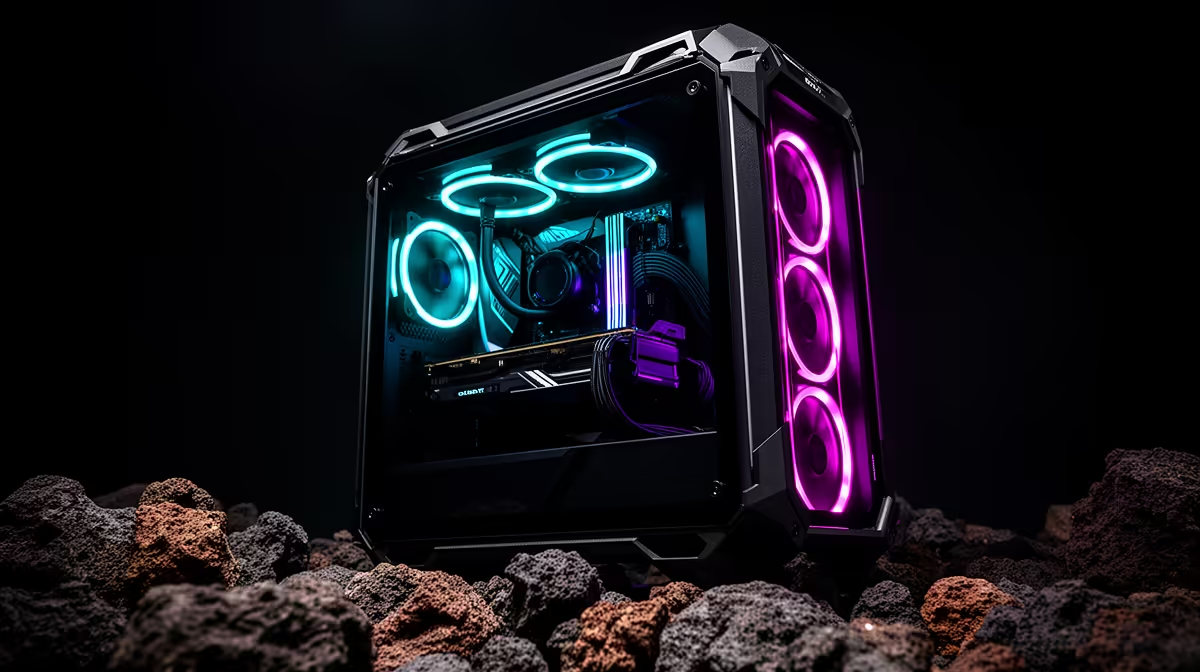
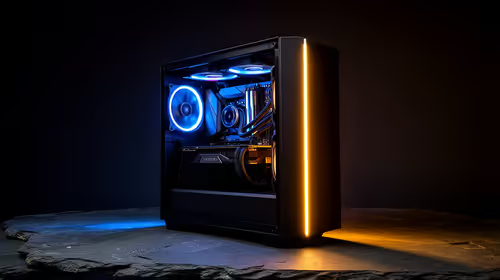
For a buyer far from a major metro, a tested prebuilt PC is usually easier to support than a box of loose parts when local assembly help is limited. A prebuilt still needs careful packaging and delivery inspection, while loose components reduce the weight hanging from the motherboard during transit. The right choice depends on skill, warranty handling and courier risk.
Compare failure paths before prices
Loose parts suit an experienced builder who can identify damage, update firmware, assemble safely and troubleshoot a no-boot condition. They also let heavy graphics cards and coolers travel in their own packaging. A prebuilt gives one tested configuration and clearer responsibility, but internal components must be secured. Ask whether the graphics card or large cooler ships installed and follow the seller’s unpacking instructions.
Before accepting delivery, inspect the outer carton for punctures, crushing or water damage and photograph every side. Record the unboxing without cutting into internal parts. Keep all packaging until the PC passes memory, storage, graphics, temperature and port checks. If damage appears, stop and contact support before powering the system or attempting a repair that could complicate the claim.
Choose a seller with reachable technical support and a practical return process from the destination. Confirm who pays or arranges transport for an approved fault. If no trusted local technician is available, a tested prebuilt with remote support is the safer default. If the buyer has assembly experience, individually boxed parts can survive transport well and make later component warranties easier to isolate.
Ordering a PC beyond a major metro? > Ask Evetech how the chosen prebuilt or components will be packed, tested and supported at the destination.