



How to Use a Nano SIM 4G Router for Reliable Home Internet
Master using a Nano SIM 4G router as your primary internet solution. Get stable speeds and seamless connectivity for gaming and streaming at home! 🌐🚀
Read moreUnderstanding firmware update risks is crucial in today's connected world. While updates promise new features and security patches, a failed or malicious cloud update can brick your devices, expose your data, or create security backdoors. 💻 Learn how to identify these dangers and safely manage your smart tech updates. Don't let an automatic update compromise your digital life! 🛡️
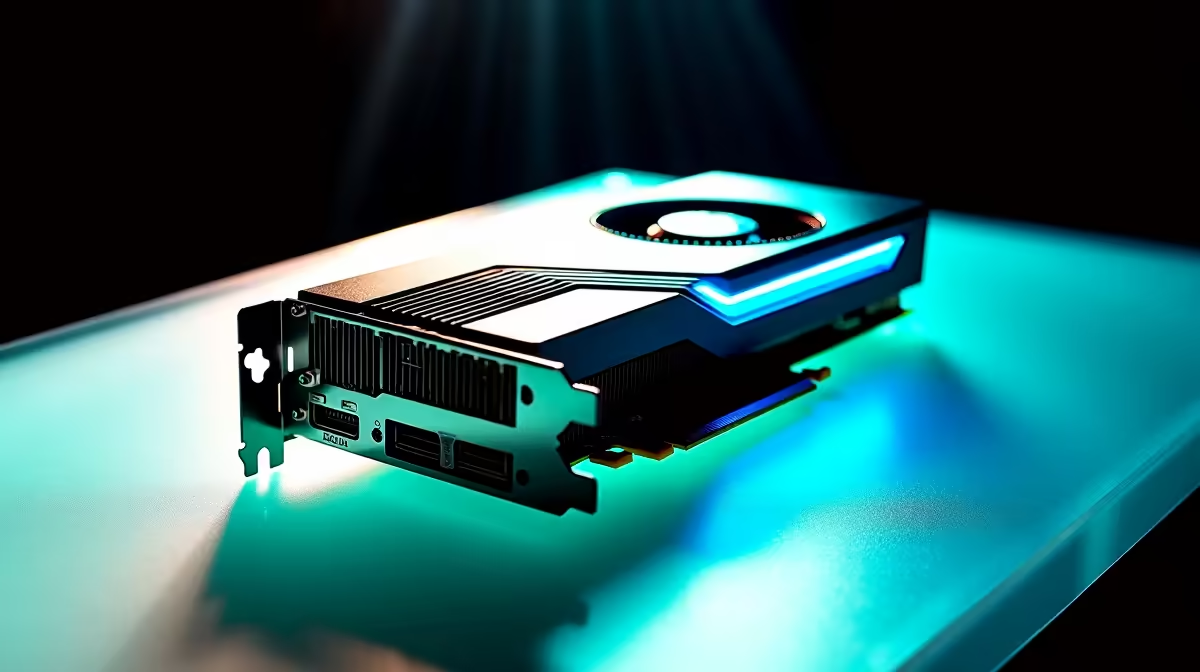
That little notification pops up. "Firmware Update Available." Do you click it? For many South African gamers, it’s a moment of hesitation. Is this a free performance boost for your GPU or motherboard, or are you one power dip away from a very expensive paperweight? Understanding the real firmware update risks is the first step to protecting your gear. Let’s dive into how to get all the benefits without any of the disasters. 🔧
Before we unpack the dangers, what even is firmware? Think of it as the mini-operating system that lives directly on your hardware. It’s the low-level code that tells your graphics card how to render frames, your SSD how to manage data, and your monitor how to process colours. The firmware in modern PC monitors alone handles everything from input lag to HDR calibration, making it a critical piece of the performance puzzle. It’s the invisible brain making the brawn work.
While updates often promise improvements, the process isn't without peril. Knowing the specific firmware update risks helps you prepare. A failed update can be a serious headache, so it pays to be cautious.
This is the big one. A "bricked" device is one that’s completely unresponsive. It happens when the update process is interrupted—often by a power failure—corrupting the core software. Suddenly, your high-tech gear is as useful as a clay brick. The feeling is especially gut-wrenching when it happens to premium 5K or 4K monitors, turning a massive investment into a blank screen.
Sometimes, an update meant to fix one problem introduces another. You might install new firmware hoping for a performance uplift, only to find new stutters, compatibility issues, or features that no longer work correctly. Before you update the firmware on any of your all gaming monitors, it’s wise to check online forums to see if other users are reporting new issues after the update.
Okay, enough doom and gloom. You can drastically lower the risks of updating firmware by following a simple, methodical checklist. A few minutes of preparation can save you hours of frustration. 🚀
Read the release notes first! Does the update patch a critical security flaw or fix a bug that’s actually affecting you? If not, you might be better off waiting. This is true for everything, from your motherboard to the latest curved monitors that offer immersive gameplay. Don't update just for the sake of being on the latest version.
Wait for a stable period or use a UPS. A power dip during a BIOS or GPU firmware update is one of the biggest firmware update risks in South Africa. Don't gamble with your gear!
This is non-negotiable, especially in SA. A power cut mid-update is the #1 cause of bricked devices. If you don't have a UPS (Uninterruptible Power Supply), wait until you're confident the power will be stable. Never start a critical update during Stage 4 load shedding.
Only ever download firmware directly from the manufacturer's official website. Third-party sites or forum links can host outdated, incorrect, or even malicious files. This is even more critical for devices you rely on for work on the go, like portable monitors.
With all these warnings, you might wonder why you should ever update. When done correctly, the benefits are significant. Successful updates can unlock new features (like Resizable BAR on older motherboards), patch security vulnerabilities, and boost performance and stability. Sometimes, even high-end monitor accessories like calibration tools receive updates to improve their accuracy. The key is weighing the reward against the manageable risk.
Ready for a Flawless View? A stable rig deserves a screen that can keep up. Explore our fantastic range and find the display that’s perfect for you in our best PC monitor deals section.
The primary risks include "bricking" the device (making it unusable), introducing new bugs, creating security vulnerabilities, or installing malicious code if the update source is compromised.
Yes. A malicious or compromised firmware update can contain spyware designed to steal personal data, login credentials, and other sensitive information stored on or transmitted through the device.
Absolutely. Not updating leaves your device exposed to known security exploits that patches are meant to fix. It's a balance between the risks of not updating firmware and the risks of a bad update.
To safely update firmware, always download from the official manufacturer's website, ensure a stable power supply during the update, and back up your settings beforehand if possible.
A 'bricked' device is one that has become completely unresponsive and non-functional due to a failed firmware update, essentially turning it into an expensive 'brick'.
The automatic firmware update dangers lie in the lack of control. A flawed update can be pushed to your device without your knowledge, potentially causing widespread issues before it can be stopped.
Only trust updates from the device manufacturer's official website or app. Be wary of unsolicited emails or pop-ups prompting an update, as these can be phishing attempts.
Master using a Nano SIM 4G router as your primary internet solution. Get stable speeds and seamless connectivity for gaming and streaming at home! 🌐🚀
Read more
Confused by Cat4 vs Cat6 LTE routers? 🌐 We break down the technical differences to help you choose the right router for faster gaming and streaming. Get the speed you deserve today! 🚀
Read more
Learn how to setup a VPN server on your 4G LTE router to secure your remote access. Protect your data and browse safely from anywhere with our easy guide! 🌐🔐
Read more
Choosing the best 4G LTE router for South Africa ensures reliable internet when fibre is unavailable. Discover top connectivity tips for rural and urban areas. 🌐📶
Read more
Discover what is passive PoE and how it streamlines outdoor router installations. Eliminate messy cabling and simplify your network setup with this efficient power delivery method. ⚡🌐
Read more
Need to extend internet coverage to outbuildings or farms? 📡 An outdoor 4G router is the ultimate solution for stable, high-speed connectivity in remote locations. Discover how to boost your range and stay connected anywhere on your property. 🌐
Read more
Wondering if a TKL wireless mechanical keyboard is worth it for everyday productivity? We break down latency, battery life, comfort, and workflow gains for real work. ⚡⌨️

Maximise battery life on a fanless 15-inch laptop using efficiency core architecture. Cut idle drain, tune power profiles, and improve thermals for longer runtime. 🔋⚙️

Learn how to reduce desk clutter with a TKL wireless keyboard using fewer cables, smart placement, and tidy essentials. Get a faster, calmer workspace with better ergonomics. ✅🧼

RGB keyboard lighting too distracting? Learn how to manage backlight modes, set brightness, and reduce distraction for focus and productivity 😌🖱️

Are themed gaming keyboards worth the extra cost? Compare build quality, switch options, features, and resale value to find the best fit for your setup 🎮⌨️

Full-Size vs Tenkeyless mechanical keyboards for gaming: find out if a smaller layout truly improves aim, speed, and comfort. We break down layout, desk space, latency-feel, and keybinds 🎮⌨️

Dedicated media rollers vs function key shortcuts: learn which setup gives you better workflow control, faster media access, and fewer mistakes. 🖱️🎧

Best Mechanical Switch Type for Gaming: Clicky vs Linear vs Tactile. Find your feel, speed, and noise balance with practical guidance for FPS, MOBA, and productivity 😄🎮

Direct mouse answer: Mouse not keeping up with your work? Everything that matters about dual-mode 2.4GHz + BT 5.0: DPI behaviour, channel switching, battery curves and per-app button mapping. Covers when 2.4GHz USB wins (low-latency desk) and when BT 5.0 wins (laptop, d

Plain wireless mouse guide: Mouse not keeping up with your work? Everything that matters about wireless productivity mouse: DPI behaviour, channel switching, battery curves and per-app button mapping. Includes DPI tuning tips, channel switch shortcuts, and ZAR-aware fea

Real productivity numbers: Set up your wireless mouse in this order: everything that matters about wireless productivity mouse: DPI behaviour, channel switching, battery curves and per-app button mapping. Includes DPI tuning tips, channel switch shortcuts, and ZAR-aware

Pen not feeling like paper? Stylus lag and skipping usually trace to old drivers, dirty nibs, or display refresh mismatches, not the pen itself. Covers pressure curve tuning, tilt thresholds, nib swap timing, and SA pricing brackets.