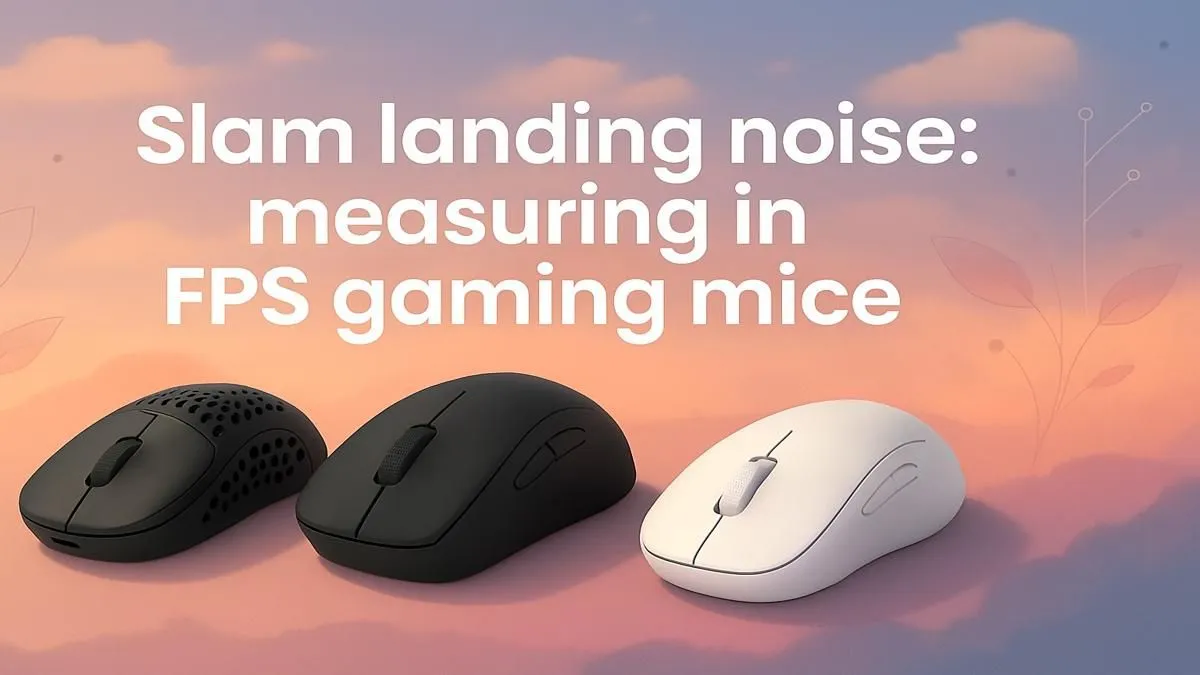
It’s 1 AM in Johannesburg. You’re in a tense 1v1 clutch in Valorant. The house is dead quiet… except for one thing. CLICK. CLICK. CLICK. Your mouse sounds like a firecracker in a library. Suddenly, you’re not just worried about hitting the shot; you’re worried about waking up the whole house. Ever wondered about the science of FPS gaming mouse noise measurement? It’s more important than you think for focus, stealth, and late-night harmony.
Understanding FPS Gaming Mouse Noise
Why should a gamer in Cape Town or Durban care about how loud their mouse is? It boils down to two things: environmental awareness and personal preference. For streamers, a loud, sharp click can be picked up by your microphone, annoying your viewers. For those of us with shared living spaces, a quieter mouse is just basic courtesy. 🚀
But it's also about tactile feedback. The sound and feel of a click confirm your action in-game. Some gamers thrive on a crisp, audible click, while others prefer a softer, less intrusive feel. There's no right answer, but understanding the noise profile of different gaming mice is the first step to finding your perfect match.
The Science Behind the Click: Noise Measurement Explained
So, how does FPS gaming mouse noise measurement actually work? While there isn't a single, universal industry standard, the process typically involves using a decibel (dB) meter placed at a consistent distance from the mouse.
Here’s a rough idea of what those numbers mean:
- 20-30 dB: A very quiet click, often found on "silent" mice. It's about as loud as a whisper.
- 40-50 dB: A standard, moderately audible click. Think of a quiet library.
- 60+ dB: A loud, highly tactile click. This is closer to a normal conversation level and can be quite noticeable.
The pitch matters, too. A high-frequency snap can be more jarring than a low-frequency thud, even at the same decibel level. Finding the right balance is key, and you can often find great options among the best gaming mouse deals in South Africa, catering to every preference.
Pro Tip: Your Mousepad Matters!
A soft, thick cloth mousepad can absorb more sound and vibration than a hard plastic one. This can subtly reduce the overall noise of your clicks and mouse movement, making your entire setup feel smoother and quieter.
Choosing Your Sound: Wired, Wireless, and Silent Switches
When you're ready to upgrade, you'll face the classic choice: wired or wireless? Thankfully, both categories offer a massive range of sound profiles.
Wired Warriors
A wired mouse offers a zero-latency connection that many competitive players swear by. Brands like Zowie and Razer often feature crisp, defined clicks that provide excellent feedback for rapid firing in games like Apex Legends or CS2.
Wireless Freedom
Modern wireless mice are now virtually indistinguishable from their wired counterparts in terms of performance. ⚡ Models from Logitech's G Pro series, for example, have options that balance a satisfying click with a more muted sound, making them fantastic all-rounders for gaming and productivity.
Don't Forget About Mouse Accessories 🎧
The click is just one part of your mouse's sound signature. The scrape of the mouse feet across the pad also contributes to the overall noise. Investing in high-quality PTFE skates or a premium mousepad can make your movements buttery smooth and whisper-quiet. Perfecting your setup with the right mouse accessories ensures every part of your experience is optimised.
Find Your Perfect Click at Evetech
Whether you need a silent operator for late-night raids or a loud-and-proud clicker for competitive glory, we've got the perfect tool for the job. Explore our massive range of gaming mice and hear the difference for yourself.