



80+ Gold vs 80+ Platinum for Couch co-op gaming in SA
80+ Gold vs 80+ Platinum for couch co-op gaming is about PSU efficiency, heat, fan behaviour, quality, and wattage headroom, not direct FPS. SA buyers should compare the whole build.
Read moreFreeSync vs G-Sync: which is right for your gaming setup? 🤔 This deep dive explains the key differences in performance, cost, and compatibility for South African gamers. We'll help you eliminate screen tearing and stutter for a perfectly smooth experience. 🖥️
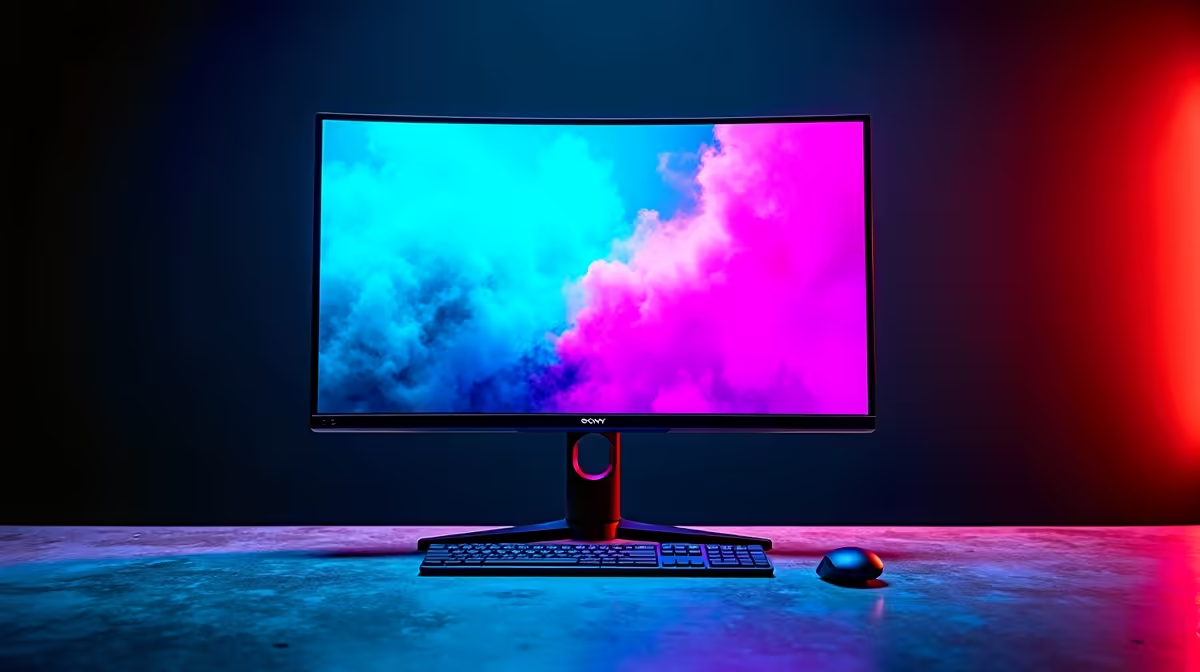
Stared at your screen lately and felt... betrayed? You've dropped some serious ZAR on a powerful GPU, only to see your favourite game ruined by ugly horizontal lines and choppy motion. That frustrating phenomenon, screen tearing, happens when your graphics card and monitor are out of sync. Luckily, there’s a fix: adaptive sync technology.
But this brings up the ultimate PC gaming debate: FreeSync vs G-Sync. Which one is right for your rig and your wallet? Let's dive in.
Imagine your GPU is a master artist, painting frames as fast as it can. Your monitor is the canvas, refreshing at a fixed rate (e.g., 144 times per second, or 144Hz). When the artist (GPU) sends a new frame halfway through the canvas's refresh, you see parts of two different frames at once. That's a screen tear.
Adaptive sync forces your monitor to be more flexible. It tells the monitor to wait for the GPU to finish a frame before displaying it. The result? A perfectly smooth, tear-free, and stutter-free visual experience. ✨ Both G-Sync and FreeSync do this, but they take different paths to get there.
NVIDIA's G-Sync is the original premium adaptive sync solution. For years, true G-Sync monitors required a dedicated hardware module—a special chip inside the monitor that communicates directly with your NVIDIA GeForce GPU. This ensures a rigorously tested, high-quality experience with no compromises.
NVIDIA has since expanded the G-Sync brand into a few tiers:
The main takeaway? G-Sync is a promise of quality, but it often comes at a higher price.
AMD's FreeSync is the more open and widespread alternative. It's built on an open standard from VESA called Adaptive-Sync, which is integrated into the DisplayPort connection. This means monitor manufacturers don't need to pay licensing fees or install special hardware, making FreeSync monitors generally more affordable.
Like NVIDIA, AMD has tiers to help you know what you're getting:
The biggest advantage of FreeSync is the sheer variety and value available.
So, the moment of truth. The right choice depends entirely on your setup, budget, and priorities.
Winner: FreeSync. Hands down, FreeSync offers the best bang for your buck. The lack of a hardware module means you can find fantastic, high-refresh-rate adaptive sync monitors at incredible prices. You can find some seriously smooth gameplay without breaking the bank in our collection of the best PC monitor deals in South Africa.
Winner: G-Sync or G-Sync Ultimate. If you're running a top-tier NVIDIA card like an RTX 4080 or 4090 and demand a flawless, guaranteed-perfect experience, a true G-Sync monitor is an excellent investment. The hardware module provides superior variable overdrive and performance across the entire refresh rate range.
Winner: G-Sync Compatible. This is where the lines blur beautifully. You can buy a great FreeSync monitor, check NVIDIA's official compatibility list, and enable G-Sync in your control panel. This gives you the value of FreeSync with the backing of NVIDIA's performance standard. It's the best of both worlds and a fantastic option when exploring the huge variety of PC monitors available today. This same logic applies whether you're after an immersive curved monitor for your main setup or a handy portable monitor for gaming on the go.
If you have an NVIDIA 10-series GPU or newer and a FreeSync monitor, you can often enable G-Sync manually! First, ensure your monitor's FreeSync Adaptive-Sync setting is turned on in its on-screen menu. Then, open the NVIDIA Control Panel, go to "Set up G-SYNC," check the "Enable G-SYNC, G-SYNC Compatible" box, and select "Enable for full screen mode." Apply, and you're good to go!
While the G-Sync vs FreeSync decision is huge, it's not the only thing that matters. Remember to also consider:
Ultimately, the battle isn't about which tech is "better," but which is the smarter choice for your specific gaming rig. FreeSync brings smooth gaming to the masses, while G-Sync offers a premium, curated experience. With G-Sync Compatible displays bridging the gap, South African gamers have never had more incredible, tear-free options. 🚀
Ready to Banish Screen Tearing for Good? The FreeSync vs G-Sync debate is all about finding the perfect match for your rig and budget. Whether you're Team Red or Team Green, the ultimate goal is smooth, immersive gameplay. Explore our massive range of gaming monitors and find the perfect screen to conquer your world.
G-Sync monitors often cost more due to dedicated hardware and stricter certification. For many gamers, FreeSync Premium offers a comparable tear-free experience at a better value.
Yes. Many FreeSync monitors are now 'G-Sync Compatible,' allowing you to enable variable refresh rate with a compatible NVIDIA GPU using a DisplayPort connection.
The core difference is hardware. G-Sync requires a proprietary NVIDIA scaler module inside the monitor, while FreeSync is an open standard built into the DisplayPort protocol.
While not required, using adaptive sync technology ensures a smooth, tear-free experience on a 144Hz monitor, especially when your game's FPS fluctuates below the max refresh rate.
FreeSync Premium Pro is the highest tier, adding mandatory low latency and HDR support, ensuring top-tier visual quality and responsiveness for both SDR and HDR gaming.
Historically, G-Sync had an edge. However, modern FreeSync Premium and Pro monitors offer excellent performance, making the choice depend more on your budget and specific GPU.
80+ Gold vs 80+ Platinum for couch co-op gaming is about PSU efficiency, heat, fan behaviour, quality, and wattage headroom, not direct FPS. SA buyers should compare the whole build.
Read more
80+ Platinum or 80+ Titanium for competitive should be shortlisted around the job it must do. South African buyers should compare fit, performance, compatibility, and upgrade room, warranty path, and upgrade room before treating any pick as best.
Read more
The real world difference between IPS and OLED for AAA single-player gaming is immersion versus versatility. OLED lifts contrast and dark scenes, while IPS can suit bright rooms, mixed PC use, and SA buyers watching total setup cost.
Read more
HDMI 2.1 vs HDMI 2.0 for SA MMO needs a workload-first comparison. For SA buyers, judge real performance, platform fit, warranty path, power needs, and upgrade timing before choosing either side.
Read more
USB4 and Thunderbolt 4 differ for competitive esports through dock, display, and capture consistency. Use this real world difference between usb4 and thunderbolt 4 for competitive guide to keep SA tournament desks tidy without assuming better ping.
Read more
Magnetic switches vs Mechanical switches depends on Competitive esports needs, platform limits, and budget fit. Compare compatibility, latency, upgrade path, and real setup constraints before choosing for an SA build.
Read more
B850 motherboard FPS drops needs a methodical troubleshooting pass. Review drivers, thermals, power settings, background apps, cables and game settings before replacing parts in an SA gaming setup.

Gaming PC FPS drops in South Africa often come from drivers, thermals, background apps, power plans, or in-game settings. Check one change at a time and use the same scene before buying upgrades for your local setup.

Difference between PCIe 5.0 and PCIe 4.0 explained for PC builders starts with bandwidth, lanes, and support. SA builders should match the motherboard, GPU, NVMe drive, and budget before choosing a platform.

Windows 11 mechanical keyboard setups rarely cause display banding directly. Fix color banding by checking HDR, colour depth, GPU range, monitor profiles, and any new RGB utility conflicts.

Steam Big Art Mode enlarges library artwork in Big Picture Mode and on Steam Deck, while the same beta adds configurable screensavers. Both features are optional and currently require the Steam beta client.

Diablo 4 HDR settings work best after Windows and the display are calibrated, then the game's black point, brightness and white point are adjusted in that order. Use visible shadow detail and controlled highlights, not copied values from another screen.

The best HOTAS for Elite Dangerous is a separate stick-and-throttle set with enough analogue axes for pitch, roll, yaw and thrust, plus local support. Evetech's captured flight-simulation sample lists the complete Logitech X56 at R4,999.

Nintendo Switch 2 docked VRR arrives with system version 23.0.0 and also requires a dock update. The connected TV or monitor and the running software must support VRR before the output can follow changing frame rates.

NVIDIA lists 550W required system power for the RTX 5060 reference specification, based on a high-end test system. A quality 550W unit can be enough, but CPU draw, transient load, connectors and ageing decide real headroom.

The VAIO T combines a 13.3-inch display with a multi-flip mechanism for laptop, tablet and outward-facing viewing modes. Orders begin in Japan on 18 September; South African availability is unconfirmed.

OpenRGB's master branch now carries changes labelled for 1.0 final, including translation and platform work, but the official tags page still lists 1.0rc3.1 as the newest packaged release. Stable users should wait for the signed release channel.

The Cooler Master GPU Shield Adapter monitors current on individual 12+4-pin contacts, adds visual and audible warnings, and can reduce system power during a severe abnormality. Local availability is unconfirmed.