



How to Use a Nano SIM 4G Router for Reliable Home Internet
Master using a Nano SIM 4G router as your primary internet solution. Get stable speeds and seamless connectivity for gaming and streaming at home! 🌐🚀
Read moreGaming headset compatibility can be confusing 🎧 This guide shows you how to match the right headset to console, PC and mobile devices so you get clear chat, sound, and easy plug-and-play use.
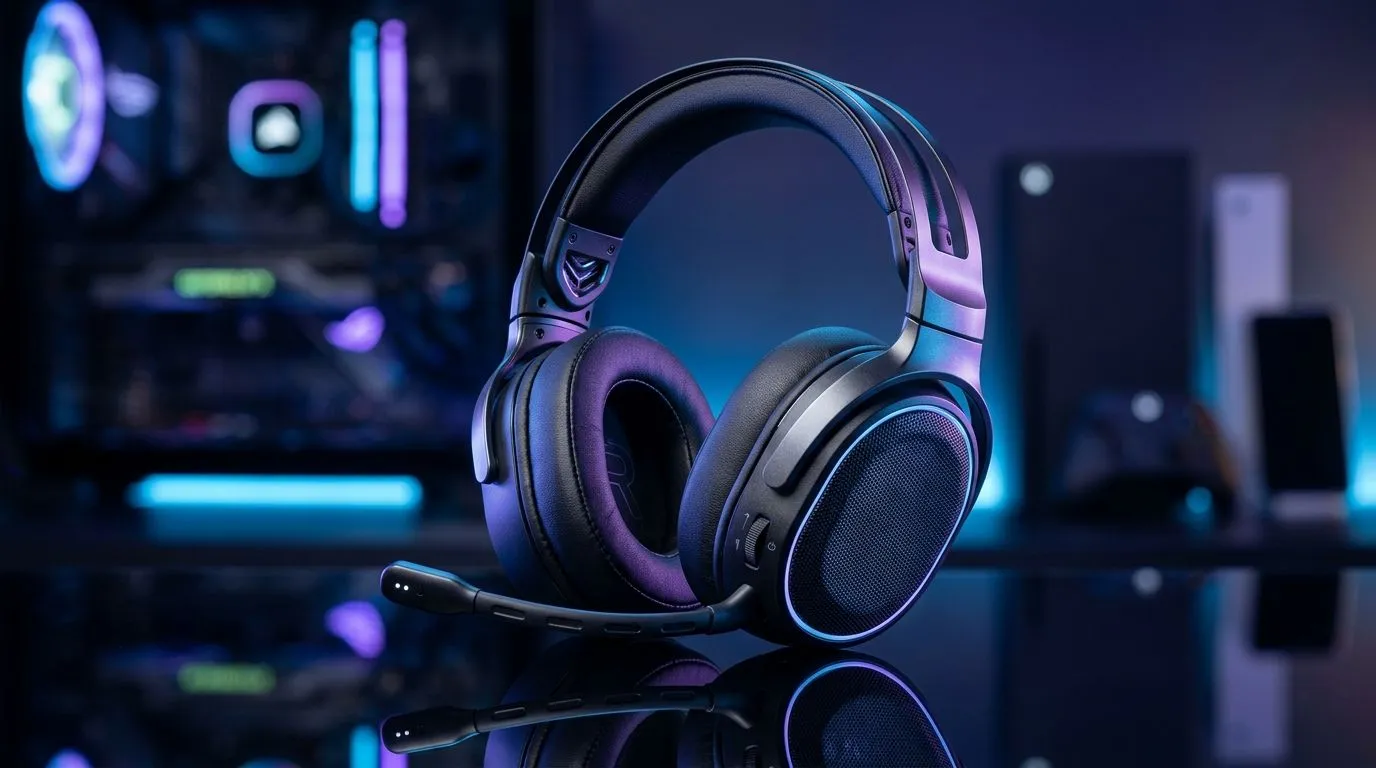
Walk into any South African gaming store and you’ll hear it immediately… “Will this headset work with my setup?” If you game on PlayStation, Xbox, PC, and even your phone sometimes, compatibility stops being a small detail. It’s the difference between crisp footsteps and a frustrating audio-only “setup mystery”. Let’s make it simple, so you can pick the right headset today and actually enjoy it tonight. 🎮✨
Most “it doesn’t work” problems come down to the connection. Here’s the quick reality check:
If you’re shopping in the Evetech ecosystem, start broad, then narrow by your platforms using our headset collections: https://www.evetech.co.za/components/headphone-headsets-100
Console audio support varies, even when the headset “looks” compatible. The biggest tips:
Want a specific wireless option? Take a look at the Razer Barracuda X Chroma (Wireless) listing and confirm its platform support before you commit: https://www.evetech.co.za/razer-barracuda-x-chroma-wireless-headset-phantom-white/best-deal/24367
Even when audio plays, mic monitoring and party chat behaviour can differ. Before you race into a match, do a 30-second test:
On PC, you usually get the most control. You can often adjust:
If you want to browse headsets and headphones with options that suit PC users, start here: https://www.evetech.co.za/PC-Components/razer-headphones-headsets-105
On Windows, open Sound settings and make the headset your default output and default input. Then test in a voice app (like Discord) before you start your game. This prevents “I can hear, but my teammates can’t” issues that look like compatibility problems, but are actually Windows device routing.
Mobile compatibility depends on whether you’re using:
For mobile, prioritise comfort and mic clarity. You’re swapping between calls, music, and games, so choose a headset that feels good for long sessions.
Before you choose, verify:
If you’re comparing options, filter by your main platform first, then confirm what changes on the others. That’s how you avoid the costly “wrong port” mistake.
Ready to Find Your Perfect Match? A great headset is about the right fit for your setup, and the right value for your budget in South Africa. Browse the latest deals and pick a compatible option without the guesswork. Explore our massive range of laptop specials and upgrade your gaming audio experience with confidence.
Most are, but check USB, 3.5mm, or Bluetooth support. Some PC gaming headset compatibility issues come from missing mic or driver support.
Many wired 3.5mm headsets work on both, but wireless support can differ. Always confirm console compatibility before you buy.
Yes, if your phone supports 3.5mm, USB-C, or Bluetooth. Mobile headset compatibility depends on the connector and mic support.
USB is great for PC features, 3.5mm is most versatile, and wireless offers freedom. The best option depends on your device and use case.
No. Wireless gaming headset compatibility varies by dongle, Bluetooth, and console support. Check the headset and platform list first.
Look for TRRS, USB, or platform-specific mic support. Headset compatibility guides often note whether voice chat works on each device.
Yes, adapters can help with 3.5mm to USB-C or split audio ports. They solve some compatibility issues, but not all.
Master using a Nano SIM 4G router as your primary internet solution. Get stable speeds and seamless connectivity for gaming and streaming at home! 🌐🚀
Read more
Confused by Cat4 vs Cat6 LTE routers? 🌐 We break down the technical differences to help you choose the right router for faster gaming and streaming. Get the speed you deserve today! 🚀
Read more
Learn how to setup a VPN server on your 4G LTE router to secure your remote access. Protect your data and browse safely from anywhere with our easy guide! 🌐🔐
Read more
Choosing the best 4G LTE router for South Africa ensures reliable internet when fibre is unavailable. Discover top connectivity tips for rural and urban areas. 🌐📶
Read more
Discover what is passive PoE and how it streamlines outdoor router installations. Eliminate messy cabling and simplify your network setup with this efficient power delivery method. ⚡🌐
Read more
Need to extend internet coverage to outbuildings or farms? 📡 An outdoor 4G router is the ultimate solution for stable, high-speed connectivity in remote locations. Discover how to boost your range and stay connected anywhere on your property. 🌐
Read more
Wondering if a TKL wireless mechanical keyboard is worth it for everyday productivity? We break down latency, battery life, comfort, and workflow gains for real work. ⚡⌨️

Maximise battery life on a fanless 15-inch laptop using efficiency core architecture. Cut idle drain, tune power profiles, and improve thermals for longer runtime. 🔋⚙️

Learn how to reduce desk clutter with a TKL wireless keyboard using fewer cables, smart placement, and tidy essentials. Get a faster, calmer workspace with better ergonomics. ✅🧼

RGB keyboard lighting too distracting? Learn how to manage backlight modes, set brightness, and reduce distraction for focus and productivity 😌🖱️

Are themed gaming keyboards worth the extra cost? Compare build quality, switch options, features, and resale value to find the best fit for your setup 🎮⌨️

Full-Size vs Tenkeyless mechanical keyboards for gaming: find out if a smaller layout truly improves aim, speed, and comfort. We break down layout, desk space, latency-feel, and keybinds 🎮⌨️

Dedicated media rollers vs function key shortcuts: learn which setup gives you better workflow control, faster media access, and fewer mistakes. 🖱️🎧

Best Mechanical Switch Type for Gaming: Clicky vs Linear vs Tactile. Find your feel, speed, and noise balance with practical guidance for FPS, MOBA, and productivity 😄🎮

Direct mouse answer: Mouse not keeping up with your work? Everything that matters about dual-mode 2.4GHz + BT 5.0: DPI behaviour, channel switching, battery curves and per-app button mapping. Covers when 2.4GHz USB wins (low-latency desk) and when BT 5.0 wins (laptop, d

Plain wireless mouse guide: Mouse not keeping up with your work? Everything that matters about wireless productivity mouse: DPI behaviour, channel switching, battery curves and per-app button mapping. Includes DPI tuning tips, channel switch shortcuts, and ZAR-aware fea

Real productivity numbers: Set up your wireless mouse in this order: everything that matters about wireless productivity mouse: DPI behaviour, channel switching, battery curves and per-app button mapping. Includes DPI tuning tips, channel switch shortcuts, and ZAR-aware

Pen not feeling like paper? Stylus lag and skipping usually trace to old drivers, dirty nibs, or display refresh mismatches, not the pen itself. Covers pressure curve tuning, tilt thresholds, nib swap timing, and SA pricing brackets.