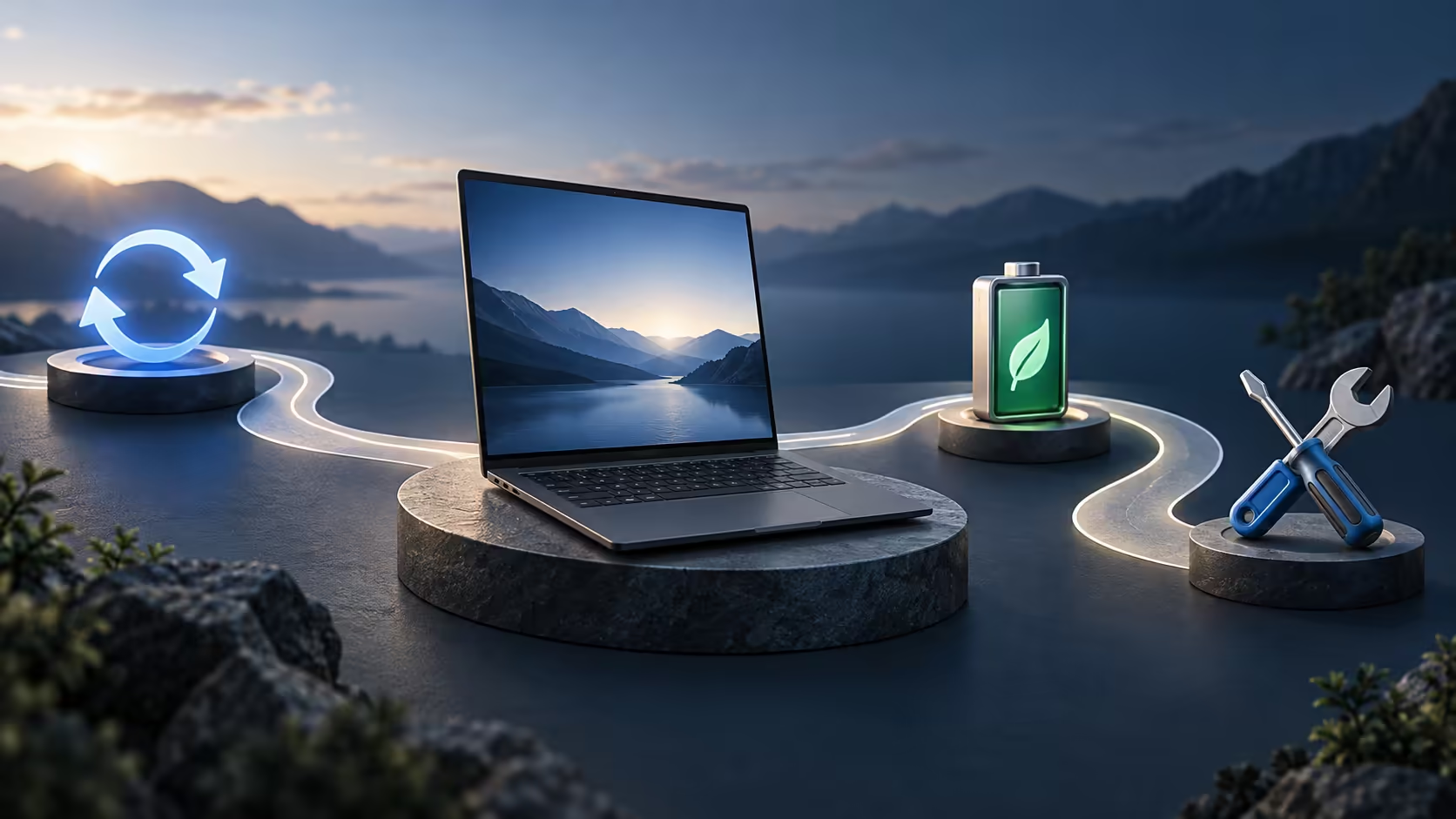
The purchase day is only the beginning of a laptop's cost. Googlebook long-term ownership depends on whether the machine keeps doing your work, receives the support you need and can be serviced without losing your files. Those questions deserve separate answers rather than one reassuring brand label.
Quick Answer
Evaluate software support, hardware service, battery replacement and recurring subscriptions independently for the exact Googlebook model. Do not carry a Chromebook update promise across to this new platform without a Googlebook-specific commitment. Build an ownership worksheet in Rand using actual local quotes when available; overseas launch prices cannot fill those local cost fields reliably.
📅 Separate the support clocks
A laptop can have several timelines running at once. The hardware warranty may cover specified faults for a stated period. Operating-system security support can follow a different policy. An application developer may change its supported versions independently. A promotional subscription can expire while the laptop itself remains perfectly functional.
Write these as separate rows rather than asking only how long the laptop will last. For software, ask what is supported, by whom and until when. If there is no confirmed end date in the available model documentation, record that as unanswered. An absent commitment should not be turned into either a lifetime promise or a claim that support ends soon.
Googlebook is distinct from Chromebook branding. Familiar Chromebook update policies are therefore not evidence for the new machine's lifecycle. The same caution applies to a manufacturer that sells both Windows and Googlebook models. A support page for a similarly named Windows laptop may have different firmware, parts and operating-system instructions.
Keep dated copies of the relevant terms or a clear reference to their published location. That makes later conversations about service more concrete. A recollection that the launch page said something about updates is much less useful than the exact model identifier and the policy that applied when you bought it.
🔧 Ask about the service process
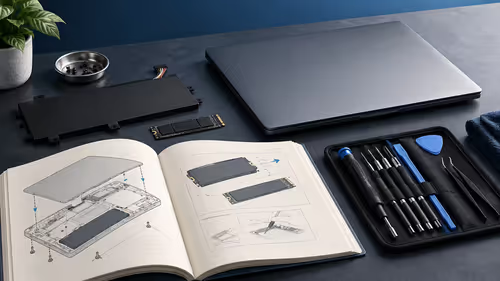
Repairability has two parts: whether a component can be replaced and whether you can obtain the right part and service. A theoretical replaceable battery does not establish a local supply route. A service centre listing does not prove it handles every Googlebook model sold by the same manufacturer.
Before purchase, ask where the chosen model is serviced, how a fault is logged and what proof of purchase is needed. Request the expected process rather than a vague reassurance. Will the machine be assessed first? Who provides a repair estimate? What happens to the storage during service? These practical details matter when the computer contains work you need daily.
Memory and storage deserve model-specific evidence. Google's launch configurations state capacity, but capacity alone does not identify a removable module. Do not budget on a future upgrade unless the relevant service documentation supports it. Buying a smaller configuration on the assumption that it can be expanded later can be an expensive planning error.
For context when assessing a future replacement, use Evetech's laptop selection tool to compare current hardware requirements. Keep that exercise separate from a claim that any listed machine has the same service policy or local support arrangement as a Googlebook.
🔋 Budget for changing needs and consumables
A battery is a wearing component. Useful runtime can change over years even when the laptop remains capable of running your applications. Ask how the battery is identified, who replaces it and whether a written estimate can be obtained. Avoid assigning a universal replacement interval: usage, temperature and the actual battery condition matter.
Software needs can change faster than hardware wears. A course might introduce a required application, a creative project might grow or a household might start sharing the machine more often. Keep a small list of the tasks that justified the purchase and revisit it periodically. The relevant question is whether the computer still serves those tasks, not whether a newer model exists.
Recurring services belong in the same ownership worksheet. A cloud-storage plan, creative application and game-streaming membership can each have their own terms. Launch offers should be checked for country and account eligibility, duration and what happens at the end. Do not count a benefit as a saving if you would not otherwise buy it.
As an illustrative budgeting method, compare annual totals rather than isolated monthly amounts. A hypothetical R100 service each month costs R1,200 over a year, before any change in its price. This is arithmetic for your worksheet, not a quote for a Googlebook service. Replace the example with the actual terms that apply to your account.
💾 Make service possible without a data crisis
Keep recoverable copies before a fault occurs. A computer that needs repair is the wrong place to discover that the only project copy is on its internal storage. Save the editable source, essential assets and finished outputs in a form another suitable device can open. Account recovery credentials should also remain reachable if the laptop is unavailable.
An independent copy can reduce the disruption of a service visit. Explore external archive storage once the required capacity and device compatibility are established. The drive is only part of the plan: copy a sample file back and open it so the recovery method has been tested.
When a repair estimate arrives, compare its total cost and likely benefit with a replacement that actually meets your needs. Include setup time and data migration, not only the component charge. An inexpensive repair may be sensible for an otherwise suitable laptop; replacing an unsuitable machine can be wiser than repeatedly paying to keep it running.
Keep the final decision grounded in the fault and the support information available at that time. Compare the proposed service with the work the laptop still needs to do. Good records let you make the decision with evidence when the time comes.
Frequently Asked Questions
How long will Googlebook receive updates?
Do not substitute a Chromebook policy for a Googlebook commitment. Obtain the exact model support statement and any end date before buying.
Is a warranty the same as software support?
No. Warranty coverage concerns defined product faults; software support, subscriptions and repair availability have separate terms.
Can a larger SSD guarantee a longer useful life?
More capacity helps only if storage is the limiting issue. Software support, battery condition and application needs also determine useful life.
Should I assume RAM can be upgraded?
No. Check the model service documentation. A 16GB launch specification does not establish removable memory.
Compare the whole ownership plan.
Use Evetech's laptop and storage ranges alongside confirmed support terms, recovery needs and your real annual software costs.