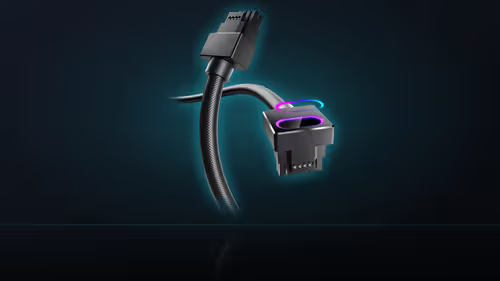
"It feels warm in there" and "that connector is hot to the touch" describe two entirely different observations, and mixing them up when talking to support sends a diagnosis in the wrong direction from the start. Heat at a connector is worth treating separately from general case warmth, because the two point at completely different causes.
Quick Answer
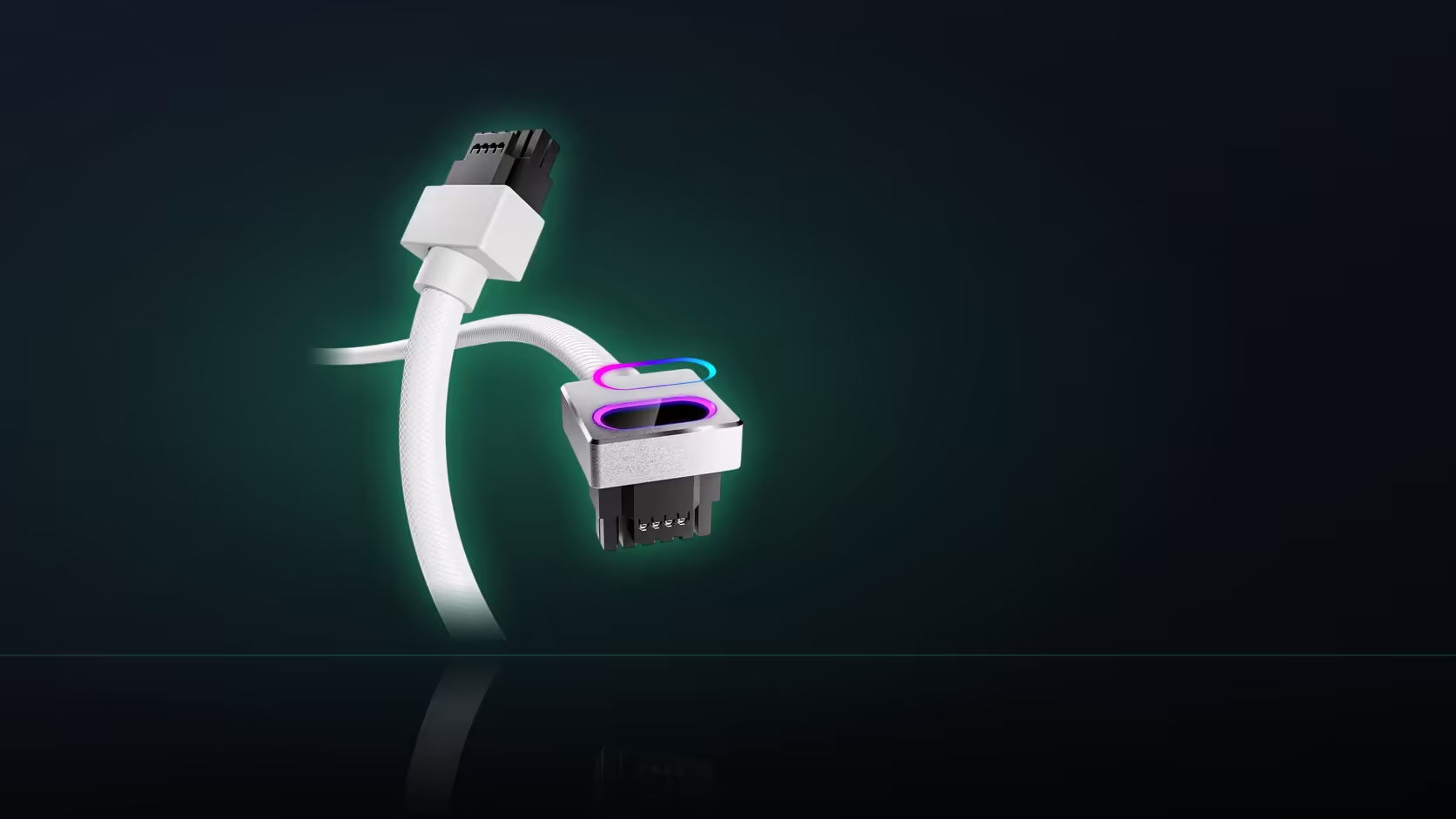
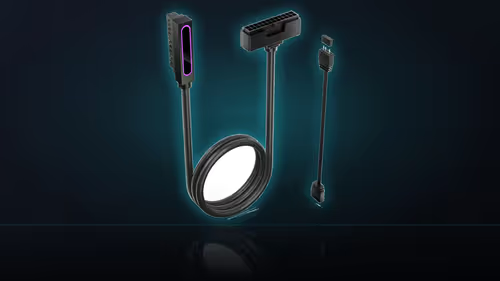
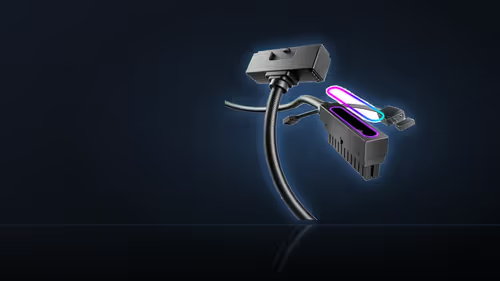
Warmth concentrated at a single connection - a 16-pin GPU power connector, for instance - is a different observation from a case that simply runs warm throughout, and the two need to be described separately when troubleshooting. Localised heat at a power connection, particularly on AsiaHorse's R699 Hydrus 16-pin cable, is worth investigating on its own rather than being folded into a general comment about case temperatures. General case warmth is addressed through airflow; a hot connector is addressed through the connection itself.
🌡 Two observations, two different meanings
A generally warm case interior reflects the whole system's thermal load interacting with its airflow - components generating heat, fans moving air, and the overall balance between the two settling at whatever temperature it settles at. That is a system-wide characteristic, and it affects everything inside roughly equally. Heat concentrated at one specific connection point is a completely different signal: it suggests something about that particular connection, not about the build's cooling as a whole, and treating it as part of general case warmth misses what it is actually telling you.
Which one is more concerning
Localised heat at a power connection is the observation that deserves closer attention, since it points toward the connection itself rather than toward airflow, fan curves, or dust buildup - the usual suspects behind a generally warm interior.
⚡ What localised heat at a connector usually means
An incompletely seated connector is the common explanation for concentrated heat at a power connection, which is exactly why AsiaHorse's instruction for the 16-pin cable calls for the connector to sit firm with no gap before the machine is powered on. A partial seat creates resistance at a point carrying meaningful current, and resistance under load generates heat right where the poor contact is.
🔧 What to actually do about it
Power the machine down first, always, before touching anything at a power connection showing signs of heat. Check that the connector is genuinely fully home with no visible gap, and look closely for any discolouration around the connector or the cable jacket near it - discolouration is a sign that heat has already been building there, not a decorative variation to ignore.
The pairing caution is relevant here too
Lian Li and Sharkoon units come up by name in AsiaHorse's own guidance, both flagged for a higher rate of damage reports when paired with the Hydrus 16-pin cable. If localised heat shows up on a build running either brand, that history is directly relevant to the investigation rather than a side note.
🌬 Addressing general case warmth instead
If what you are actually describing is the whole interior running warm rather than heat at one point, that is addressed through airflow, fan curves, and dust removal - entirely separate concerns from anything about a single connection, and solved with different tools and different checks. Airflow-improving hardware sits in the case accessories category, while cables that keep those same airflow paths uncluttered come from the cable solutions range.
🛡 Where the warranty fits into this
Discovering genuine heat damage at a connector is not a reason to hesitate before contacting support - the 1 Year Local Warranty on the Hydrus cable covers a defect in the product itself, and a connector that has visibly discoloured from a poor contact is exactly the kind of fault that cover exists for. What matters is the order of operations: power down first, inspect and photograph the damage before touching anything further, and only then reach out, since a photo of the discolouration at the moment it was found is more useful to a support conversation than a description written from memory after the machine has cooled and the evidence has faded.
None of this changes if a Lian Li or Sharkoon unit was fitted despite the guidance above - a genuine product fault is still covered no matter which brand of supply the cable was paired with, though mentioning that brand honestly when describing the issue helps support understand what they are looking at rather than working it out themselves later in the conversation.
🔁 Do not let one observation stand in for the other
The two observations in this piece are not exclusive of one another, and a build can genuinely show both at once - a case running warm overall from a dusty filter or an aggressive fan curve, and, separately, a specific connector running hot because it was never seated all the way home. Treating the second as an extension of the first, on the theory that "the whole case is warm anyway", is exactly the mistake worth avoiding, since fixing the airflow side does nothing for a connector with resistance building at a poor contact, and the connector issue will keep getting worse regardless of how well the rest of the case is cooled.
📞 Describing it accurately to support
Say precisely where the warmth is located and what the machine was doing at the time it was noticed - gaming under sustained load, idle, or immediately after startup all point in slightly different directions. That level of precision genuinely steers a diagnosis toward the right answer far faster than a general description of "it runs hot" ever could.
Frequently Asked Questions
What separates these two observations from each other?
One is warmth concentrated at a single connection. The other is the entire interior running warm, affecting everything roughly equally rather than one specific point.
Which of the two is more concerning?
Localised heat at a power connection, since it points toward that specific connection rather than toward the build's overall airflow balance.
What could cause heat concentrated at one connector?
An incompletely seated connection is the common explanation, which is exactly why the no-gap seating instruction exists for the 16-pin cable.
What is the first thing to do if this is noticed?
Power down the machine, then check the connector is genuinely fully home with no gap, and look for any discolouration nearby.
Does the supplier pairing caution apply to this situation?
Yes - Lian Li and Sharkoon are the two brands AsiaHorse names directly, and it is worth checking your own supply against that short list.
How is general case warmth addressed differently?
Through airflow, fan curves, and dust removal, all of which are separate from anything concerning a single connection point.
How should this be described to support for the fastest help?
Say exactly where the warmth is located and what the machine was doing at the time, since that detail points a diagnosis in the right direction.
Noticed heat somewhere it shouldn't be in your build?
Check the case accessories range for airflow improvements and the cable solutions category for power connections built for the load.