A capacity number tells you how much storage a laptop has, not whether that storage can be replaced. Googlebook repair planning needs evidence about the exact machine, the fault and the service route. Start by making the case clear enough that a technician can identify the device and understand what has changed.
Quick Answer
Use the precise model identifier and its service documentation to establish battery, memory and storage replacement options. Preserve recoverable files, collect a concise fault history and request a complete written estimate. Rand repair costs cannot be inferred from launch prices, so compare actual local quotes for the defined job rather than inventing a standard replacement fee.
🏷️ Identify the machine before the part
Record the full model designation and the manufacturer's serial or service identifier privately. Similar product names can cover different hardware revisions. The Googlebook brand identifies a platform family, while the manufacturer's model and service record identify the particular machine being assessed.
Keep the invoice and applicable warranty terms with that record. Manufacturer support systems commonly use a serial identifier to locate warranty information and documentation. Do not post the full identifier in public troubleshooting screenshots. Share it through the legitimate service channel when it is needed to identify your device.
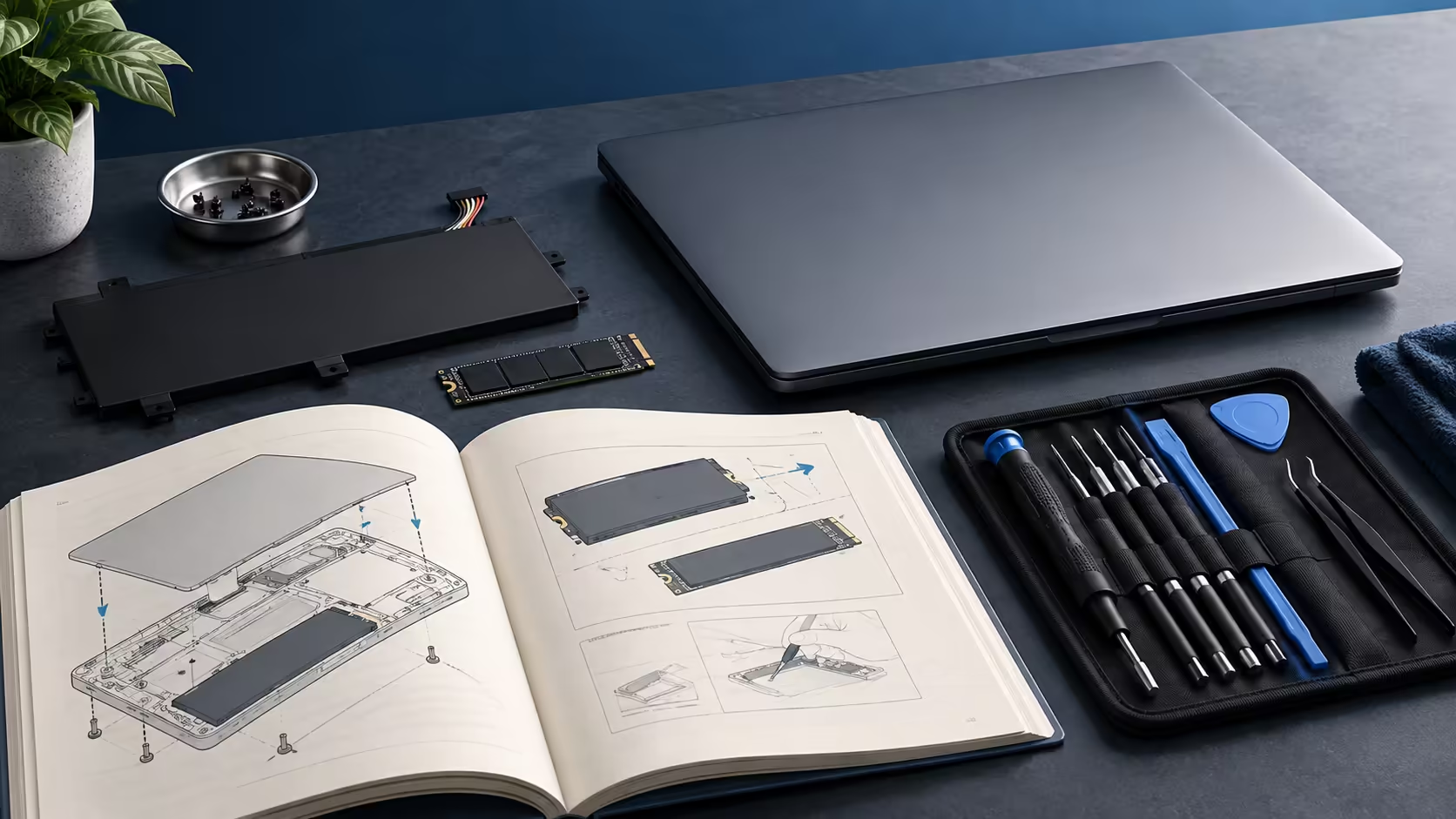
Find the service documentation for the exact variant. A Windows laptop with a similar chassis name is not a safe substitute. Internal connectors, component arrangements and firmware requirements can differ even when exterior photographs look familiar. A repair decision should not depend on visual resemblance alone.
Google's launch listings provide configuration information, including memory and storage capacity. Those figures do not establish removable modules, available spare parts or a customer replacement procedure. If the service documentation does not answer the question, ask the manufacturer before ordering a component or opening the machine.
🔍 Describe the fault as observations
Write what happens, when it began and the conditions that reproduce it. Battery runtime declining gradually is different from a device that will not charge at all. A missing file is different from storage not being detected. The clearer the symptom, the easier it is to avoid paying for a part that does not address the actual problem.
Record the equipment involved. If charging fails through a dock but works with the supplied charger, that difference belongs in the service case. If a display problem occurs only through one adapter, include that too. Simple comparisons can help isolate an accessory path without claiming that you have completed a hardware diagnosis.
List reversible steps already tried through supported instructions, such as restarting after saving work or checking the documented charger connection. Include exact error wording where available. Do not add speculative conclusions like failed motherboard when the evidence only shows an unexpected shutdown.
Avoid destructive experiments on valuable data. Repeatedly reinstalling software or resetting the device can erase evidence and create another problem. Ask the service provider which diagnostics are appropriate for the model and whether they affect stored files. Keep a record of the requested action and its result.
For future hardware comparisons, Evetech's laptop finder can help you identify replacements that meet your tasks. Make that comparison after the fault and repair proposal are clear, rather than treating every unexpected behaviour as a reason to replace the computer.
💾 Protect data before service
A service visit can involve resetting the system, replacing storage or exchanging the entire device. Confirm the provider's data-handling process, but do not rely on a repair technician as your only backup plan. Preserve important documents, original media and project dependencies while the machine is still accessible.
Open representative files from the recovery copy. A completed transfer does not prove that an archive contains all the linked assets a project needs. Keep the copy somewhere you can reach without the laptop being repaired. Account recovery methods should also remain available on an independent route.
Explore external SSD storage for a portable copy when the connection and file format are supported. Keep the storage separate from the repair parcel unless the service provider specifically requires it for the diagnosis. Sending every copy away together defeats the purpose of preparing a recovery route.
Remove unnecessary private material according to a deliberate plan after the backup is verified. Follow the manufacturer's instructions for any account or device preparation they require. Do not share passwords in an ordinary case description. If access is genuinely needed, use the service provider's documented process and understand its scope.
Battery swelling requires a different response from routine performance troubleshooting. Stop using and charging the machine, do not press or puncture the battery and obtain manufacturer guidance for handling and service. Do not force the case closed or improvise a shipping method. That situation should not become a do-it-yourself experiment.
🧾 Read the whole estimate
A useful quote identifies the diagnosed issue, proposed work, part, labour and other charges. Ask whether assessment, transport and any follow-up warranty are included. Clarify what happens if the initial repair does not resolve the symptom or another fault is discovered. A single parts price is not the total service decision.
Compare what the repair restores. Replacing a worn battery may make sense if the laptop otherwise meets your needs. Repairing one component in a machine that cannot run an essential application is a different calculation. Include expected downtime and the cost of setting up a replacement, while avoiding a prediction that every repair will extend life by a fixed number of years.
Keep the decision in actual Rand amounts from the applicable service provider and replacement listings. Battery replacement costs depend on the exact part, labour and service provider. An overseas spare-part listing also does not prove local availability, fitting costs or warranty coverage.
After service, check the original symptom and your essential workflow before closing the case. Confirm the returned device identity, inspect the work described and restore data through the proven route. Retain the service report with the original purchase record so a later issue has a clear history.
Good repair planning is mostly good identification and record keeping. It turns a vague broken-laptop problem into a defined job, protects the work stored on the machine and gives you a fair basis for deciding whether repair or replacement serves you better.
Frequently Asked Questions
Can Googlebook memory or storage be replaced?
The launch capacity figures do not establish serviceability. Use the exact model service manual and confirmed part information.
Is a similar Windows laptop manual sufficient?
No. Similar branding or appearance does not establish the same internals, parts, firmware or repair procedure.
What should I collect before requesting service?
Record the exact model, serial identifier, purchase proof, symptoms and steps already tried, while keeping private data out of the case notes.
Should I open a laptop with a swollen battery?
Stop using and charging it, avoid pressing or puncturing it and contact the manufacturer for safe handling and service guidance.
Make the repair decision with a complete picture.
Compare recovery storage and suitable replacement laptops at Evetech alongside the confirmed service estimate for your exact machine.