



Hot-Swappable PCB Architecture in Modern Keyboards: Guide
Learn hot-swappable PCB architecture in modern keyboards—what it is, how sockets and traces work, and how to pick the right board. Speed up swaps, reduce risk, and upgrade faster 🔧⚡
Read more- Audit preset limits - Map custom scenes and zones - Build automations and music sync Govee Home app lets you go beyond presets to craft scenes, schedules and smart automations for perfect lighting control. ✨📱
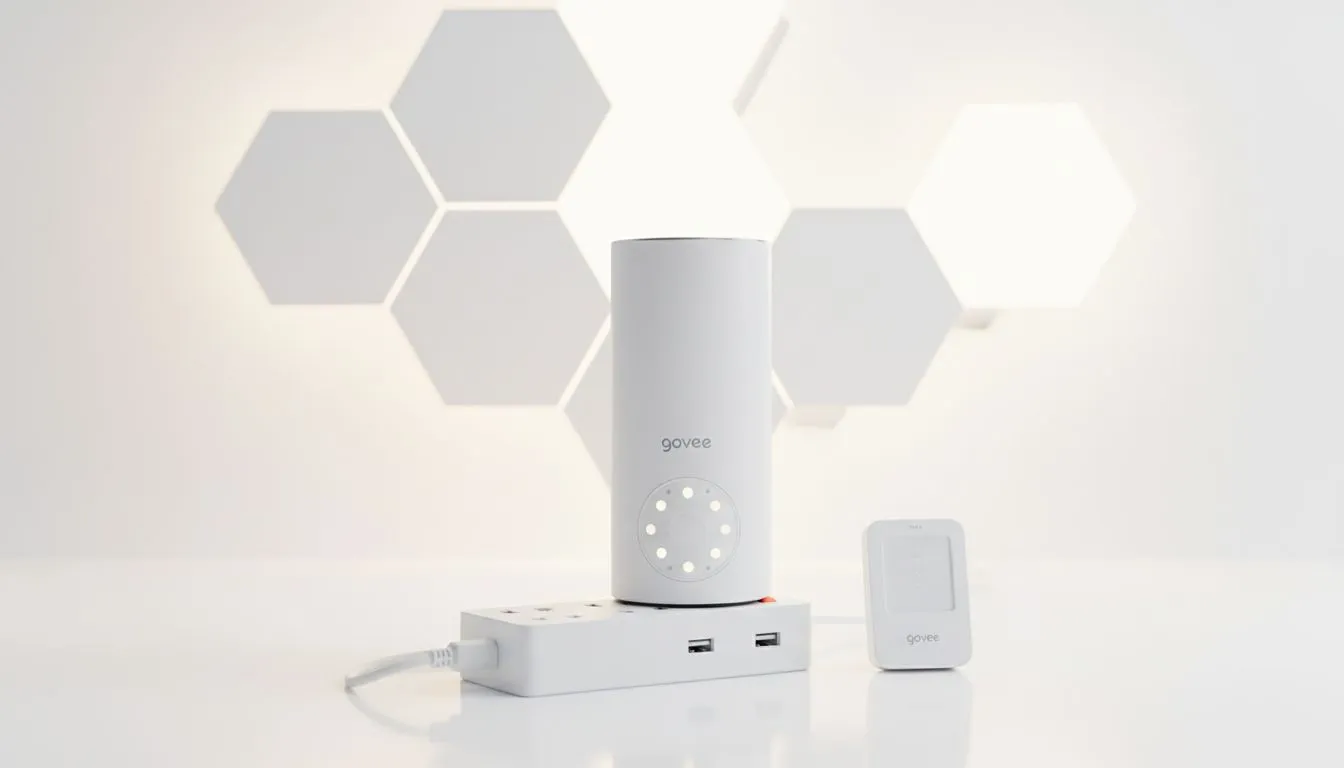
Tired of the same three RGB patterns? Most South African gamers settle for the "Rainbow Wave" and call it a day. But if you really want your setup to scream "Elite Tier," you need to master the Govee Home app. It is the secret sauce that turns standard LED strips into a bespoke light show, allowing you to customise your lighting beyond presets for a truly unique vibe.
The true magic happens when you stop relying on the "Movie" or "Gaming" buttons. When you dive into the Govee Home app, you gain access to segmented control. This means you can assign a different colour to every few centimetres of your LED strip. Imagine a sunset gradient that matches your desktop wallpaper perfectly... or a deep purple and neon teal aesthetic that brings your favourite synthwave tracks to life.
While you are picking out the best gaming accessories for your desk, remember that lighting is what binds the hardware together. The app allows you to save these custom creations as "DIYs," which you can share with a global community or keep as your own signature look.
The DIY section is where the Govee Home app separates the casual users from the enthusiasts. You are not just picking colours... you are choosing the speed of transitions, the direction of the flow, and even the "style" of movement, such as breathing or flickering. If you have spent a few thousand ZAR on a high-end monitor, you owe it to your eyes to have bias lighting that reduces strain while looking incredible.
Use the 'Group Control' feature in the Govee Home app to link multiple devices together. By creating a 'Scheme,' you can synchronise your wall glides, desk strips, and floor lamps to change colours simultaneously with one tap. It ensures your entire room remains colour-coordinated without having to adjust every device individually.
Beyond just static colours, the Govee Home app offers DreamView. This feature allows your lights to react to what is happening on your screen or to the beat of your music. It creates an immersive halo effect that makes your monitor feel larger than it actually is. For those hunting for the best gaming accessories deals in South Africa, adding smart lighting is often the most cost-effective way to upgrade the "feel" of your room without replacing your actual PC components.
Whether you are building a new rig or upgrading an existing one, the right gaming accessories provide the foundation for a professional-looking space. By taking the time to customise your lighting beyond presets, you ensure that your setup is not just another carbon copy... it is a reflection of your personality.
Ready to Level Up Your Setup? Transforming your gaming space starts with the right gear and the perfect lighting. For the best deals on peripherals and hardware in South Africa, we have you covered. Explore our massive range of gaming accessories and start building your dream battlestation today.
Open the device, tap Scenes, choose Create, pick colors/effects and save. Use 'govee app custom scenes' to arrange multiple presets.
Yes. Use the Automation or Schedule tab to trigger scenes by time, device or sensor. Great for daily routines and energy saving.
Assign each strip segment in Device Settings > Segment to control colors independently. Useful for complex layouts and zones.
Yes. Enable Music Mode or use the app's microphone-based sync. See 'govee app music sync setup' for responsiveness tuning.
Go to Device Settings and check for updates. Apply firmware updates to access new features and fix bugs safely.
Many Govee devices support Alexa, Google Home or IFTTT. Check Device Integrations in the app for 'govee app third-party integration' options.
Ensure stable Wi-Fi, latest firmware and app permissions. Recreate the effect and save as a Scene if the 'govee app diy effects' fails.
Learn hot-swappable PCB architecture in modern keyboards—what it is, how sockets and traces work, and how to pick the right board. Speed up swaps, reduce risk, and upgrade faster 🔧⚡
Read more
Mechanical switch lifespan explained—what the 50 million keystroke rating really means, plus tips to extend switch life and reduce double-press issues 🔧⌨️
Read more
60-percent vs full-size mechanical keyboard layouts—learn what each layout includes, who it suits, and how to choose the right fit 🧩⌨️ for typing, gaming, and productivity.
Read more
Double injection keycaps last far longer than standard printed keycaps in most setups. Learn typical lifespan ranges, what shortens them, and how to maximize durability for smoother daily typing and gaming 😊⌨️
Read more
Full-key anti-ghosting: does it stop missed inputs during fast-paced gaming? We break down latency, polling, and key matrix limits so you can buy smarter 🎮⚡
Read more
Protect mechanical keyboard switches from South African dust and summer humidity with practical cleaning and storage habits. Keep your switches smooth, reduce failures, and extend lifespan. 🌬️💧
Read more
Wondering if a TKL wireless mechanical keyboard is worth it for everyday productivity? We break down latency, battery life, comfort, and workflow gains for real work. ⚡⌨️

Maximise battery life on a fanless 15-inch laptop using efficiency core architecture. Cut idle drain, tune power profiles, and improve thermals for longer runtime. 🔋⚙️

Learn how to reduce desk clutter with a TKL wireless keyboard using fewer cables, smart placement, and tidy essentials. Get a faster, calmer workspace with better ergonomics. ✅🧼

RGB keyboard lighting too distracting? Learn how to manage backlight modes, set brightness, and reduce distraction for focus and productivity 😌🖱️

Are themed gaming keyboards worth the extra cost? Compare build quality, switch options, features, and resale value to find the best fit for your setup 🎮⌨️

Full-Size vs Tenkeyless mechanical keyboards for gaming: find out if a smaller layout truly improves aim, speed, and comfort. We break down layout, desk space, latency-feel, and keybinds 🎮⌨️

Dedicated media rollers vs function key shortcuts: learn which setup gives you better workflow control, faster media access, and fewer mistakes. 🖱️🎧

Best Mechanical Switch Type for Gaming: Clicky vs Linear vs Tactile. Find your feel, speed, and noise balance with practical guidance for FPS, MOBA, and productivity 😄🎮

Direct mouse answer: Mouse not keeping up with your work? Everything that matters about dual-mode 2.4GHz + BT 5.0: DPI behaviour, channel switching, battery curves and per-app button mapping. Covers when 2.4GHz USB wins (low-latency desk) and when BT 5.0 wins (laptop, d

Plain wireless mouse guide: Mouse not keeping up with your work? Everything that matters about wireless productivity mouse: DPI behaviour, channel switching, battery curves and per-app button mapping. Includes DPI tuning tips, channel switch shortcuts, and ZAR-aware fea

Real productivity numbers: Set up your wireless mouse in this order: everything that matters about wireless productivity mouse: DPI behaviour, channel switching, battery curves and per-app button mapping. Includes DPI tuning tips, channel switch shortcuts, and ZAR-aware

Pen not feeling like paper? Stylus lag and skipping usually trace to old drivers, dirty nibs, or display refresh mismatches, not the pen itself. Covers pressure curve tuning, tilt thresholds, nib swap timing, and SA pricing brackets.