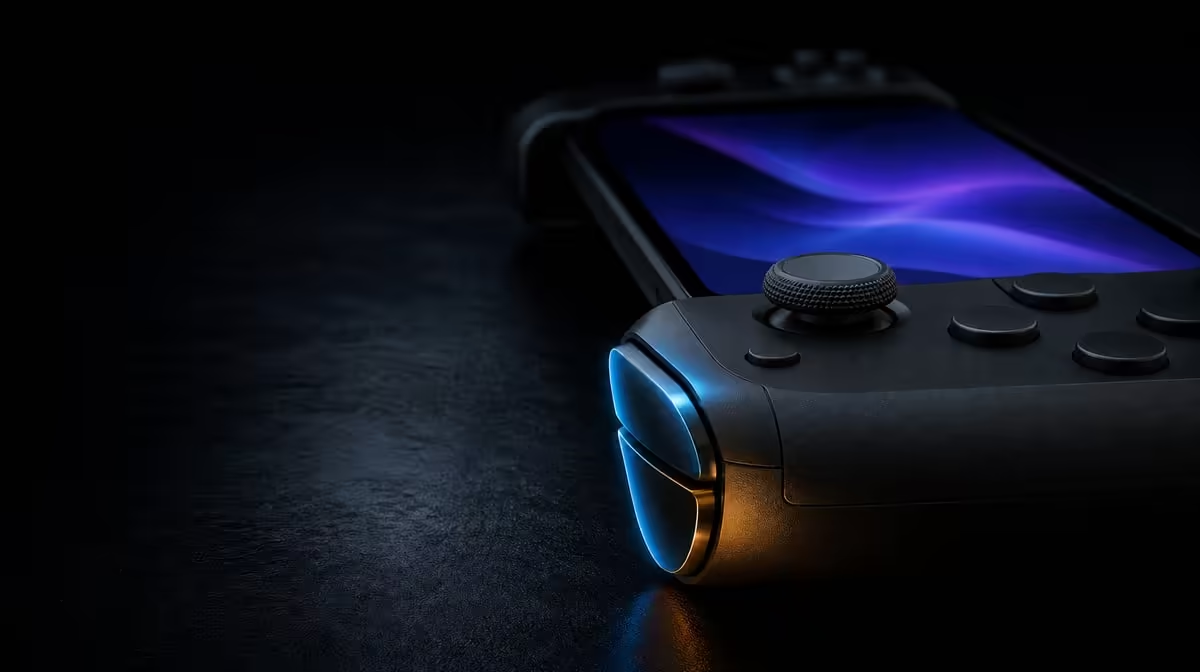
Sticks and triggers can both report more than an on-or-off command, but they do it in different ways. Hall Effect sticks and analog triggers on the GameSir X5s cover two-axis movement and graduated presses inside a R699 mobile controller. Understanding those distinct jobs makes setup, testing and game support much easier to judge.
Quick Answer
Hall Effect sticks sense two-axis position magnetically and are designed to resist contact-related drift, while analog triggers report progressive travel where a game supports it. The R699 GameSir X5s combines both. Test stick centre and range first, then check each trigger with a suitable graduated action rather than applying one setting to all controls.
🧲 Hall sticks measure direction around a centre
A stick moves left, right, forward and back, including combinations between those directions. Its sensing system must report position across two axes and return to a neutral point when released.
Hall Effect technology reads that position magnetically. Traditional potentiometer designs rely on physical contact along resistive tracks, which can wear. Removing that rubbing measurement surface is the basis for the X5s anti-drift description.
Set a baseline with the controller resting on a steady surface. Release both sticks, observe centre, move one around its range and let it return naturally. Repeat from multiple directions. This check reveals neutral consistency before game sensitivity or deadzone changes the feel.
Hall sensing is not immunity from every input issue. Calibration, software, storage pressure and physical damage remain relevant. The technology specifically reduces a contact-wear mechanism.
Name the symptom before changing a setting. Drift is unwanted neutral movement. Overshoot follows deliberate stick input. A dropped command may come from the connection. These problems can feel similar during a game but require different investigations.
Repeat the neutral check after travel or a major profile change. A short history of stable results is more useful than one perfect reading captured when the controller was new.
The Evetech gaming controller range lets players compare Hall control with other mobile controller priorities.
🏁 Analog triggers report one-direction travel
An analog trigger follows a different geometry. It begins released, moves through its travel and returns. In a game that supports graduated input, the action can respond to partial pressure rather than waiting for a simple full press.
Choose a title and action where progressive trigger behaviour is visible. Press slowly, observe the response, release fully and repeat. Consistency across several presses matters more than one rapid squeeze.
If the title treats the trigger as a digital command, inspect its controller support. The X5s can provide analog hardware while a particular Android game chooses a simpler interpretation.
Trigger behaviour should not be tuned with a stick deadzone assumption. A stick has a central area and two axes; a trigger has a starting point and one direction. Keep notes and settings distinct.
The release matters as much as the press. Let the trigger return fully and confirm that the action ends consistently. A graduated response that rises well but fails to settle still deserves investigation.
Use several attempts at different speeds. Slow travel reveals progression, while a normal press shows whether the control remains predictable in play. Do not assign an exact performance number that the test was not designed to measure.
🎯 Test the controls in sequence, then together
Begin with the Hall sticks and no gyro. Confirm neutral, fine movement and full range. Move to the triggers only after the stick baseline is stable. This separation prevents a graduated press problem from being mistaken for stick response.
Next, test both in a realistic sequence. Move or aim with the stick, then press a trigger slowly. Grip can change during the press, and that movement may affect stick control. Practising the combined action reveals ergonomics that isolated input views cannot.
Add a face-button action after the trigger. This three-input sequence shows whether the player's grip stays stable while moving between common controls. If aim shifts, adjust posture or response before blaming Hall sensing.
The X5s also includes 6-axis gyro. Disable it during the first stick test because controller tilt may move the view with untouched sticks. Add it later as a separate physical input and calibrate from a still position.
HD Vibration may alter grip during the same sequence. If feedback makes the test unclear, reduce it temporarily, then restore a comfortable level after stick and trigger behaviour are understood.
Browse Evetech gaming accessories once the controller's main inputs have passed their checks.
📱 Let game support shape the value
Android compatibility means the X5s belongs in a mobile setup, but each game determines whether it recognises external controls, partial trigger travel, gyro and feedback. Test the titles that matter rather than assuming one successful pairing settles the whole feature set.
Connection should remain stable during input diagnosis. Bluetooth provides receiver-free mobile use, while USB-C can create a direct comparison. Receiver-based 2.4GHz requires a dongle that is not included with the R699 controller.
Software customisation can organise profiles and adjust supported settings. Save a default before changing response. If a game profile makes the stick feel wrong, restore the baseline before recalibrating hardware.
Name profiles by device and game, and record why each setting changed. "Trigger test for racing title" is a useful purpose. "New setup" will be difficult to interpret weeks later.
At R699, the X5s puts Hall sticks and analog triggers in the same accessible package. The value is strongest for games that use accurate movement and graduated presses. A title that ignores one input does not erase the other, but it should reduce the weight given to the unused feature.
Buyers can score the two controls separately. Give Hall sticks weight for every game that depends on movement or aim. Give analog triggers weight only where graduated travel affects an action. This prevents an unused feature from being counted as highly as an everyday one.
The final judgement should include platform and connection. Accurate inputs have little practical value in a title that does not accept the controller, so compatibility remains the first pass.
End the evaluation with one repeatable control loop: connect, confirm default profile, move both sticks, press each trigger slowly and perform a combined game action. Record which inputs the title used progressively and which it treated digitally. This turns an explanation of Hall sticks and analog triggers into evidence about the specific games the buyer intends to play.
The Evetech accessories best-seller collection offers broader setup context after platform and game support have been proven.
Frequently Asked Questions
How do Hall Effect sticks read movement?
They sense changing magnetic position across two axes. This avoids the rubbing potentiometer tracks associated with a common drift source.
What makes a trigger analog?
It can report graduated travel rather than only released or fully pressed, provided the game interprets that range.
Why should triggers and sticks have separate tests?
Their movement, neutral points and game roles differ. Separate checks make a poor response easier to trace.
Can every Android game use partial trigger input?
No. The controller supplies analog trigger hardware, while each title decides how external input is read.
What does this control pairing cost?
The GameSir X5s is R699, combining its Hall sticks and analog triggers with wider mobile features.
Ready to judge each precision input on its own terms?
Compare gaming controllers at Evetech and choose stick and trigger hardware that your actual games can use.