



How to Use a Nano SIM 4G Router for Reliable Home Internet
Master using a Nano SIM 4G router as your primary internet solution. Get stable speeds and seamless connectivity for gaming and streaming at home! 🌐🚀
Read moreHDMI to VGA quality explained: learn what causes signal loss, resolution drops, and color shifts when converting, plus practical tips to preserve the best picture. ✅ Adapter picks and quick fixes inside. 🎯
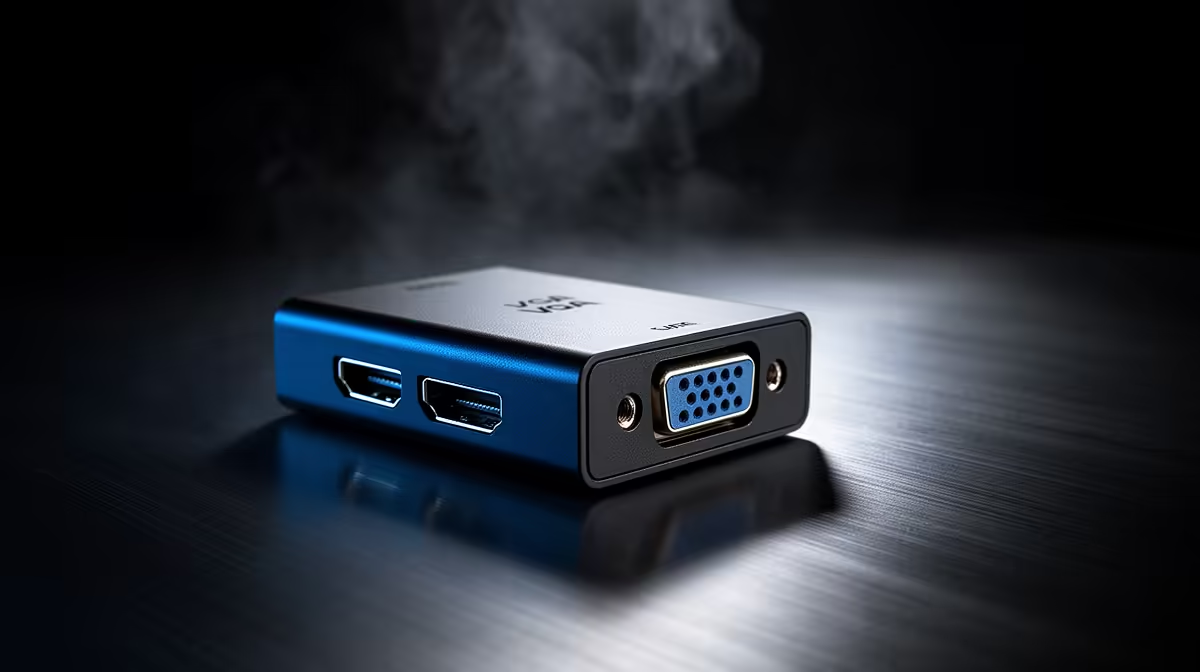
HDMI to VGA Quality: Does Converting Affect Picture? Short answer: sometimes — and it depends on the adapter and your screen. If you’re gaming on a budget monitor or patching an older projector into your setup, the difference can be visible. But with the right adapter you can keep things sharp and responsive. 🔧✨
Converting a digital HDMI signal to analogue VGA requires a digital‑to‑analogue conversion step. That can alter sharpness, colour fidelity and contrast, especially if the adapter is low quality or the cable run is long (VGA is analogue; HDMI is digital) (https://en.wikipedia.org/wiki/VGA) (https://en.wikipedia.org/wiki/HDMI). Older adapters may not support high refresh rates or modern colour depths.
If you care about competitive play, even small blur or ghosting matters. For casual streaming or office use, a good adapter will usually be fine.
Look for an active adapter with a built‑in DAC and proper shielding. Passive dongles only work when the source can output analogue signals. A well‑built active adapter reduces artefacts and supports a wider range of resolutions.
Cable management can make a surprising difference. Clean runs and premium sleeved cables lower the chance of interference; for neat builds check out NZXT’s premium sleeved cables for a tidy look and reliable signal. (https://www.evetech.co.za/PC-Components/nzxt-individually-sleeved-premium-cables-93)
Use a short, active HDMI-to-VGA adapter with metal shielding. Avoid long VGA extensions. If you see fuzz around text or banding in dark scenes, try a different adapter or a higher-quality VGA cable.
Test at your monitor’s native resolution first. If colours look off, confirm the adapter supports the monitor’s refresh rate and depth. If HDCP-protected content fails to play, conversion can be the culprit.
For RGB lighting and tidy cable runs in a living‑room rig or LAN setup, consider ARGB extension cables to keep everything organised and cool-looking — neat cabling reduces accidental strain on adapters and ports. (https://www.evetech.co.za/gamemax-12vhpwr-cable-b-argb-extension/best-deal/24244) 🚀
If your GPU or monitor has a native digital input, prefer digital-to-digital connections. But if you must bridge to VGA, investing in a quality active adapter and short, shielded cables will minimise loss. For new purchases, weigh cost and longevity: modern displays with native digital inputs avoid the whole issue.
Ready to Find Your Perfect Match? The Mac vs Windows debate is complex, but for maximum power, choice, and value in South Africa, Windows is hard to beat. Explore our massive range of laptop specials and find the perfect machine to conquer your world.
Yes. Converting digital HDMI to analog VGA can cause resolution limits and color shifts; a quality active adapter reduces signal loss and preserves hdmi to vga quality.
Blurriness often comes from poor DAC in the adapter, low-quality VGA cable, or mismatched resolution. Use an active adapter and set the monitor's native resolution.
Many active HDMI to VGA adapters support 1080p, but cheap or passive adapters may cap at 720p. Check adapter specs for hdmi to vga 1080p support.
Yes. VGA carries video only. Use an adapter with a separate audio output or route sound through your PC or external speakers.
Choose an active adapter. It contains a converter chip that preserves picture quality; passive adapters rely on device output and often cause signal degradation.
Use a powered active adapter, a short high-quality VGA cable, match native resolution and refresh rate, and update display drivers to boost image quality.
Conversion to analog can slightly alter color. High-quality active adapters and proper calibration minimize color shifts and improve hdmi to vga quality.
Master using a Nano SIM 4G router as your primary internet solution. Get stable speeds and seamless connectivity for gaming and streaming at home! 🌐🚀
Read more
Confused by Cat4 vs Cat6 LTE routers? 🌐 We break down the technical differences to help you choose the right router for faster gaming and streaming. Get the speed you deserve today! 🚀
Read more
Learn how to setup a VPN server on your 4G LTE router to secure your remote access. Protect your data and browse safely from anywhere with our easy guide! 🌐🔐
Read more
Choosing the best 4G LTE router for South Africa ensures reliable internet when fibre is unavailable. Discover top connectivity tips for rural and urban areas. 🌐📶
Read more
Discover what is passive PoE and how it streamlines outdoor router installations. Eliminate messy cabling and simplify your network setup with this efficient power delivery method. ⚡🌐
Read more
Need to extend internet coverage to outbuildings or farms? 📡 An outdoor 4G router is the ultimate solution for stable, high-speed connectivity in remote locations. Discover how to boost your range and stay connected anywhere on your property. 🌐
Read more
Wondering if a TKL wireless mechanical keyboard is worth it for everyday productivity? We break down latency, battery life, comfort, and workflow gains for real work. ⚡⌨️

Maximise battery life on a fanless 15-inch laptop using efficiency core architecture. Cut idle drain, tune power profiles, and improve thermals for longer runtime. 🔋⚙️

Learn how to reduce desk clutter with a TKL wireless keyboard using fewer cables, smart placement, and tidy essentials. Get a faster, calmer workspace with better ergonomics. ✅🧼

RGB keyboard lighting too distracting? Learn how to manage backlight modes, set brightness, and reduce distraction for focus and productivity 😌🖱️

Are themed gaming keyboards worth the extra cost? Compare build quality, switch options, features, and resale value to find the best fit for your setup 🎮⌨️

Full-Size vs Tenkeyless mechanical keyboards for gaming: find out if a smaller layout truly improves aim, speed, and comfort. We break down layout, desk space, latency-feel, and keybinds 🎮⌨️

Dedicated media rollers vs function key shortcuts: learn which setup gives you better workflow control, faster media access, and fewer mistakes. 🖱️🎧

Best Mechanical Switch Type for Gaming: Clicky vs Linear vs Tactile. Find your feel, speed, and noise balance with practical guidance for FPS, MOBA, and productivity 😄🎮

Direct mouse answer: Mouse not keeping up with your work? Everything that matters about dual-mode 2.4GHz + BT 5.0: DPI behaviour, channel switching, battery curves and per-app button mapping. Covers when 2.4GHz USB wins (low-latency desk) and when BT 5.0 wins (laptop, d

Plain wireless mouse guide: Mouse not keeping up with your work? Everything that matters about wireless productivity mouse: DPI behaviour, channel switching, battery curves and per-app button mapping. Includes DPI tuning tips, channel switch shortcuts, and ZAR-aware fea

Real productivity numbers: Set up your wireless mouse in this order: everything that matters about wireless productivity mouse: DPI behaviour, channel switching, battery curves and per-app button mapping. Includes DPI tuning tips, channel switch shortcuts, and ZAR-aware

Pen not feeling like paper? Stylus lag and skipping usually trace to old drivers, dirty nibs, or display refresh mismatches, not the pen itself. Covers pressure curve tuning, tilt thresholds, nib swap timing, and SA pricing brackets.