




IPS vs VA for Strategy and Sim Games in SA
IPS vs VA for strategy and sim games should be judged by fit, not a single winner. Compare compatibility, latency, capacity, upgrade path, cost planning, and South African setup needs.
Read moreHelldivers 2 lighting settings guide: dial in brightness, HDR, contrast and ambient tweaks to boost atmosphere and visibility on PC and consoles. Quick presets, monitor tips, and mood tweaks 🎮✨
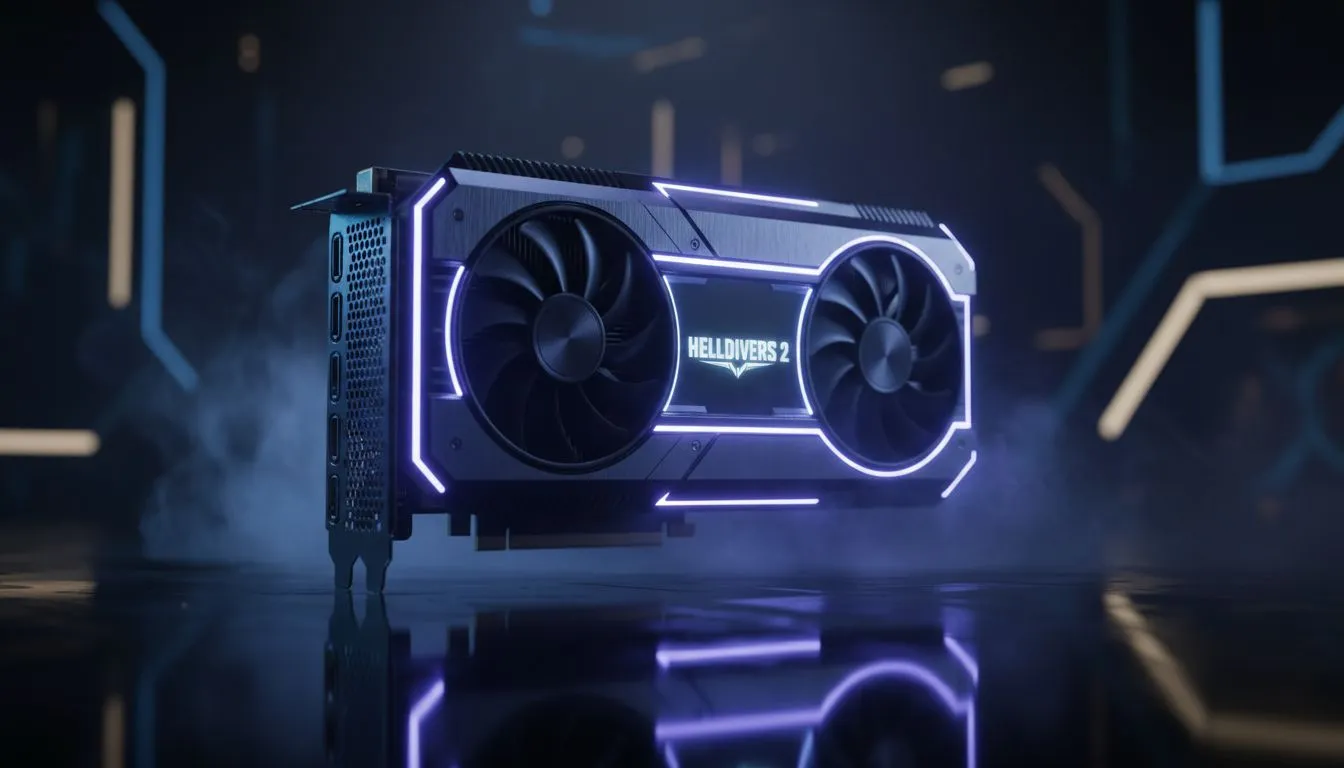
Spreading managed democracy across the galaxy is thirsty work, but doing it in the dark is even harder. In Helldivers 2, the right lighting settings can mean the difference between spotting a Stalker in the mist or becoming its lunch. Getting that perfect atmosphere without sacrificing your frame rate is a delicate balance every South African Helldiver needs to master. 🚀
The atmosphere in Helldivers 2 relies heavily on "Volumetric Fog" and "Volumetric Clouds". These settings create those iconic, moody vistas on planets like Malevelon Creek. However, they are also the biggest resource hogs. If you want to maintain a steady 60 FPS during a chaotic bug breach, consider setting Volumetrics to "Medium". This keeps the cinematic god-rays without turning your PC into a space-heater.
If your current rig is struggling to keep up with the visual demands, upgrading to the latest NVIDIA or AMD graphics cards can provide the headroom needed for these intensive effects.
Lighting in Helldivers 2 isn't just about brightness... it is about how light bounces off the environment. "Global Illumination" adds a layer of realism that makes the alien flora pop. Setting this to "High" is ideal for immersion. Shadows, on the other hand, can be dropped to "Medium" with very little perceived loss in quality during high-intensity combat.
For those who want a premium build that stays cool under pressure, MSI graphics cards are a fantastic choice for maintaining these high-fidelity settings.
If you find the atmosphere a bit too thick, try lowering the "Bloom" setting to 20% or 30%. This reduces the neon glow from stratagem beams and explosions, making it much easier to see enemies through the smoke and fire of the battlefield.
Not every Helldiver is running a top-tier enthusiast rig. Many local gamers are finding great value in newer entries to the market. For example, Intel Arc graphics cards offer surprisingly competitive performance in modern titles like this one. They handle the game's lighting engine well, provided you optimise your driver settings.
Interestingly, we have even seen users repurpose workstation graphics cards for their gaming setups. While these are designed for professional rendering, their high VRAM counts can help with texture streaming in Helldivers 2, though gaming-specific cards remain the recommendation for the best frame times.
If you find that your frame rate dips when the lighting gets intense, don't forget to use the built-in upscaling tools. For users who prefer raw power and great value in ZAR, AMD Radeon graphics cards work perfectly with FSR (FidelityFX Super Resolution). This allows you to keep your lighting settings on "Ultra" while the upscaler handles the heavy lifting to keep your gameplay smooth. ✨
By tweaking these Helldivers 2 lighting settings, you ensure that every drop onto a hostile planet feels as cinematic as intended. Whether you are fighting through a blizzard or a sandstorm, visibility and atmosphere should always go hand in hand.
Ready to Find Your Perfect Match? The battle for democracy requires the best hardware. For maximum power, choice, and value in South Africa, our range of GPUs is hard to beat. Explore our massive range of graphics card specials and find the perfect machine to conquer the galaxy.
Use moderate brightness, raised contrast, HDR on if available, subtle bloom, and medium shadow quality to preserve cinematic atmosphere and clarity.
Enable HDR if your display supports it; HDR settings improve tonal range and atmosphere but calibrate brightness to avoid washed highlights.
Higher contrast and correct gamma reveal shadow detail while keeping highlights punchy — adjust to balance atmosphere and enemy visibility.
Try a custom preset: HDR on, brightness -5 to 0, contrast +10, shadows medium, bloom low for cinematic mood and combat clarity.
Use a calibration tool or test images: set black level, adjust gamma to 2.2, tune brightness so dark areas keep detail for Helldivers 2.
Bloom adds cinematic glow; keep it low to avoid obscuring enemies. Motion blur can enhance realism but disable if it reduces target clarity.
Consoles often need lower brightness and bloom. PCs can use HDR and fine contrast controls for richer atmosphere and sharper visuals.
IPS vs VA for strategy and sim games should be judged by fit, not a single winner. Compare compatibility, latency, capacity, upgrade path, cost planning, and South African setup needs.
Read more
Gen 5 NVMe SSD guide for Bloemfontein gamers should be shortlisted around the job it must do. South African buyers should compare capacity, speed, thermals, and motherboard support, warranty path, and upgrade room before treating any pick as best.
Read more
Skip the RTX 5070 if your first-time builder budget needs better balance. Better SA picks can free room for the right CPU, PSU, case, monitor, storage, and cooling while still giving a strong first gaming PC experience this year in South Africa.
Read more
RTX 5080: weighing the pros and cons for SA should be shortlisted around the job it must do. South African buyers should compare GPU tier, VRAM, cooling, and PSU headroom, warranty path, and upgrade room before treating any pick as best.
Read more
Core i5-13400F gives South African PC builders a capable mid-range CPU choice with clear limits. Check its gaming fit, discrete GPU requirement, LGA1700 platform costs, and upgrade path before locking in your parts list.
Read more
Pros and cons of the Wi-Fi 7 routers for SA should be shortlisted around the job it must do. South African buyers should compare WiFi standard, coverage, latency, and device support, warranty path, and upgrade room before treating any pick as best.
Read more
Steam content servers unreachable needs a download-path check, not an immediate reinstall of every game. Restart the client, inspect download settings and compare another connection when practical. Clearing the download cache is separate from deleting installed games.

Keychron G6 HE has built-in and swappable battery versions with different weights. The product brief lists 42g and 46g respectively, each with a 3g tolerance. Choose by grip and battery preference before treating one headline weight as universal.

Corsair HS80 v2 MAX supports 2.4GHz wireless and Bluetooth. Its maximum battery figures use RGB-off conditions and differ by connection. Check microphone routing, comfort and the exact device support before assuming every wireless mode behaves alike.

Windows taskbar notification badges can be shown or hidden in Taskbar behaviours. This changes the small app indicators, not the underlying messages. Choose a calmer desktop while keeping a deliberate routine for checking important conversations and app updates.
Windows taskbar notification badges can be shown or hidden in Taskbar behaviours. This changes the small app indicators, not the underlying messages. Choose a calmer desktop while keeping a deliberate routine for checking important conversations and app updates.

Windows USB device in use can mean a program still has the drive open. Finish transfers and close files before retrying ejection. Better performance caching requires safe removal; a replacement drive is not the first fix for an open-file warning.

Windows Nearby Sharing not working starts with feature, Bluetooth and visibility checks on both PCs. My devices only depends on matching Microsoft accounts. Test a small harmless file before buying networking hardware or changing your home router.

Windows hardware reserved RAM is different from memory used by applications. Compare installed memory with firmware detection and the usable amount before buying modules. Reservations and reporting limits vary by system; no universal setting restores every byte.

Windows title bar window shake can minimise other open windows when you shake the active window by its title bar. Inspect the Multitasking setting and switch it off if that gesture interrupts your work. The preference costs R0 and does not require new hardware.

Windows Print Screen opens Snipping Tool when its keyboard preference is enabled. Change the option under Accessibility, Keyboard to choose another workflow. Test whether you need a clipboard image or a saved file.

Windows desktop icons missing may be a visibility setting. Right-click the desktop, choose View and inspect Show desktop icons. If only system icons are absent, use Desktop icon settings. Check the Desktop folder before assuming files were deleted.

Windows set time zone automatically greyed out calls for a location and device-policy check. Automatic time-zone selection relies on location services. A manual time-zone choice is separate from synchronising the clock; check both before replacing hardware.