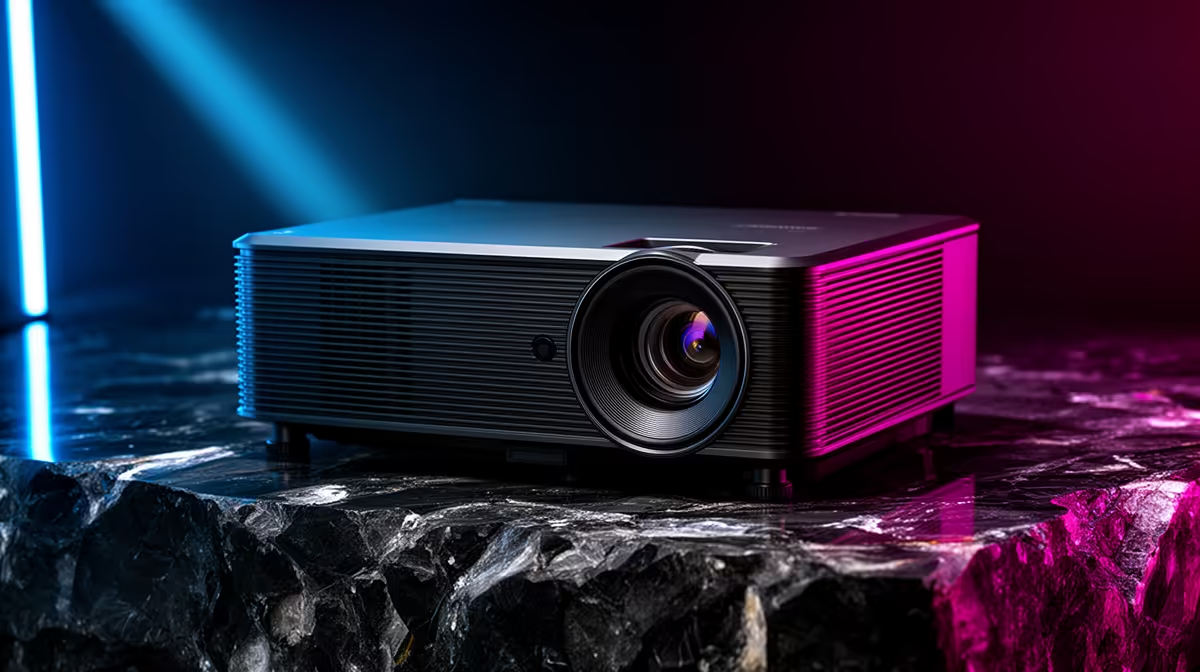
A home projector can be worth buying for older-console emulation when a large shared image and lounge atmosphere matter more than sharp desktop text or competitive response. Scaling, processing delay and refresh behaviour must suit the emulator and games.
Test classic motion and pixel scaling on the intended wall
Measure throw distance, seating and room light, then run several supported titles with scrolling backgrounds and timing-sensitive input. Compare native aspect ratio, integer-scaling options and game mode. Check whether fan noise or speaker delay distracts at normal volume.
The Yaber T1 Pro FHD HDR10 projector at R2,900 and a ViewSonic portable LED projector with Harman Kardon audio at R5,996 are verified projector references. Their listings do not establish emulator latency, scaling quality or fit for a chosen room. Confirm current inputs, native resolution, supported refresh, throw behaviour and warranty.
Use emulator software and game content within applicable rights, and protect personal save files and configuration. Set a neighbour-friendly volume, keep ventilation clear and secure cables away from walkways. A monitor may handle original pixel structure and small menus more cleanly.
Buy a projector for shared scale after a real game test. For solo desk play, a responsive monitor and simple stereo sound can be more practical.
Preserve an easy monitor fallback for configuration changes that become unreadable on the wall.
Building a retro game room? > Compare Evetech projectors against the emulator, wall and response test.