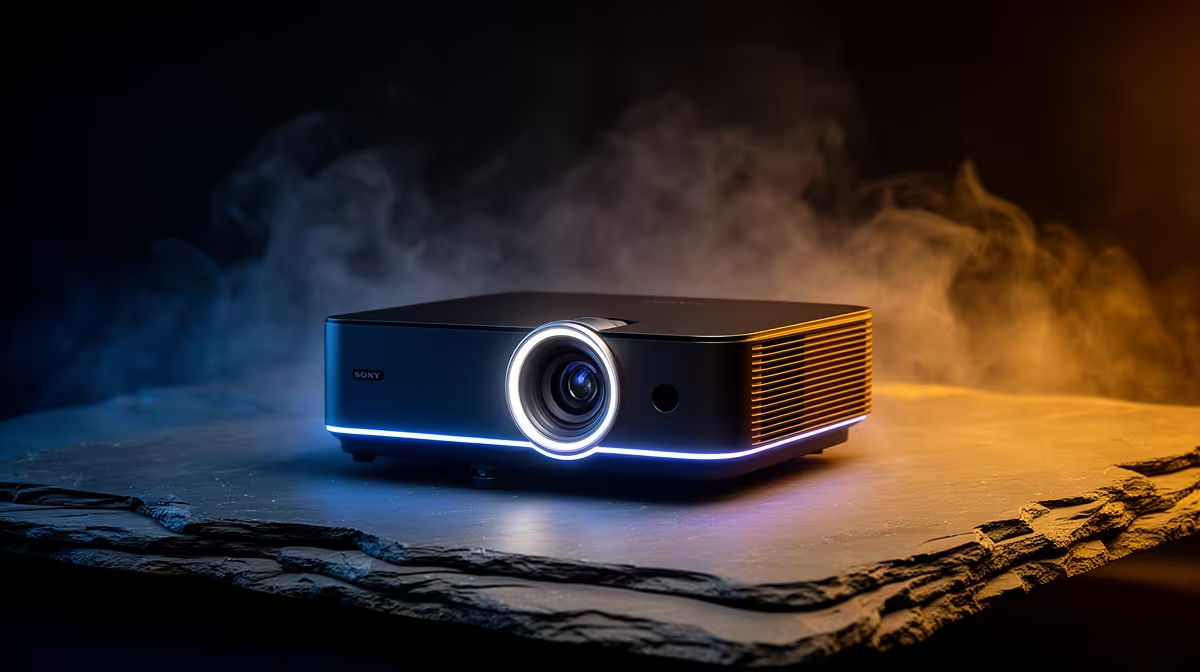
A home projector is useful to a podcaster only for shared show review, guest visuals or occasional video episodes. It does not improve microphone sound, room acoustics or editing speed, and fan noise or light spill can complicate recording in a small studio.
Rehearse with microphones open
Project the normal run sheet, remote guest window or review clip at the intended size. Record room audio while the projector warms up, then listen for fan noise and echo. Check whether the image remains readable without lighting that harms camera exposure.
The Yaber T1 Pro FHD HDR10 projector at R2,900 and ViewSonic portable LED projector with Harman Kardon audio at R5,996 are verified visual references. The NearStream USB/XLR microphone at R676 is a separate audio option. These listings do not establish quiet operation, room suitability or device compatibility. Confirm current inputs, throw guidance, focus, audio outputs and warranties.
Mount or place equipment securely, protect walking routes and allow ventilation. Monitor through headphones, because the microphone may hear noise that seems minor from the chair. Keep episode originals and edits in independent versioned backups.
Buy when shared visuals improve a recurring production task without degrading sound. A normal monitor or television may be quieter and clearer for one host working at a desk.
Adding visuals to a podcast room? > Compare Evetech projectors and microphones after the noise rehearsal.