Quick Answer
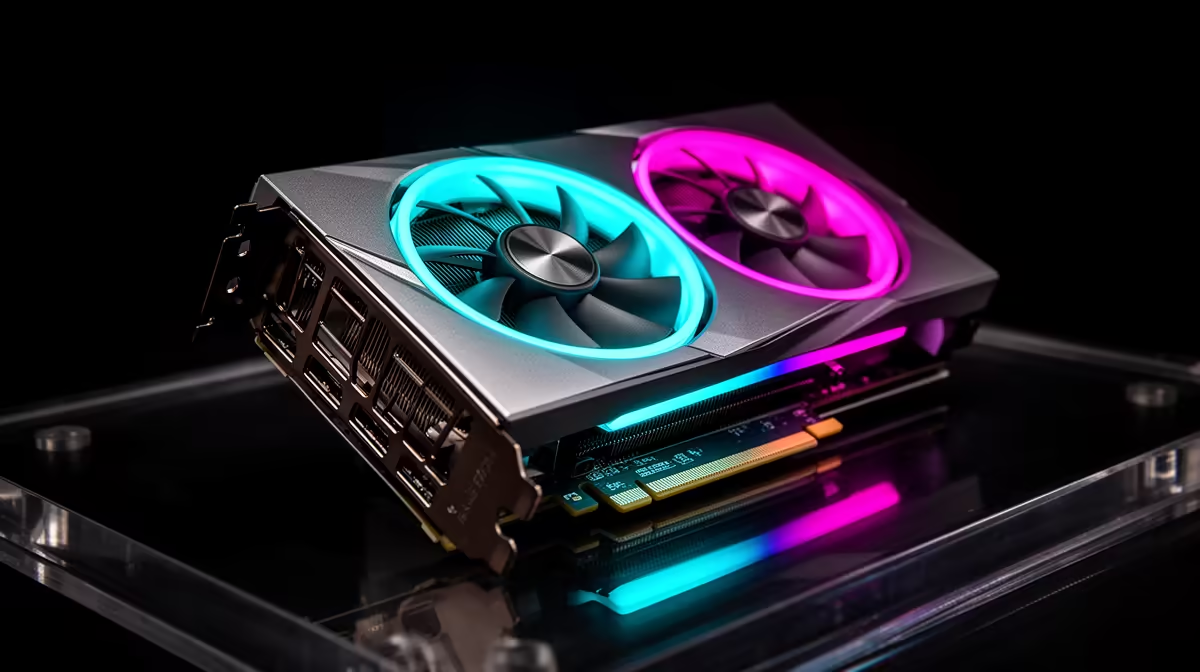
0-dB GPU fan mode stops the cooling fans completely during idle and light workloads, relying on passive heatsink cooling. Performance is unaffected because fans spin up automatically once the GPU hits its temperature threshold, typically 50 to 60 degrees Celsius. The result is a completely silent PC during browsing, streaming, and productivity tasks with full active cooling the instant gaming begins.
The Physics Behind Passive GPU Cooling 🔧
At idle, a GPU generates under 20W of heat. The heatsink on a modern dual-fan card has enough surface area and copper heat pipe capacity to dissipate this passively into case air. Fans are simply not needed at low thermal loads, and stopping them eliminates the primary noise source in a typical desktop PC.
The GPU firmware monitors die temperature continuously and triggers fan spin-up the moment passive cooling capacity is approached. Cards designed for 0-dB mode have heatsinks engineered for both the passive phase and high-speed gaming operation. Not every GPU cooler supports 0-dB safely; only those with a sufficient passive thermal budget include the feature.
How Smooth Is the Fan Start-Up Transition? 🖥️
The fan activation threshold sits between 50 and 60 degrees Celsius on most RTX 50-series and RTX 40-series cards. Fans start at a low RPM of around 800 to 1,000, ramping smoothly based on a temperature curve rather than jumping to full speed. The transition from silent to active cooling during the first seconds of gaming is inaudible at normal desk distances.
By the time the GPU reaches gaming loads above 50W, the fans are already spinning at their starting speed and increasing gradually. This smooth ramp is one reason 0-dB mode is standard on gaming GPUs rather than reserved for workstation cards.
Real-World Noise Reduction in a SA Home Setup 🔊
In a typical South African home office or student room, GPU fans are the loudest component during desktop use. CPU coolers on modern Ryzen 7000 or Core Ultra 200-series chips run quietly at idle, and case fans at low speed are nearly inaudible. With 0-dB GPU mode active, total system noise during browsing, streaming on Showmax, or studying drops to near-zero from conversational distance.
This matters for SA students sharing res rooms or digs where a noisy PC is a genuine distraction. A card like the Palit RTX 5060 Dual 8GB benefits from 0-dB at idle while delivering full gaming performance when needed, without any trade-off between the two modes.
Pair 0-dB GPU Mode With a Zero-RPM CPU Cooler ⚡
Combine a 0-dB GPU with a CPU cooler that also supports fan stop, such as the Noctua NH-D15 or be quiet! Dark Rock models. Enable zero-RPM mode in your BIOS by setting the CPU fan stop temperature to around 50 degrees Celsius. With both GPU and CPU fans stopped at idle, your PC runs in complete silence during non-gaming use.
FAQ
Does 0-dB mode work in all games or only light ones?
0-dB mode is based purely on GPU temperature, not the specific application. Any workload keeping the GPU below the activation threshold will keep fans off. Demanding modern games will always trigger fan spin-up as GPU temperature climbs past 50 to 60 degrees Celsius.
Can I disable 0-dB fan mode if I prefer fans always running?
Yes. Set a minimum fan speed of 20 to 30% across the full temperature range in MSI Afterburner. This overrides the 0-dB firmware setting and keeps fans spinning constantly for users who prefer steady airflow.
Does 0-dB mode help most at night or in quiet environments?
Yes. At night in a quiet SA home, even slow GPU fan noise is noticeable from under 50 cm. With 0-dB active during late-night browsing or video playback, the PC is essentially inaudible, reducing fatigue during long study or productivity sessions.
Want a GPU that is silent when you need it and powerful when gaming?
Evetech stocks a wide selection of 0-dB capable graphics cards from the RTX 50-series and RX 9000-series. Browse the graphics card category for dual-fan and triple-fan options with 0-dB mode included.