Quick Answer
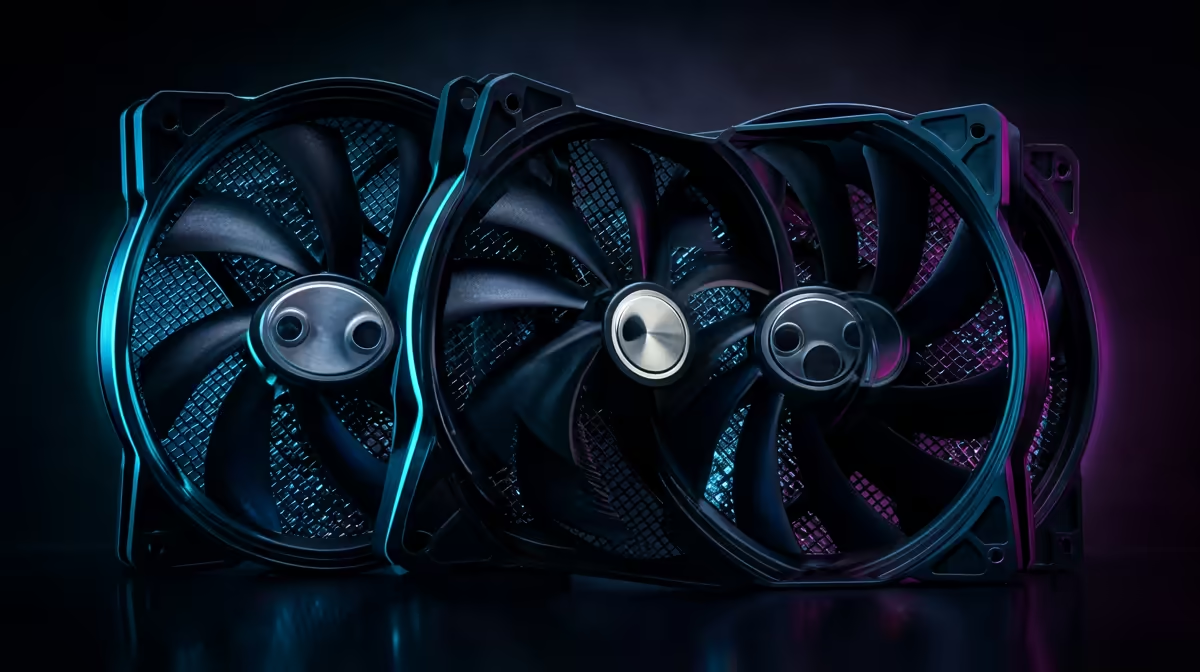
140mm radiator fans move more air per revolution than 120mm fans and run quieter at equivalent airflow, but they require wider radiators and cases designed to accommodate their larger frame. Choosing the right 140mm fan blade profile, high static pressure versus airflow-optimised, has a measurable impact on both cooling performance and acoustic noise levels.
Static Pressure vs Airflow: Choosing the Right Blade 🌬️
Radiator fins resist airflow. Pushing air through them requires a fan designed for high static pressure, not one optimised to move large volumes of open air. High-static-pressure 140mm fans, such as the Noctua NF-A14 PWM, be quiet! Silent Wings 4 140mm or Corsair LL140, use steep blade pitch and narrow tip clearance to maintain airflow through the dense fin stacks of a 360mm or 420mm radiator. At 1,200 RPM a quality high-static-pressure 140mm fan typically delivers 25 to 30 CFM through a radiator, where a generic airflow fan at the same speed might deliver 18 to 22 CFM. That gap directly translates to a 3 to 6 degree Celsius difference in coolant temperature under sustained load. Individual quality 140mm fans retail from around R350 to R950 each locally, so if you are replacing bundled fans on a 420mm AIO with three premium units, budget R1,050 to R2,850 extra.
Noise Levels: What RPM Targets to Set 🎧
Fan noise increases steeply with RPM. A 140mm fan running at 800 RPM produces roughly 18 to 22 dBA, which is nearly inaudible inside a closed case. At 1,400 RPM the same fan climbs to 28 to 34 dBA, noticeable but not distracting. At maximum speed, typically 1,800 to 2,000 RPM, most 140mm fans reach 38 to 45 dBA, which is loud enough to hear clearly in a quiet room. For a PC used in a South African home office or streaming setup, targeting a 1,000 to 1,200 RPM maximum under gaming load keeps noise below 30 dBA while still maintaining adequate cooling for mid-range CPUs. Only spike to higher RPMs during sustained all-core renders. Configuring a custom fan curve in your BIOS or using software like ASUS Armoury Crate lets you set temperature-based ramp targets.
Case Compatibility: Where 140mm Fans Fit and Where They Don't 🏗️
140mm fans are wider than 120mm fans by 20mm per side, so cases designed for 120mm radiator mounts physically cannot accommodate them without modification. When planning a 280mm or 420mm radiator build, confirm that your case specifies 140mm fan support on its radiator mounting positions. The front intake is typically the most compatible position for large radiators, while top mounts may be limited by motherboard clearance. Cases like the Fractal Design Define 7, Lian Li Lancool III and be quiet! Pure Base 500FX explicitly list 140mm top and front support. In South Africa, mid-tower cases that support 420mm front mounts are less common in the sub-R2,500 price bracket, so be prepared to spend R2,800 to R4,500 for a case with full large-radiator compatibility.
Run Fans in Push-Pull on Thick Radiators ⚡
If your 420mm radiator is 38mm or thicker, adding a second set of 140mm fans on the opposite face in a push-pull configuration lowers coolant temperature by 3 to 5 degrees Celsius under sustained load compared to push-only. At the same fan RPM you get better performance, or you can drop RPM by 200 to 300 to match the same temperature target with significantly less noise.
FAQ
Can I replace the stock fans on my AIO with better 140mm fans?
Yes, in most cases the radiator uses standard M3 screw mounts that accept any 140mm fan.
Do 140mm fans always outperform 120mm fans on radiators?
At equivalent RPM, yes: a 140mm fan moves more air through the same radiator area.
How long do 140mm radiator fans last?
Premium 140mm fans with fluid dynamic or dual ball bearings are rated for 150,000 to 300,000 hours MTTF.
Upgrading your radiator fans for better cooling and quieter operation?
Browse Evetech's selection of 140mm case and radiator fans with local stock, covering everything from silent daily-use options to high-static-pressure workstation cooling.