Quick Answer
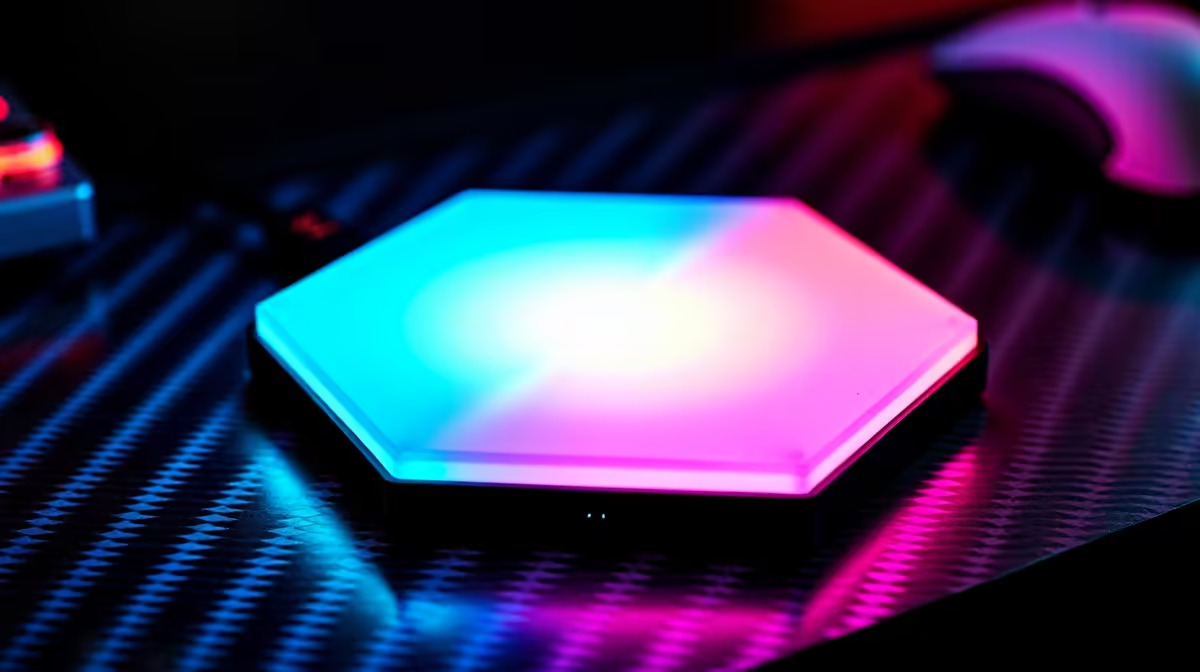
Setting up USB-powered hexagon RGB lights for a gaming desk takes under 30 minutes. Peel the adhesive backing on each panel, arrange your chosen shape on the wall behind the desk, connect the linking cables between panels, then plug the controller into any free USB-A port on your PC or monitor hub.
Laying Out Your Hexagon Arrangement 🖥️
Before sticking anything down, do a dry run on a flat surface. Most hexagon panel kits let you build honeycomb clusters, straight rows, or staggered grids. A seven-panel cluster fills roughly 60 cm x 55 cm of wall space, which suits a standard 1.2 m gaming desk backdrop. Use painter's tape to mock up positions on the wall first. Avoid mounting directly above your monitor if the panels sit flush, since glare bounce can wash out your display during daytime. The best position for most SA setups is slightly to the left or right of the monitor at eye level, or on the side wall of a compact bedroom gaming corner.
Connecting and Powering the Panels 🔧
Link each hexagon to its neighbour using the short magnetic or click-in connector cables included in the kit. Most USB-powered kits draw between 5 V/1 A and 5 V/3 A total, within spec for a USB 3.0 port on your PC case or a powered USB hub. Avoid running them off the thin USB port on older monitors; those often cap at 500 mA and may cause flickering. Plug the master controller in last and the system should self-illuminate immediately. Download the companion app before first boot so firmware updates can run while you configure colours.
Customising Effects and Syncing to Your Setup ✨
Most hexagon systems offer static colour, breathing, strobe, rainbow wave, and reactive modes. For a gaming desk, the most immersive setting pairs a slow colour cycle on wall panels with matching static colour on your monitor backlighting. If panels support music sync, orient the mic side of the controller toward your speakers rather than your headset. Kits stocked at Evetech in the R300 to R700 range typically include a remote with at least 20 preset effects, while the R700 to R1,500 bracket adds app control with per-panel scene editing.
Adhesive Longevity Tip ⚡
SA summers push wall surface temps higher than panel adhesives are rated for. Clean the wall with isopropyl alcohol and let it dry fully before applying. Add a small dab of removable mounting putty at each corner as backup so panels stay put through summer without leaving permanent marks.
FAQ
Can I use the USB port on my gaming monitor to power the panels?
Most gaming monitors supply 900 mA on their USB-A downstream ports, enough for a small cluster of four to six panels. Larger installations of ten or more panels need a powered USB hub or a dedicated USB wall adapter rated at 2 A or higher.
Do hexagon panels stick to textured or painted brick walls?
The included adhesive pads grip smooth painted drywall well but struggle with rough textures. On textured plaster or exposed brick, use removable heavy-duty mounting strips rated for at least 1 kg per panel.
How do I remove panels without damaging the wall?
Pull the adhesive strip slowly at a 180-degree angle parallel to the wall surface. Warm the adhesive briefly with a hairdryer on low to soften it before peeling if the panel has been up for more than three months.
Ready to light up your gaming desk?
Browse the full range of USB-powered RGB light panels and hexagon kits at Evetech, with options to suit setups from compact student rooms to dedicated gaming caves.