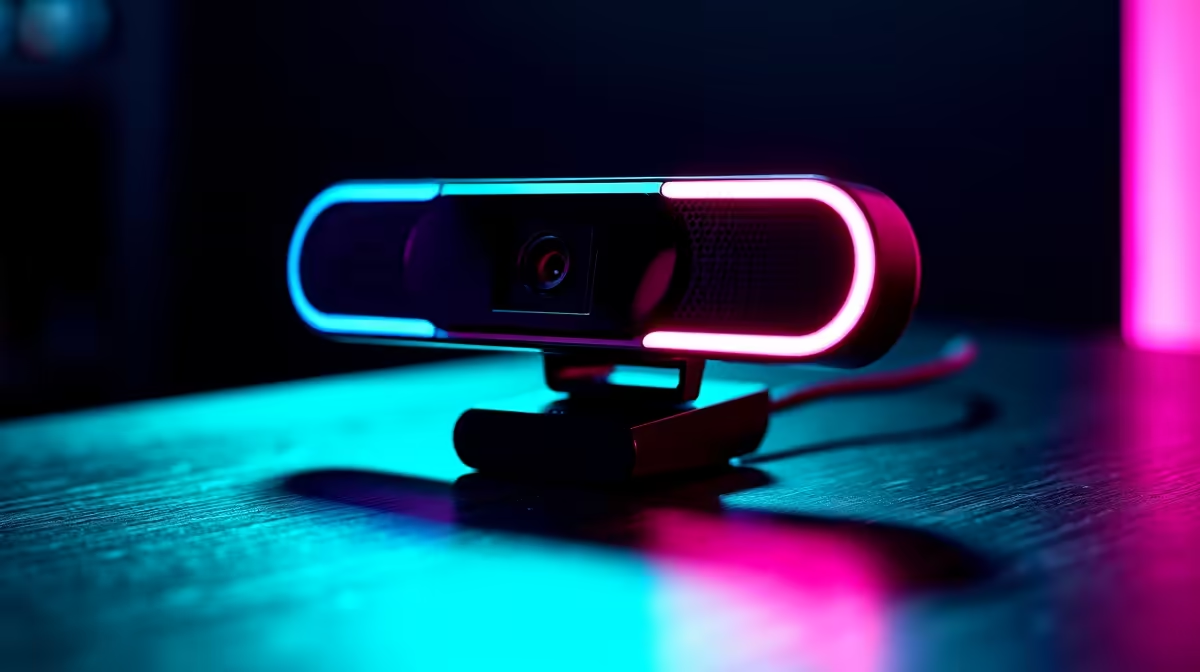
Tired of your stream looking like a slideshow from 2005? Choppy video can kill your vibe and make your epic clutch plays look... well, blurry. A high frame rate webcam is the secret sauce that separates the pros from the amateurs. It captures every reaction in buttery-smooth detail, making your content look sharp, professional, and engaging. Ready to find the perfect one for your setup without breaking the bank? Let's dive in. ✨
Why High Frame Rate Webcams Make All the Difference
Let's get one thing straight: not all webcams are created equal. The key difference for streamers is the frame rate, measured in frames per second (fps). Your old office webcam probably chugs along at 30fps. It's fine for a static meeting, but for dynamic gaming content? Not so much.
A 60fps webcam captures twice the visual information every second. This means fast movements, expressive reactions, and quick head-turns are rendered with incredible fluidity. The result is a crisp, lifelike image that keeps your audience glued to the screen. A quality webcam is an essential part of any streamer's toolkit, and choosing a high frame rate model is your first step towards a pro-level broadcast.
How to Choose the Best High Frame Rate Webcam for You
Navigating the specs can feel a bit overwhelming, but it boils down to a few key factors. Focusing on these will help you find the best high frame rate webcam for your specific needs and budget.
Resolution vs. Frame Rate: The Big Trade-Off
This is the classic dilemma. Many webcams force you to choose between higher resolution (like 4K) at a lower frame rate (30fps), or a slightly lower resolution (like 1080p) at a high frame rate (60fps). For 99% of streamers, the choice is clear: 1080p at 60fps is the gold standard. Your viewers will notice smooth motion far more than they'll notice the jump from 1080p to 4K in a small face-cam window.
Beyond FPS: Sensor Quality and Autofocus
A high frame rate is useless if the image is dark and grainy. A camera's low-light performance depends on its sensor. Look for webcams that specifically mention good performance in dim conditions. Similarly, snappy autofocus is crucial. You don't want the camera hunting for focus every time you lean in. This is where top-tier brands like CORSAIR often excel, building their webcams with premium sensors and lenses from the ground up.
Pro Lighting Tip 💡
Your webcam is only as good as your lighting. A simple ring light or key light can make a R1500 webcam look better than a R5000 one in a dark room. Good lighting allows the camera's sensor to use a lower ISO, resulting in a cleaner, less grainy image.
Optimising Your Setup for Silky-Smooth Video 🔧
Getting the best high frame rate webcam is only half the battle; you need to set it up correctly. Always plug your webcam into a USB 3.0 port (usually blue) if possible. This provides more bandwidth, ensuring your PC receives the uncompressed 1080p@60fps signal without issue.
Also, consider your background. A clean, interesting backdrop makes your entire stream look more polished. You don't need a fancy green screen... a tidy shelf or some customisable lighting like Cololight to add a splash of colour can elevate your stream's aesthetic instantly.
Finding Your Perfect Webcam Without Emptying Your Wallet
Here’s the good news: you don’t need to spend a fortune to get a fantastic 60fps streaming experience. While premium models offer incredible features, the mid-range market has exploded with quality options. The key is to prioritise. If you're a streamer, prioritise 60fps over 4K resolution every time.
You can get a webcam that delivers smooth, clear video that will impress your audience without needing a second bond on your house. By focusing on the core features that matter, you'll find there are plenty of powerful options under R6000 that will serve you brilliantly for years to come. 🚀
Ready for Your Pro Streaming Debut?
Don't let a laggy camera hold your content back. Upgrading to a high frame rate webcam is the single biggest step you can take towards a more professional stream. Explore our curated selection of streaming gear and show your audience what you've really got.