Quick Answer
Install ATX 3.1 power cables by connecting the 24-pin ATX first, then EPS CPU cables, then the 12V-2x6 GPU connector last. Ensure every connector clicks fully into its socket with no pins exposed, route the 12V-2x6 cable with no bends within 35mm of the connector head, and confirm sense pins engage at both ends before powering on.
Understanding the 12V-2x6 Connector Before Installation 🔧
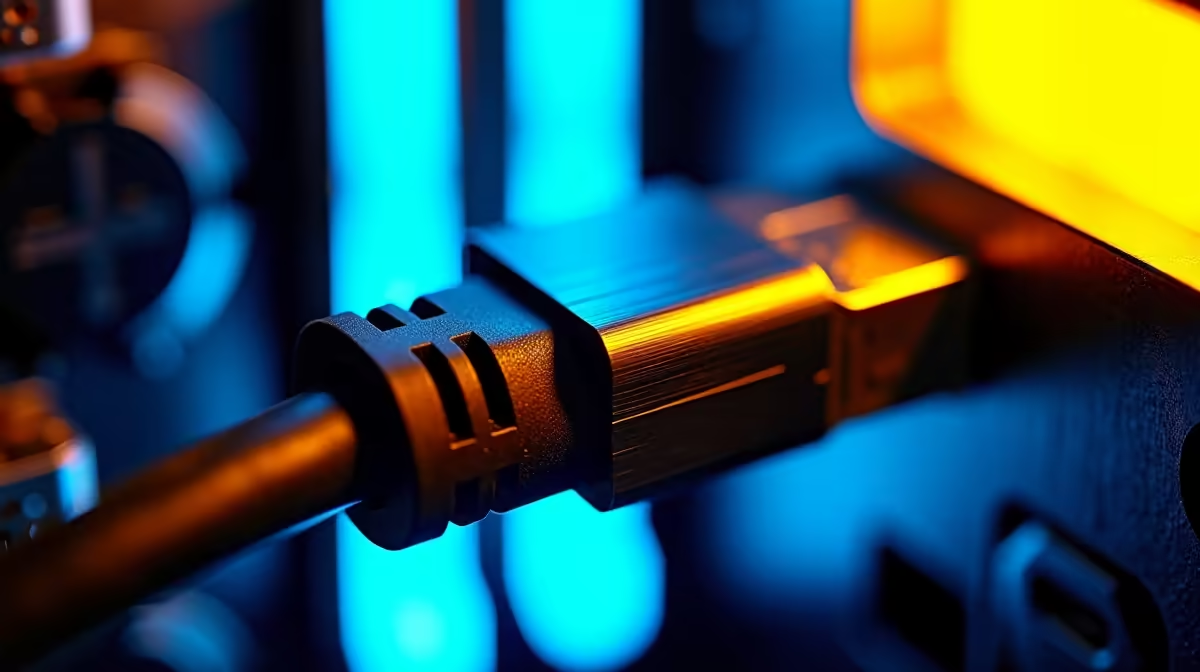
The 12V-2x6 connector is the GPU power standard for ATX 3.1 builds. It features twelve pins: ten power pins carrying current and two smaller sense pins communicating connection status between GPU and PSU. The key requirement is full engagement: the clip must audibly click and no pins should remain partially outside the socket housing after connection. A common error is inserting the cable at an angle, which seats the outer power pins while leaving sense pins misaligned. The GPU then reports a partial connection fault and either refuses to boot or limits power draw to protect against overheating. PCIe Gen 5.1 power delivery operates through this same connector for current-gen cards including the RTX 5090 and RTX 5080, both of which ship with 12V-2x6 sockets natively.
Step-by-Step Cable Installation and Common Errors 🖥️
Begin with the 24-pin ATX motherboard connector: align the notch with the key on the motherboard socket and press firmly until the side clip clicks. The connector should not rock without pressing the release tab. Next, connect the EPS CPU cable to the socket at the top-left of the motherboard. If the board has two EPS sockets, connect both for a high-draw CPU like the Core Ultra 9 285K. Connect modular cables at the PSU end before routing them through the case, while the cable is still accessible. Route the 12V-2x6 cable to the GPU without sharp bends and seat the connector with a straight, even push until the clip engages. The 35mm straight-run requirement from the connector head prevents cable flex from creating mechanical stress on the pins. Three errors cause most ATX 3.1 installation problems: reverse-polarity third-party cables swapping power and ground pins; sharp bends in the 12V-2x6 cable causing intermittent contact under GPU load spikes; and a partially seated 24-pin ATX connector leaving the last two pins without contact, producing random instability rather than a clean no-POST failure.
Test With a PSU Tester Before Full Assembly ⚡
Before installing the PSU into the case and connecting all components, use an inexpensive PSU tester available locally for under R200 to confirm all rails show correct voltage. This three-minute step identifies a faulty unit before you invest time routing cables through the case. A missing rail at this stage saves significant disassembly time later.
FAQ
What happens if the 12V-2x6 sense pins are not engaged?
The GPU firmware detects an open-circuit condition on the sense line and either prevents the card from drawing above a low-power limit or triggers a driver warning. This manifests as the GPU refusing to reach full clock speeds despite adequate cooling, resembling a driver or BIOS issue rather than a cable fault.
Can I use a 12VHPWR cable from an ATX 3.0 PSU on an ATX 3.1 GPU?
The physical connector is compatible: a 12VHPWR plug fits a 12V-2x6 socket. However, the older cable does not provide the improved contact retention of the native 12V-2x6 implementation. For a new build with an ATX 3.1 PSU, always use the supplied native 12V-2x6 cable rather than a legacy adapter.
Is significant force required to fully seat modern PSU connectors?
Modern ATX connectors require firm, even pressure rather than significant force. If a connector requires hard forcing, it is misaligned. Remove it, check orientation, and realign before pushing again. Forcing a misaligned connector can bend pins on the motherboard or PSU socket permanently.
Building with current-gen hardware?
Evetech stocks ATX 3.1 power supplies with native 12V-2x6 cables ready for RTX 5000-series and RX 9000-series GPU installations. Browse the power supply section to find your build's power foundation.