Quick Answer
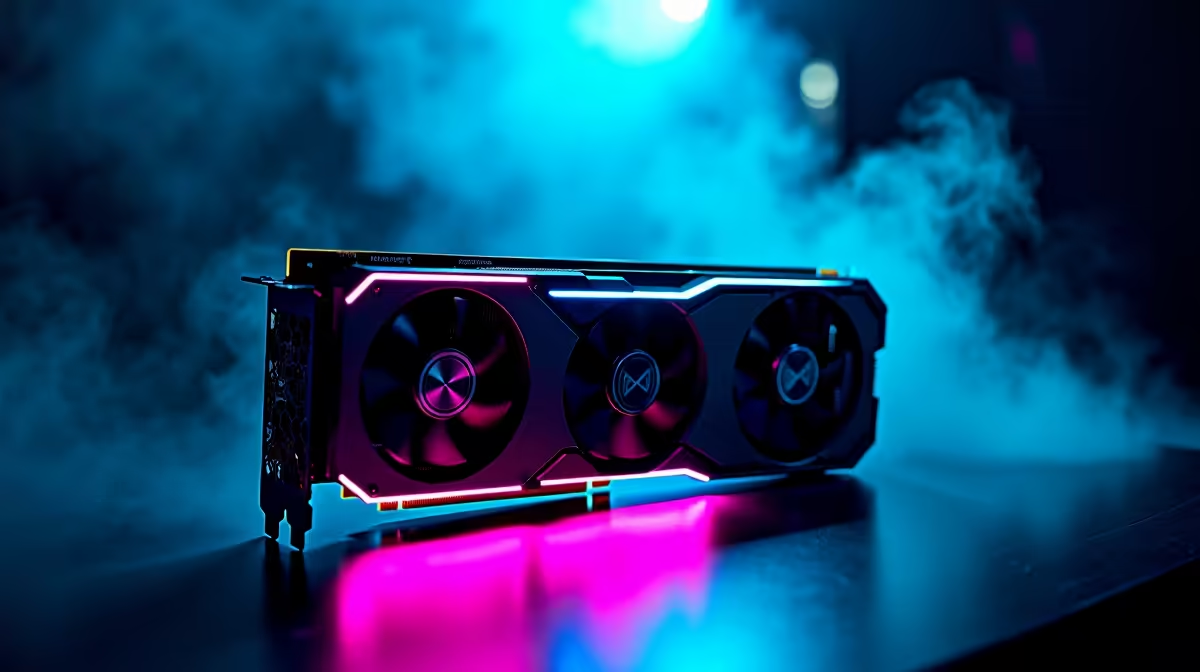
Fitting a 440mm GPU in a mid-tower requires a case that specifies at least 440mm GPU clearance with no front radiator installed, a PCIe riser cable if vertical mount is planned, and careful verification that no cables, fan shrouds, or drive bays obstruct the card's final position. Check clearance with your intended fan or radiator configuration in place, not just the empty chassis dimension.
Checking Case Clearance Before You Buy 📐
Case manufacturers list GPU clearance as a maximum figure measured from the PCIe slot face plate to the inside of the front panel or front fan frame. A case listing 440mm clearance may drop to 380mm once three 120mm front fans are installed, because each fan adds approximately 25mm to 30mm of depth. If you plan to mount a 360mm front radiator, subtract the radiator thickness (around 27mm to 30mm) and fan thickness (around 25mm) from the raw clearance figure, leaving as little as 380mm or even less in cases with a shallow internal volume. The RTX 5090 Founders Edition measures 336mm, but popular AIB partner versions from the current generation can reach 400mm to 430mm.
Physical Installation Steps 🔧
Install the GPU last, after all motherboard components, cooling, and cable management are complete. Remove both front fans or the front radiator temporarily if clearance is tight, slide the GPU into the PCIe slot and secure it to the case bracket, then reinstall the front cooling with the GPU in position to confirm no contact points. The GPU's power connector orientation matters: some 440mm cards use a top-facing 16-pin connector that adds 40mm to 60mm of height, which can conflict with the case's top radiator mount if clearance is under 30mm. Detachable PCIe power cable adapters (included with some RTX 50-series cards) allow the cable to exit sideways rather than upward, resolving this conflict.
Sag Prevention and Long-Term Support ⚙️
A 440mm GPU can weigh 1.5kg to 2.5kg, which puts significant torque on the PCIe slot. GPU sag by 5mm to 10mm at the far end of the card is cosmetically unpleasant and can stress the PCIe slot over years of operation. Use a GPU support bracket or anti-sag bracket mounted to the case's internal support posts. Many current mid-tower cases include an adjustable support bracket for this purpose. Alternatively, a vertical GPU mount via PCIe riser cable positions the card parallel to the side glass for a showcase look and distributes the card's weight vertically. SA builders in humid coastal conditions like Cape Town may also note that heavy GPUs sitting slightly angled in the slot can over time cause PCIe contact oxidation; a support bracket prevents this by keeping the card perfectly level.
Temporary Front Fan Removal Trick ⚡
If your 440mm GPU barely clears the front fans during installation, remove the front fan assembly entirely before sliding the GPU in. Once the card is seated and screwed to the bracket, reinstall the fans. This prevents accidentally flexing the PCIe slot under the combined weight of a heavy card being manoeuvred in a tight space.
FAQ
Will a 440mm GPU always fit a case rated for 440mm clearance?
Not necessarily. The 440mm figure is typically without fans or radiator installed. Confirm clearance with your actual cooling configuration in position before purchasing the GPU.
Do PCIe riser cables affect GPU performance?
A PCIe 4.0 or 5.0 riser cable at a 200mm or 300mm length has no measurable effect on GPU performance. Use a certified riser cable at the correct generation for your motherboard slot.
What mid-tower cases in SA officially support 440mm GPU clearance?
Several full-size mid-towers from brands like Lian Li, Phanteks, and Fractal Design list 420mm to 440mm GPU clearance. Confirm the specific model spec at purchase rather than relying on general brand reputation.
Fitting a long GPU in your next build?
Evetech stocks mid-tower and full-tower PC cases with extended GPU clearance ratings. Check the current range to find a chassis that accommodates your graphics card and cooling layout.