Quick Answer
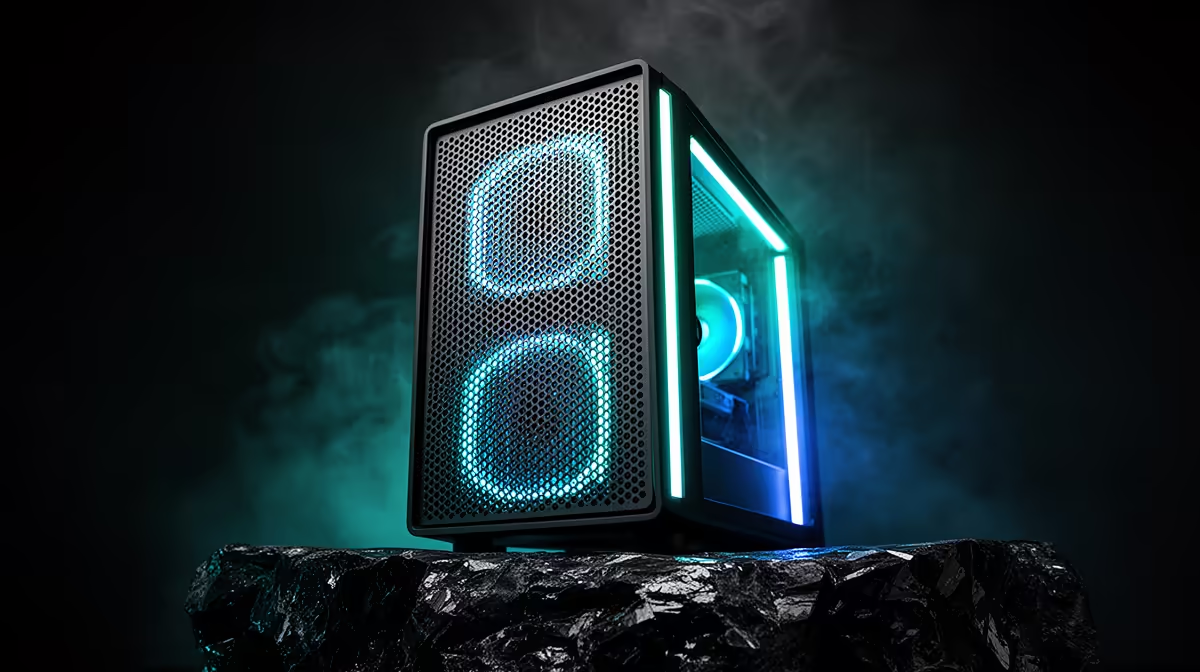
With a high-porosity front grill, the airflow advantage is already built into the case design. To optimise it, run two or three front intake fans pushing toward the GPU, one or two top exhaust fans, and one rear exhaust fan, targeting a slight positive pressure differential to prevent dust ingress through unsealed gaps.
Understanding What High-Porosity Means 💨
A high-porosity front grill has an open-area percentage typically above 65 percent, compared to the 15 to 30 percent open area of a standard mesh panel or near-zero airflow of a solid glass front. This means the front panel itself adds almost no static pressure resistance, so the limiting factor becomes the fans rather than the panel. With a high-porosity front, you do not need high-static-pressure fans designed for radiator environments. High-airflow (high-CFM) fans with lower blade angles perform better here and are quieter at equivalent CFM. Two 140mm Airflow-type fans at 900 RPM will move more air than two high-static-pressure 120mm fans at 1,400 RPM.
Setting the Optimal Pressure Balance 🔧
Positive pressure means more intake CFM than exhaust CFM, which pushes dust out through vented gaps rather than pulling it in. With a high-porosity front, achieving positive pressure is easier because intake resistance is low. The practical setup for most ATX cases is three front intake fans plus one rear exhaust fan, with top fans set to exhaust. Test this by holding a thin piece of paper near an unfiltered side panel seam. If it presses outward, you have positive pressure. If it gets drawn inward, your exhaust fans are dominating and pulling unfiltered air through case gaps. In SA homes where dust can include fine Highveld particulate, negative pressure significantly shortens cleaning intervals.
Fan Curve Tuning for Noise and Performance 🔉
High-porosity front cases benefit from aggressive fan curve tuning because even modest fan speeds are effective. Set front intake fans to stay below 700 RPM at idle and ramp to 1,100 RPM when CPU or GPU hits 65 degrees Celsius. The rear exhaust can mirror the GPU sensor since it vents hot air from the GPU zone directly. Avoid a constant high-speed fan curve, which adds unnecessary noise without meaningful thermal benefit. A properly tuned high-porosity case can hold a 260W GPU under 82 degrees Celsius at a noise level under 40 dB at one metre.
Dust Filter Frequency Reminder ⚡
High-porosity fronts typically use a thin mesh filter that accumulates dust faster than a denser filter. In SA environments, check and clean the front filter every two to three weeks to maintain the free-flow advantage. A clogged thin mesh filter can actually perform worse than a clean dense filter.
FAQ
Is a high-porosity front better than a glass front for gaming performance?
Yes, measurably. Tests comparing identical builds in mesh-front versus glass-front cases consistently show 4 to 8 degree Celsius lower GPU temperatures in the mesh-front case. For gaming this translates to more consistent boost clocks and fewer thermal throttle events.
How many fans does a high-porosity ATX case need at minimum?
Three: two front intakes and one rear exhaust. This is the minimum viable configuration for positive pressure and functional cooling. Gains beyond three fans diminish quickly in a high-porosity enclosure where airflow resistance is already low.
Do high-porosity cases generate more system noise?
Slightly, because there is less material dampening fan and component noise. However, lower intake resistance allows higher CFM at lower RPM, which usually nets out to similar or lower noise levels in practice compared to a restricted case.
Want the best airflow in your next build?
Evetech stocks a range of ATX cases with high-porosity mesh fronts and matching case fans. Find your next case and fan combo to keep your components cool and quiet.