Quick Answer
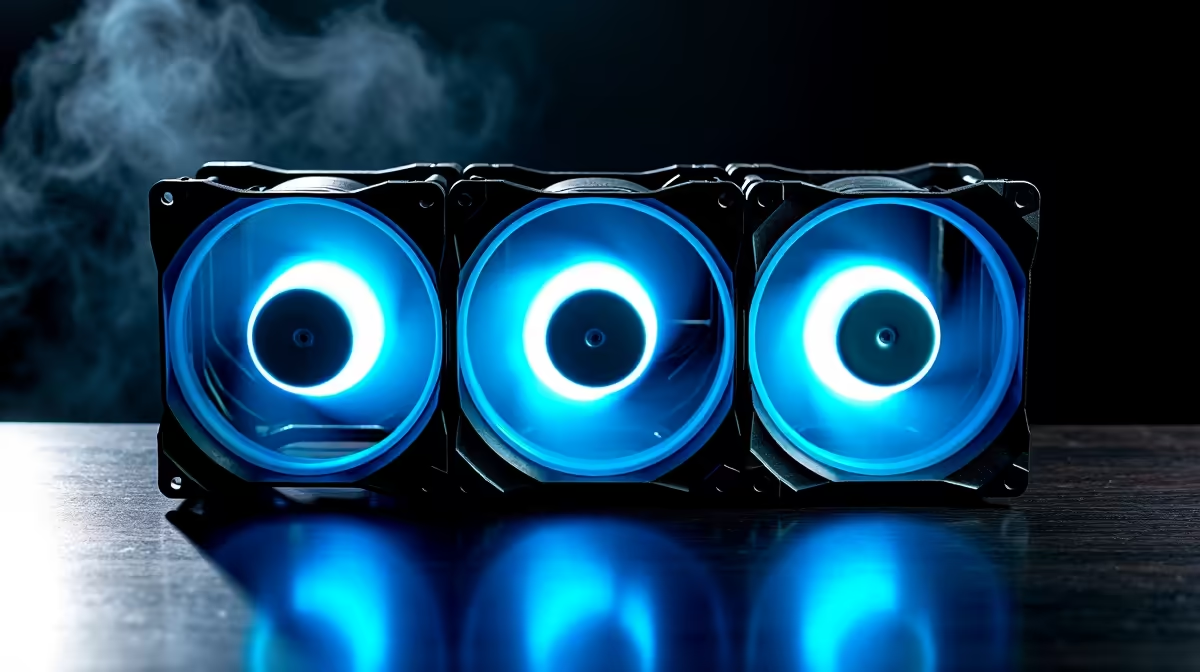
For a triple fan pack in a mid-tower, the strongest configuration is three fans at the front as intake and one fan at the rear as exhaust, creating positive pressure that keeps dust out and ensures consistent airflow over CPU and GPU. Workstations with high CPU loads benefit from adding top exhaust fans to dump processor heat faster.
The Fundamentals of Case Airflow 🌬️
Effective case cooling follows a simple principle: fresh air must enter, flow over heat sources, and exit quickly without recirculating. Front-mounted intake fans draw cool air across the GPU and into the CPU cooler zone. Rear exhaust pulls that heated air out directly behind the CPU. The goal is a straight front-to-rear air corridor with no dead zones. A triple pack used well establishes this corridor without the need for additional fans in most mid-towers running a single GPU and a mainstream CPU like the Ryzen 5 9600X or Core i5-13400.
Gaming Build Fan Layout 🎮
A gaming rig prioritises GPU temperatures since the graphics card accounts for 60 to 80% of heat output under load. Position two or three fans from the triple pack at the front intake directly across from the GPU. If your case allows three front intake positions (common in full-mesh mid-towers), use all three from the pack here and add a single rear exhaust separately. This floods the GPU zone with cool air, which can reduce RTX 5080 or RX 9070 XT temperatures by 4 to 8 degrees Celsius compared to balanced intake-exhaust splits.
Workstation Build Fan Layout 🖥️
Content creators and engineers running sustained CPU loads on a Ryzen 9 9950X need to prioritise CPU cooling more than gamers do. A proven layout: two fans from the pack at front intake, one fan at the top rear exhaust. If your case has a full three-slot top exhaust row, the third fan works well there. This arrangement keeps the CPU area flushed with fresh intake air while the top exhaust strips heat rising off both the CPU cooler and VRM heatsinks. SA builders in warm Gauteng summer conditions should aim for CPU temps under 80 degrees Celsius at full load rather than the 85 to 90 degree ceilings acceptable in cooler climates.
Pressure Balance and Dust Filtration 🛡️
Positive pressure (more intake CFM than exhaust CFM) is the preferred approach for South African environments where dust accumulation is a real concern, particularly in drier inland regions like Gauteng. With more air pushing in than pulling out, dust is forced out through rear and top vents rather than pulled in through unfiltered gaps. Most triple pack fans sold locally include pre-installed magnetic dust filters for front intake positions. Clean these every four to six weeks during dusty months, or more frequently if your PC sits on the floor.
Run a Tissue Test After Setup ⚡
After mounting all fans, hold a strip of tissue near each vent slot and panel gap with the PC running. Intake fans should pull the tissue toward the case; exhaust fans push it away. Any panel gap pulling air in unexpectedly signals a pressure imbalance worth correcting.
FAQ
Should triple pack fans all be intake or split between intake and exhaust?
For most builds, allocating two or three as front intake with a separate rear exhaust fan gives better thermal results than splitting the triple pack between intake and exhaust positions. Keeping intake mass high supports positive pressure and cleaner GPU airflow.
Does fan position matter more than fan quality?
Both matter, but a well-positioned mid-range fan will outperform a premium fan mounted in a suboptimal location. Get the layout right first, then upgrade fan quality for noise reduction or additional airflow.
How high should front intake fans be mounted in the case?
Align the bottom of the intake fan array with the top of the GPU to maximise airflow directly over the graphics card cooler. Most mid-towers position front fan mounts in this zone by default.
Need a triple pack to complete your cooling setup?
Evetech stocks ARGB and standard triple fan packs in 120mm and 140mm sizes suited to both gaming and workstation mid-tower builds.