Quick Answer
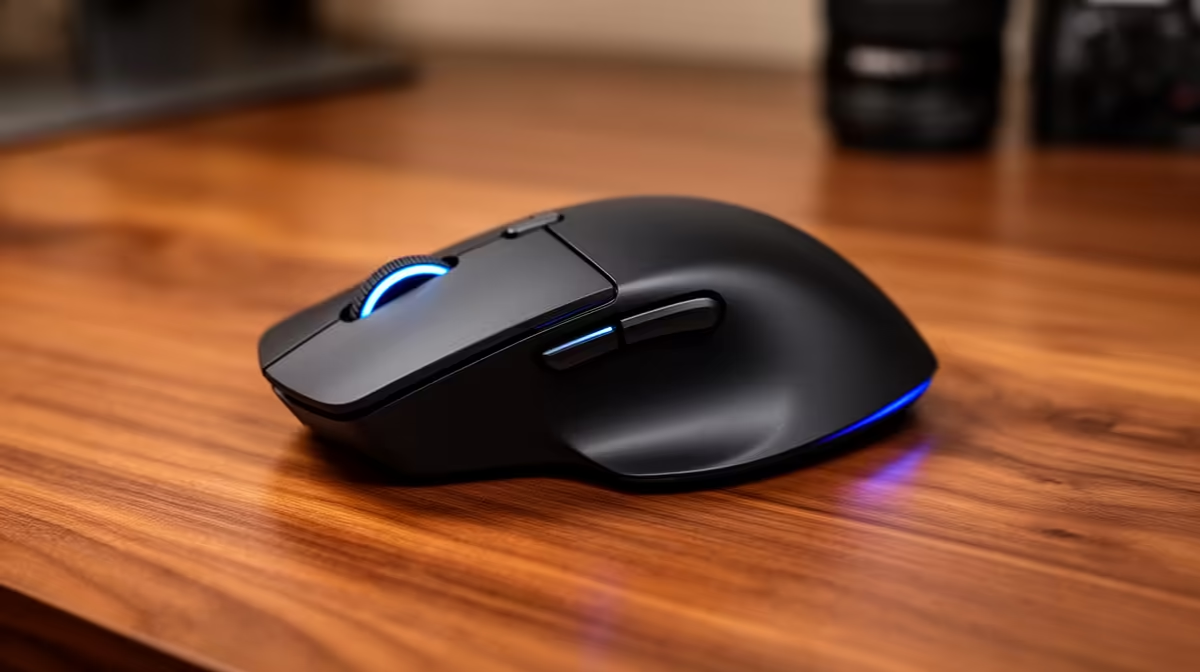
Switch to an ergonomic or vertical mouse, lower your DPI to reduce over-gripping, add a wrist rest, and take a 2-minute micro-break every 45 minutes. These four changes reduce hand fatigue by addressing grip tension, wrist angle, and repetitive strain simultaneously.
Why Hand Fatigue Happens at a Mouse 🖐️
Fatigue accumulates through three mechanisms. First, pronation: a standard flat mouse forces the palm face-down, rotating the forearm into an unnatural position that loads the extensor muscles running from elbow to wrist. Second, grip tension: fine cursor control triggers a sustained squeeze reflex where the fingers press harder than necessary, particularly when tracking slowly across a spreadsheet or design element. Third, the absence of movement: the hand holds one position for minutes at a time. A vertical mouse, which rotates the hand into a handshake position, reduces pronation load by roughly 10 to 15 degrees of forearm rotation. This reduction maps directly to reduced fatigue over an eight-hour session.
Adjusting DPI and Sensitivity to Reduce Grip Tension 🎯
Counter-intuitively, many people grip a mouse harder when using too-high sensitivity because the cursor overshoots and they compensate with muscle tension. Setting DPI slightly lower than your current preference, combined with raising system mouse sensitivity slightly, produces the same cursor speed with less precise grip control required. The hand relaxes. A sweet spot for office use is 800 to 1,200 DPI at medium system sensitivity. Grip style matters too: palm grip distributes pressure across the full hand and is the most fatigue-resistant over long sessions. Claw and fingertip grips concentrate load into finger joints and are better for shorter, more precise sessions.
Workspace Setup and Micro-Break Protocol ⏱️
The desk surface height should position the elbow at 90 degrees or slightly obtuse when the hand rests on the mouse. A gel or foam wrist rest supports the carpal area during pauses but should not be used while actively moving the mouse. South African office workers in open-plan environments in Johannesburg and Pretoria can offset limited standing-desk access by scheduling a 2-minute hand stretch every 45 minutes. Simple extensions and rotations take 90 seconds and substantially reduce cumulative load.
The 45-Minute Stretch Reminder ⚡
Set a recurring silent phone alarm for every 45 minutes during your workday. When it fires, drop the mouse, straighten your fingers fully, rotate your wrists five times in each direction, and shake out your hands. This 90-second routine prevents the gradual stiffness that compounds into pain by mid-afternoon.
FAQ
Will a vertical mouse feel awkward at first?
Yes, most users need three to seven days of adjustment before a vertical mouse feels natural. Cursor control on a new grip axis feels imprecise initially. Persist through the first week and most users report their previous flat mouse then feels equally awkward.
Is a trackball a good alternative for reducing hand fatigue?
For users with significant wrist or forearm strain, a trackball eliminates mouse movement entirely, keeping the hand stationary while the thumb or fingers roll the ball. The trade-off is that fine cursor precision takes longer to develop. Trackballs are a legitimate RSI management tool recommended by occupational therapists.
Does a mouse pad reduce fatigue compared to a bare desk?
A cloth or hybrid mouse pad provides consistent sensor tracking, which reduces the micro-corrections the hand makes when tracking stutters on an irregular surface. A decent mouse pad in the R80 to R200 range is a low-cost ergonomic improvement.
Hands aching after a full day at the desk?
Evetech stocks vertical and ergonomic mice that take pressure off your wrist and forearm, along with mouse pads and wrist rests to complete a comfortable setup.