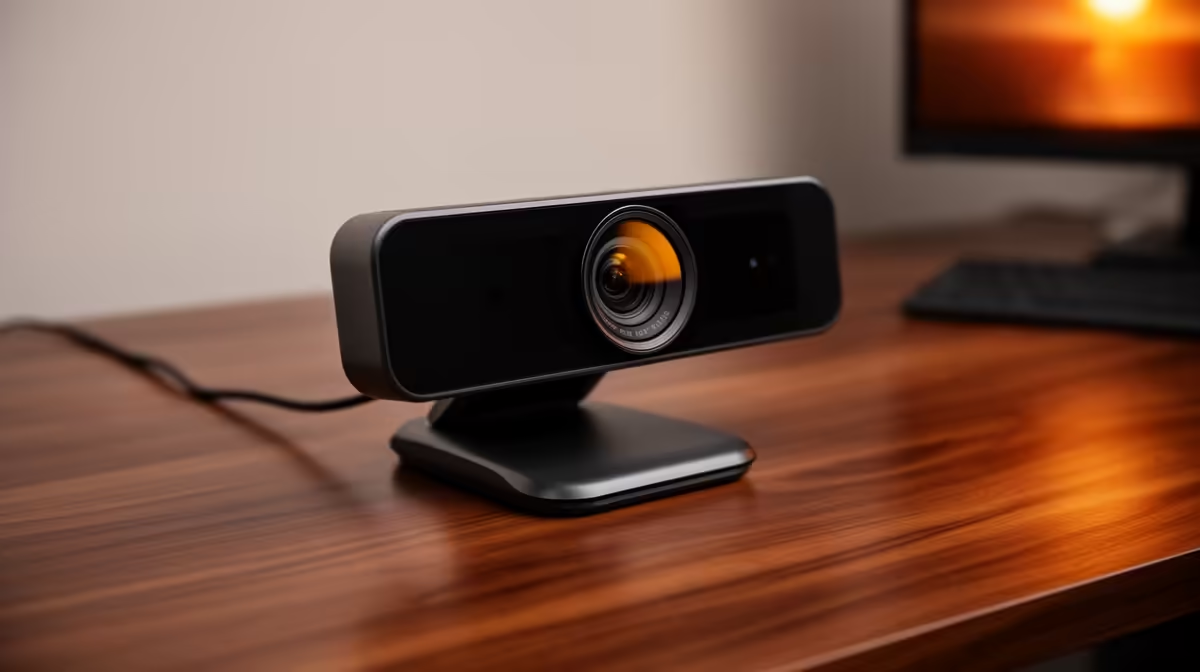
Tired of looking like a pixelated ghost on your video calls? We've all been there. That crucial client meeting, the weekly family catch-up, or your much-anticipated stream… all ruined by a grainy, washed-out image from your laptop's built-in webcam. It’s time to stop apologising for your camera quality. Achieving hyper-realistic video calls is easier and more affordable than you think, transforming how you connect, work, and play online. ✨
Why Your Built-in Webcam Is Holding You Back
Let's be honest, the tiny camera crammed into your laptop's thin bezel is an afterthought. It struggles with low light, producing noisy, unflattering video. For truly professional and lifelike video calls, a dedicated webcam is essential. It packs a larger sensor and superior optics, capturing more light and detail. The difference is night and day, ensuring you look sharp and clear, whether you're presenting to your team or showing off your new build to a mate.
Even a modest upgrade can make a world of difference. You can find excellent entry-level options that deliver crisp 1080p video, a massive leap from standard 720p laptop cameras, for under R1000.
Achieving Crystal-Clear Video: What Really Matters
Making your video calls hyper-realistic isn't just about resolution. While 1080p is the gold standard for clarity, you should also consider a few other key specs to get that smooth, lifelike quality.
- Frame Rate (FPS): Look for a webcam that offers at least 30 FPS for smooth motion. For streamers or content creators, 60 FPS is ideal, as it eliminates motion blur and creates an ultra-fluid picture.
A webcam with good automatic low-light correction ensures you stay visible and professional, even when the lights go down.
- Field of View (FoV): This determines how much of your background the camera captures. A wider FoV is great for showing off your setup, while a narrower one keeps the focus squarely on you.
Stepping up your budget slightly unlocks features like superior autofocus and better microphones, giving you a complete package for less than R2000.
Pro Lighting Tip 💡
don't need expensive studio lights! The best light source is free: a window. Position your desk so you face the window. This provides soft, natural light that fills in shadows and makes you look your best. If that's not possible, a simple desk lamp placed behind your webcam works wonders.
Your Setup for Flawless Video Calls 🚀
Once you've got your new webcam, a few simple tweaks can elevate your setup from good to great. The goal is to make your presence feel as real as possible, creating hyper-realistic video calls that command attention.
Always position your webcam at eye level. Stacking it on a few books or using a small tripod works perfectly. This creates a more natural, engaging angle, as if you were talking to the person... well, in person. For those who demand the absolute best in clarity and features for streaming or high-stakes business calls, exploring the premium options up to R3000 will give you access to 4K resolution, advanced AI framing, and studio-quality performance.
Ready to Upgrade Your View?
Stop settling for blurry video and step into a world of clarity. Explore our full range of webcams and find the perfect match for your budget and needs. Shop all webcams now at Evetech and make every call a great one.