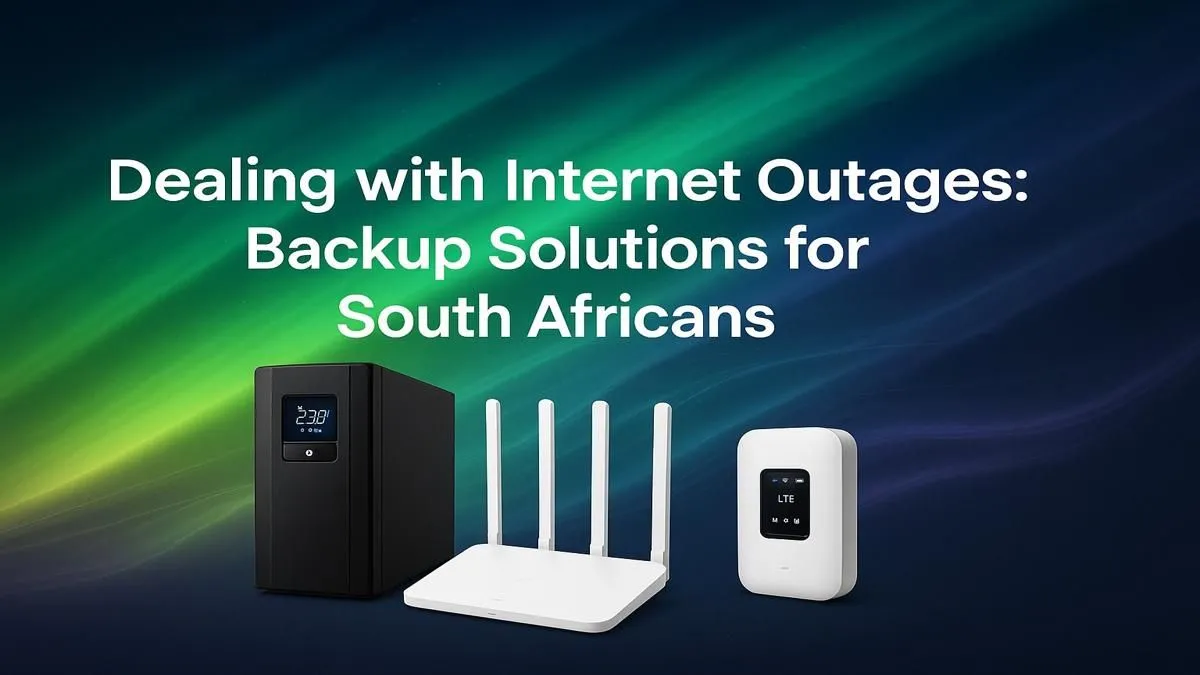
The lights go out, but worse… the Wi-Fi icon on your screen shows no connection. That crucial ranked match? Gone. That urgent work file? Stuck in the cloud. For South Africans, a stable internet connection isn’t a luxury; it’s essential. The good news? Implementing robust internet backup solutions in South Africa is easier and more affordable than you might think. Let's dive in and make sure you stay online, always. 🌐
Stable Fibre and Wired Networking
Ever wondered why your fibre internet cuts out during a power outage, even if your house is running on a generator or inverter? It’s a common frustration. While the fibre optic cable itself doesn't need power, the small, localised network equipment that connects your neighbourhood to the main exchange does. These nodes, often in a green box down the street, lose power during an unexpected outage, severing your connection to the digital world.
This is why a simple power backup for just your router is often the most effective first step.
Essential Internet Backup Solutions for South Africans
Keeping your connection alive doesn't require a massive budget. By focusing on the right components, you can build a reliable system to weather any outage.
The Mighty Mini-UPS 🔋
The single most effective tool in your arsenal is a Mini Uninterruptible Power Supply (UPS). These compact, affordable devices are specifically designed to power routers and Fibre ONTs (the little box your fibre cable plugs into). If a UPS is required, size it for a controlled shutdown against the measured load of the complete setup. They are a true plug-and-play solution for uninterrupted internet.
Check Your Voltage! ⚡
Before buying a Mini-UPS, check the power brick for your router and ONT. Look for the output voltage (V) and amperage (A), usually 9V or 12V. Ensure the Mini-UPS you choose supports the correct voltage and provides enough amperage for your devices. Mismatched specs can damage your hardware!
Mobile Data as a Smart Failover
A fault with your fibre provider. In these cases, a mobile data failover is your best bet. Modern wireless routers often come with a USB port for an LTE dongle or even have a built-in SIM card slot. This allows the router to automatically switch to a 4G or 5G network when your primary fibre connection drops.
For desktop PC users without built-in Wi-Fi, a simple USB wireless adapter is an easy way to connect to your phone's mobile hotspot in a pinch.
Optimising Your Home Network for Resilience
Having a backup power source is only half the battle. Your home network needs to be robust enough to deliver that connection where you need it most. If your Wi-Fi signal is weak in your office or gaming room, your backup solution won't be much help.
Position your router in a central location in your home, away from thick walls and other electronics. If you still have dead spots, installing wireless range extenders can blanket your entire home with a strong, stable signal. A reliable home network is the foundation of any good internet backup plan. Investing in quality wireless networking gear ensures your backup connection is as fast and stable as your primary one. 👍