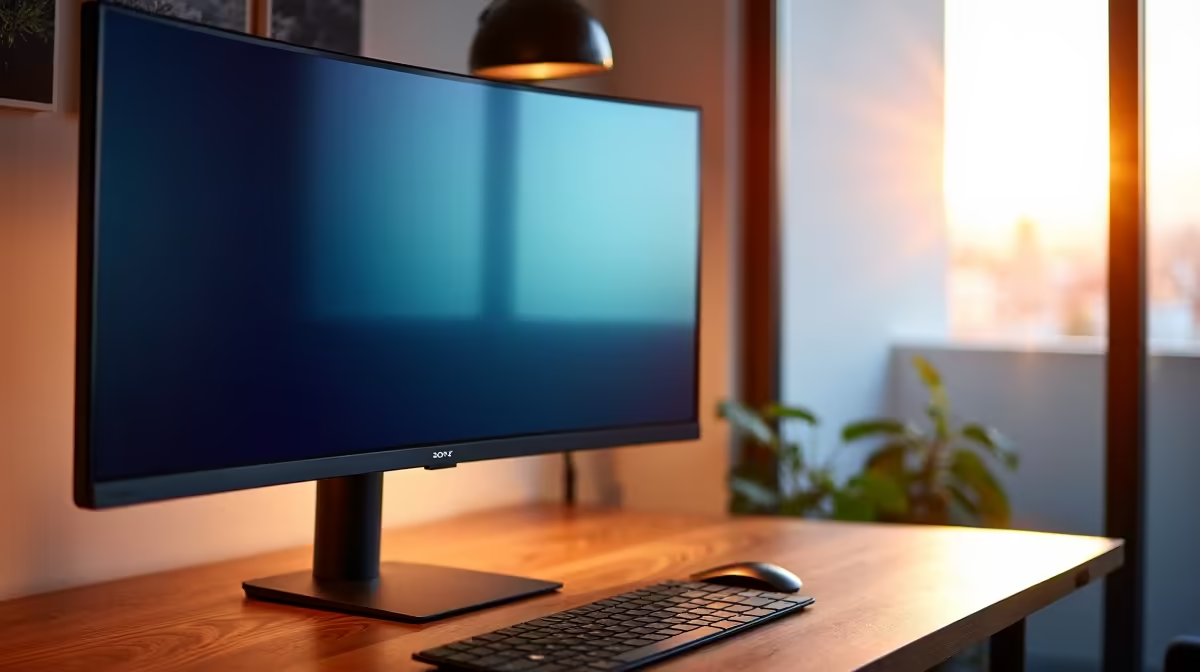
You’ve just unboxed your brand-new IPS monitor. The colours look incredible, but when the screen goes dark, you notice a faint light from the corners. Is it faulty? Is this 'IPS glow' going to ruin your workday? For South African professionals, this is a common worry. But before you start packing it up, let's separate fact from fiction. Is IPS glow for office use a real concern, or just an overrated flaw?
Understanding IPS Glow vs. Backlight Bleed 🧠
First, let's clear up a common misconception. IPS glow is not the same as backlight bleed.
- IPS Glow: This is an inherent characteristic of In-Plane Switching (IPS) panel technology. It’s the light from the monitor's backlight shining through the panel, which becomes visible when viewing dark scenes from an angle. It often has a whitish or yellowish tint and seems to "shift" as you move your head.
- Backlight Bleed: This is a manufacturing defect. It occurs when the backlight's light leaks around the edges of the screen, creating bright, uneven patches that don't move or change with your viewing angle.
For most modern PC monitors, a small amount of IPS glow is normal and not a sign of a faulty unit. The real question is whether it impacts your daily tasks.
The Real-World Impact of IPS Glow in an Office Setting
So, does this glow actually matter when you're working on spreadsheets, writing reports, or sitting in Zoom calls? For the vast majority of office tasks, the answer is a resounding no.
Your typical workday involves bright, colourful content. Think white documents, vibrant websites, and colourful presentations. In these scenarios, the effects of IPS glow are completely invisible. The superior colour accuracy and wider viewing angles of an IPS panel are far more beneficial, ensuring the colours in your design mock-up are spot-on from any angle.
Where it can be a factor is for creative professionals. If your job involves colour-critical work on very dark images or video footage in a dimly lit studio, the glow might be noticeable. For these high-detail tasks, investing in high-resolution 5K and 4K monitors with excellent panel uniformity is key. Similarly, many find that the immersive nature of curved monitors helps minimise off-angle viewing, indirectly reducing the perception of glow.
What About When the Workday Ends? IPS Glow and Gaming
Many of us use the same screen for work and play. After a long day, that office monitor becomes a portal to other worlds. The conversation around IPS glow and office use often extends to gaming.
In fast-paced, colourful games like Fortnite or Apex Legends, you won't notice it. However, in dark, atmospheric titles like Alan Wake 2 or space simulators, the glow can be more apparent during loading screens or in shadowy scenes. Still, most gamers find the trade-off well worth it for the incredible colour vibrancy that IPS panels deliver, making the world of Night City or the landscapes of Elden Ring truly pop. It's a key reason why they dominate the world of all gaming monitors. This even applies to smaller screens, as many high-quality portable monitors use IPS technology for on-the-go productivity and gaming.
Quick Fix for Glow 💡
The easiest way to combat IPS glow is by controlling your environment. Avoid working in a completely dark room. A simple desk lamp or biased lighting behind your monitor not only reduces perceived glow but also helps reduce eye strain during those long work sessions in Johannesburg or Cape Town. It’s a win-win!
How to Reduce the Appearance of IPS Glow 🔧
While you can't eliminate the glow entirely, you can easily minimise it to the point where it's a non-issue:
- Adjust Your Brightness: Most monitors ship with brightness set to 100%. Lowering it to a comfortable level for your room's lighting (usually between 25-50%) makes a massive difference.
- Control Ambient Light: As mentioned in the tip above, having a moderately lit room is the best defence against seeing IPS glow.
- Positioning is Key: Sit directly in front of your monitor. IPS glow is most prominent from sharp, off-axis angles.
- Calibrate Your Display: Using proper calibration tools can help you achieve the perfect balance of brightness, contrast, and colour. You can find helpful monitor accessories to get the job done right.
The Verdict: Is IPS Glow a Deal-Breaker? 🏆
For over 95% of office and general productivity users, IPS glow is an overrated flaw. It's a known characteristic of the technology that is practically invisible during everyday tasks. The benefits of stunning colour reproduction, consistency, and superior viewing angles provided by IPS panels far outweigh this minor drawback.
The bottom line is that the concern over IPS glow for office use is largely overblown. Unless you're a creative professional who works exclusively on dark content in a pitch-black room, it shouldn't be a deciding factor. Instead, focus on the features that matter for your productivity: resolution, size, and refresh rate. Finding a great screen is about matching the tech to your needs, and often you can find some fantastic PC monitor deals that tick all the right boxes.
Ready to Find Your Perfect Screen?
The IPS glow debate is nuanced, but for most professionals in South Africa, the vibrant colours and wide viewing angles are a massive win. Explore our massive range of monitor specials and find the perfect display to conquer your workday... and your after-hours raid.