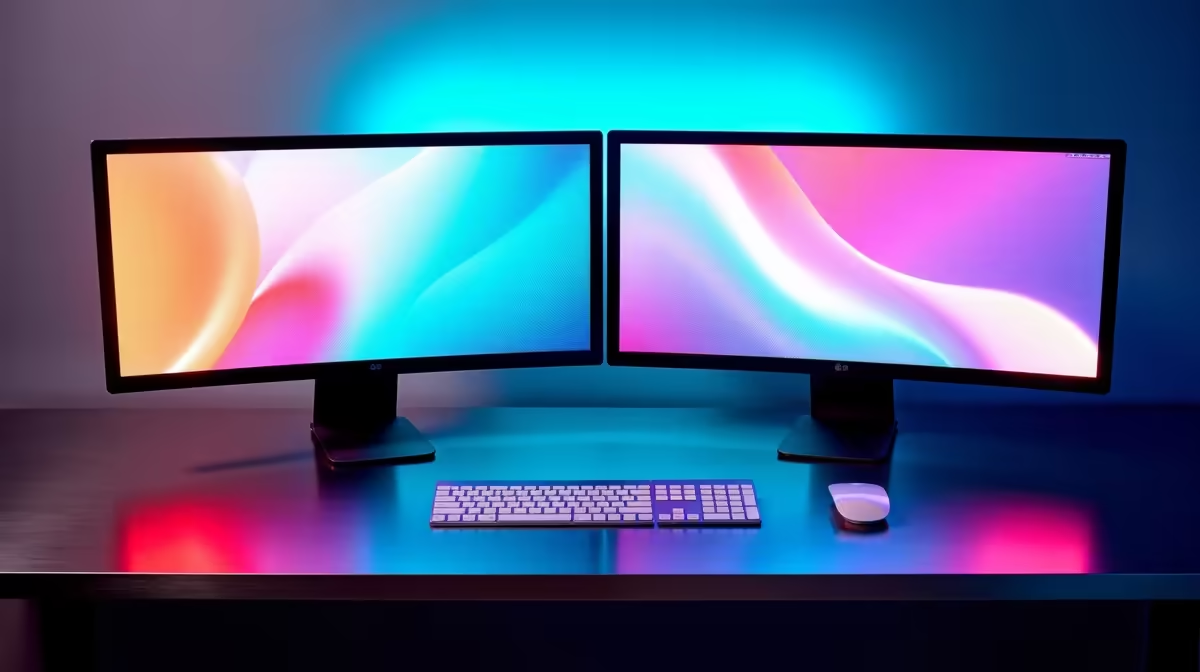
Dell SE2726H 27in FHD 144Hz at R1,797 suits a Roodepoort home office or study desk where one monitor handles the main window and the second keeps chats, notes, or browser tabs visible. A dual-screen setup is less about buying the biggest pair and more about matching size, refresh rate, and desk depth so both panels stay comfortable for daily work.
Start with matching size and desk fit
The Dell SE2726H 27in FHD 144Hz at R1,797 is the stronger first-screen choice if you want smoother movement and a larger 27in workspace. Use it as the centre display, then place your secondary screen slightly angled so spreadsheets, email, or research do not crowd the main view.
The Dell SE2426H 23.8in FHD at R1,532 makes sense as a compact second screen because the 23.8in size is easier to fit beside a bigger panel. If your desk is narrow, pairing this with the Dell SE2726H gives you a practical main-and-side layout without forcing both screens to be oversized.
Fibre Router Cupboard And Cable Reality
If the desk is near a router cupboard, keep cable paths simple before adding the second display. The Dahua LM27 100Hz at R1,500 gives you a 27in panel with 100Hz refresh, which is useful when you want a larger second screen for dashboards, browser windows, or a small-business counter without spending more than needed.
Ready to choose the right monitor?
For the monitor shortlist decision, Dell SE2726H 27in FHD 144Hz at R1,797 gives you its listed spec to measure against the brief.