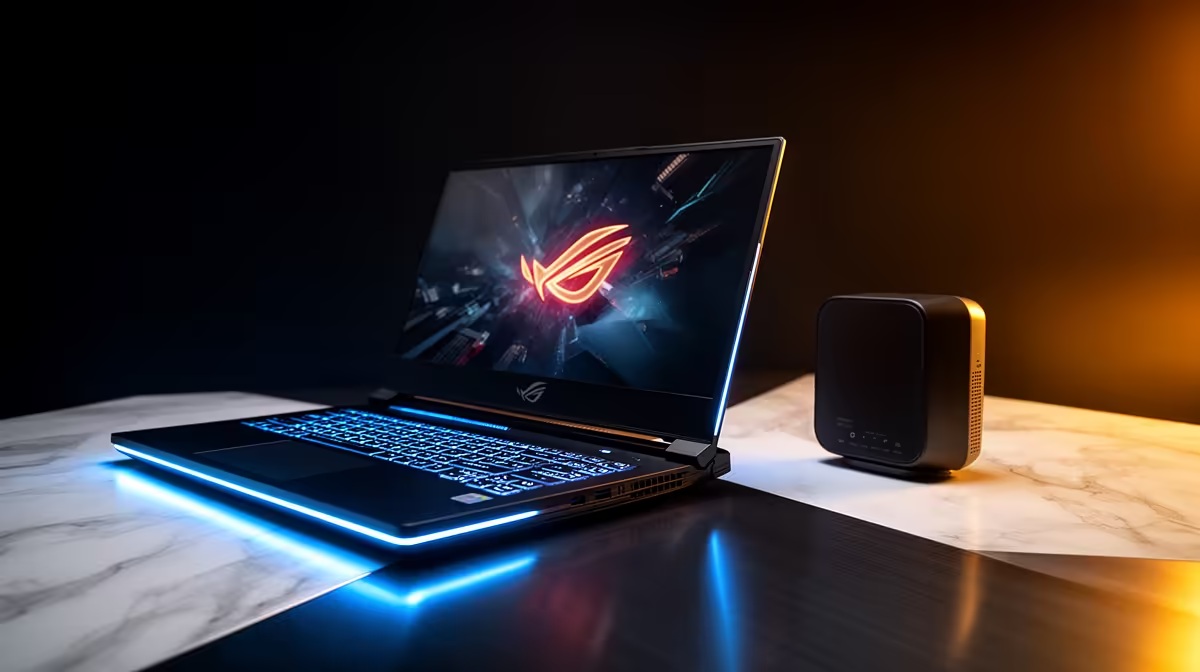
The lights go out, and with them, your Wi-Fi. 😩 That crucial ranked match, that important work deadline, that lekker stream… all gone in an instant. Your laptop might have battery life, but what good is it without a connection? It’s a uniquely South African frustration. But what if there was a simple, affordable way to keep both your laptop and router powered up, ensuring you stay online when it matters most?
Understanding Your Power Backup Needs
Before you grab the first power bank you see, let's get one thing straight: most standard power banks are designed for USB devices like your phone. They aren't built to handle the specific voltage and plug types your router or fibre box needs. What you're actually looking for is a dedicated laptop and router charging solution, often called a Mini UPS (Uninterruptible Power Supply). These nifty devices are built specifically to keep essential electronics running smoothly through power cuts.
A good Mini UPS acts as a bridge between the wall socket and your device. It stays charged and, the moment Eskom flips the switch, it instantly takes over with zero downtime. This means your game doesn't drop, your download doesn't fail, and your Zoom call continues without a single awkward freeze. For a complete overview of what’s available, you can explore a wide range of UPS options to see how they differ from standard power banks.
Finding the Perfect Laptop and Router Charging Solution
Choosing the right power backup for your router and laptop doesn't have to be complicated. The two most important factors are compatibility and capacity. Your router has a specific power requirement (usually printed on its underside or on the power adapter), so matching that is non-negotiable.
Next, consider how long you need it to last. A small unit might get you through a 2-hour Stage 2 outage, while a more powerful one can handle Stage 6 and beyond. Look for trusted manufacturers that deliver consistent performance when you need it most. Investing in reliable brands like Titan ensures your charging solution won't let you down mid-raid. 💪
Pro Tip: Check Your Volts! ⚡
Before you buy anything, check the power adapter for your router and or fibre box. Look for the output voltage (V) and amperage (A). Most routers use 9V or 12V. Your Mini UPS must match this output voltage exactly to work safely and effectively.
Affordable Power Solutions for Every Budget
Keeping the lights... and the Wi-Fi... on doesn't have to cost a fortune. The goal is to find a reliable charging solution that keeps your laptop and router online without emptying your wallet. You'd be surprised at the power and longevity you can get for a very reasonable price.
Forget thinking you need a massive, expensive inverter system just to keep your internet alive. A compact, efficient Mini UPS is often all you need. With a little searching, you can easily find excellent affordable UPS units under R1300 that provide hours of runtime for your essential devices. It's a small price to pay for uninterrupted productivity and play.
Ready to Improve Your Laptop? Stay Connected.**
Don't let power cuts dictate your online life. Equip yourself with a reliable laptop and router charging solution and keep your connection stable and strong. Shop our full range of UPS solutions at Evetech and never get disconnected again.