Diving into Laptop Audio Choices
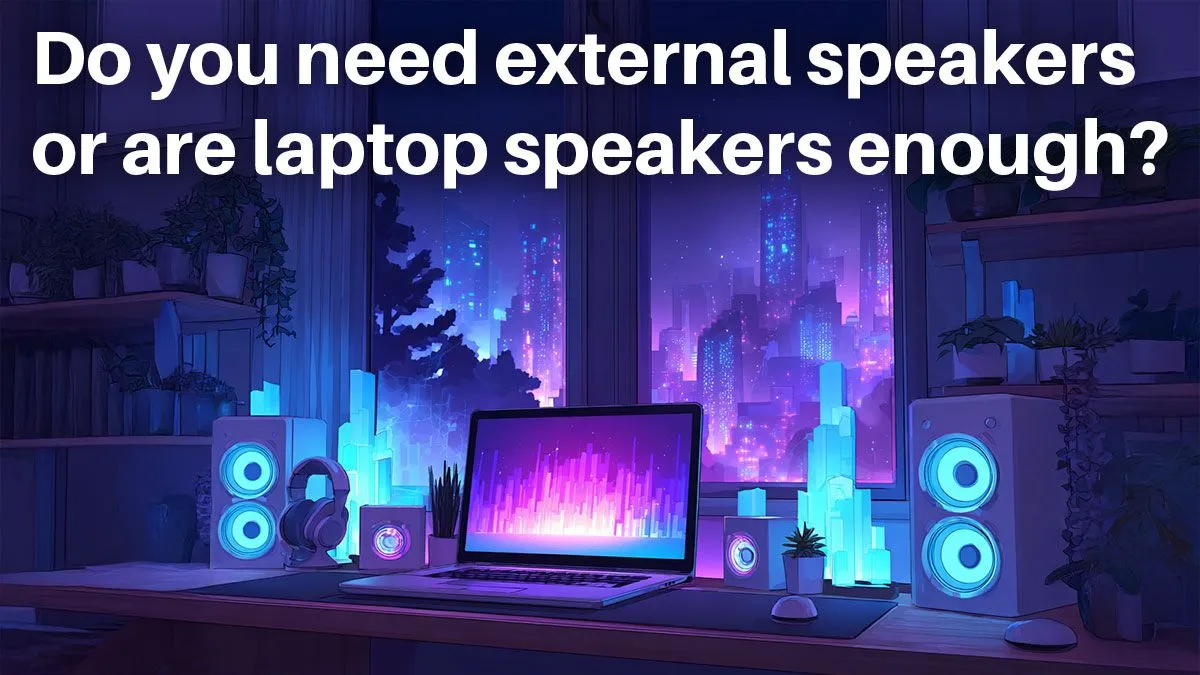
In South Africa's bustling tech scene, gamers from Cape Town to Durban often ponder their audio setups. With laptops evolving rapidly, the debate on built-in speakers versus external ones heats up, especially for immersive gaming or productive work sessions. This deep dive, timed for 2023's latest tech trends, answers key questions to help you decide. ⚡
Q&A: Laptop Speakers vs External Options
Q: What makes laptop speakers sufficient for everyday use?
A: Built-in laptop speakers handle casual tasks like video calls or streaming music well enough, offering convenience without extra gear. For South African users on a budget, they're optimised for portability, but audio quality varies by model.
Q: When do you really need external speakers?
A: If you're into serious gaming or content creation, external speakers provide richer sound and bass that laptop ones can't match. Think esports tournaments where every footstep counts... that's when upgrading makes sense.
Q: How do laptop speakers perform in gaming scenarios?
Q: Mentioned gear: Check out laptop specials for sale in South Africa for models with enhanced audio.
A: In fast-paced games, laptop speakers can deliver decent spatial audio, but they often lack depth. High-end options from Evetech shine here, citing their specs page for balanced output up to 80dB.
Q: Are there laptops with top-tier built-in audio?
A: Yes, some Intel-powered laptops boast advanced speakers with Dolby Atmos support. Mentioned gear: Explore Intel laptops on special for deals starting at R12,999 ZAR, perfect for crisp sound without extras.
Q: What about Ryzen laptops for audio quality?
A: Ryzen models often integrate well with multimedia, providing clear vocals and effects. Mentioned gear: Dive into Ryzen laptop deals for options under R15,000 ZAR that rival external setups.
Q: Do workstation laptops need external speakers?
A: For professional editing, built-in speakers might suffice for previews, but externals enhance precision. Mentioned gear: See workstation laptops tailored for heavy tasks with solid audio baselines.
Q: How do gaming laptops stack up audio-wise?
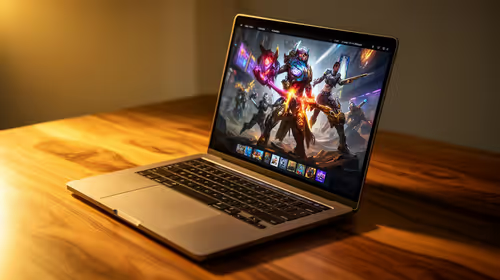
A: GeForce RTX laptops often feature superior speakers for immersive play. Mentioned gear: Grab GeForce RTX gaming laptops on special to experience next-level sound at competitive ZAR prices. 🚀
Q: Any tips for improving laptop audio without buying externals?
A: Adjust equaliser settings or use software like Equalizer APO for boosts. It's a quick fix for better clarity in any setup.
Audio Boost Hack
Position your laptop on a hard surface to amplify sound waves naturally... it can increase volume by up to 10% without extra cost. ✨
Key Takeaways
- Laptop speakers work for casual use, but externals elevate gaming and pro tasks.
- High-end models like those with RTX or Ryzen offer better built-in audio.
- Budget in ZAR: External speakers start at R500, while premium laptops save you the hassle.
- Always test audio in-store for South African conditions, like noisy environments. 🔧
Upgrade Your Audio Setup
Don't settle for mediocre sound when top laptops deliver immersive experiences right out of the box. Shop now at Evetech for deals that bring crystal-clear audio to your fingertips.