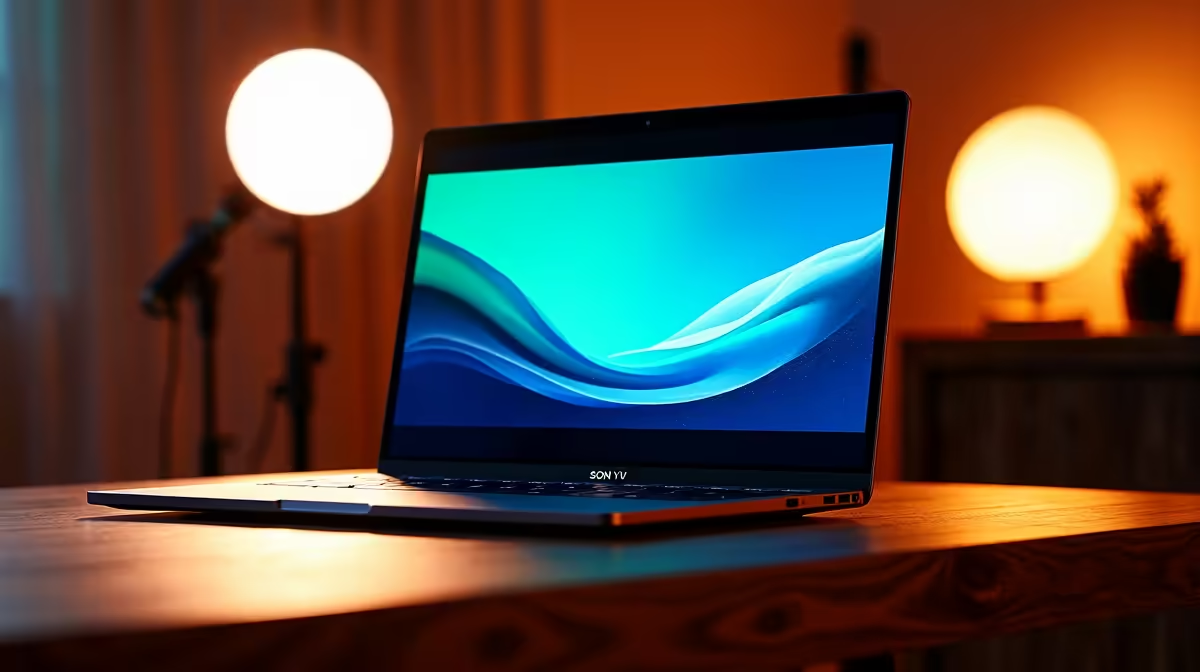
So, you've captured some epic gameplay or filmed the perfect vlog... but your laptop starts gasping for air the moment you open your editing software. We've all been there. Finding the right tool for the job is crucial, and that's why this beginner's guide to laptops for video editing in South Africa will help you cut through the noise and find a machine that can keep up with your creativity. Let's get you rendering! 🚀
Core Components for Video Editing Laptops
Before you even look at a price tag, you need to understand the engine under the hood. For video editing, four components are non-negotiable. Skimp on any of these, and you'll feel it in every stuttering playback and long export time.
### The CPU: Your Editing Engine
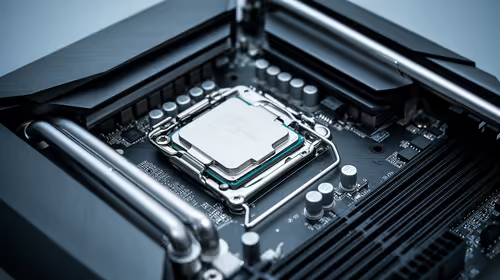
The Central Processing Unit (CPU) is the brain of your operation. It handles tasks like video decoding, encoding, and running the software itself. More cores and a higher clock speed mean smoother performance, especially when scrubbing through your timeline.
In the current market, you have two main choices. Laptops with powerful AMD laptops on special often excel at multi-threaded tasks (like rendering), making them a fantastic value proposition. On the other hand, many high-end Intel laptops on special offer incredible single-core performance, which can benefit certain effects and responsiveness within the editor. For 1080p editing, a modern Core i5 or Ryzen 5 will do. For 4K... you'll want a Core i7/i9 or a Ryzen 7/9.
### The GPU: The Visual Powerhouse ⚡
Your Graphics Processing Unit (GPU), or graphics card, isn't just for gaming. In video editing, it accelerates rendering, playback of high-resolution footage, and graphically intensive effects like colour grading and transitions. Software like DaVinci Resolve and Adobe Premiere Pro heavily relies on the GPU. A dedicated NVIDIA RTX or AMD Radeon GPU with at least 6GB of VRAM is a solid starting point for serious editing.
### RAM: Don't Let it Bottleneck You
Random Access Memory (RAM) is your laptop's short-term memory. Video editing eats it for breakfast. With too little RAM, your system will struggle to preview clips smoothly and multitask.
- 16GB: The absolute minimum for 1080p editing.
- 32GB: The sweet spot for smooth 4K editing and motion graphics.
- 64GB+: Ideal for professionals working with 6K/8K footage or complex visual effects.
### Storage: Speed is Everything
Your storage drive's speed directly impacts how quickly you can load your project, access media files, and render your final video. An NVMe Solid-State Drive (SSD) is essential. It's worlds faster than an old-school hard drive. A good strategy is to use a fast 1TB NVMe SSD for your operating system and software, and a second SSD or a fast external drive for your project files.
Editing Pro Tip ✨
If your laptop struggles with 4K footage, don't despair! Use proxies. Most editing software (like Premiere Pro and DaVinci Resolve) can create low-resolution "proxy" files for editing. This gives you super smooth timeline performance. When you're ready to export, the software automatically switches back to the original high-quality files for the final render.
Why a Gaming Laptop is Often Your Best Bet
It might sound counter-intuitive, but the search for the perfect video editing laptop often leads you straight to the gaming aisle. Why? Because the core requirements are almost identical: a powerful CPU, a top-tier dedicated GPU, lots of fast RAM, and excellent cooling systems to handle sustained workloads.
This means many of the best gaming laptop deals also happen to be fantastic video editing machines, often giving you more performance for your Rand than a specialised "creator" laptop. Plus, you get a high-refresh-rate screen, which makes everything feel incredibly smooth.
Finding the Right Editing Laptop for You
Choosing the best laptop for video editing in South Africa comes down to balancing your budget with your workflow. A beginner editing 1080p YouTube videos has very different needs from a professional shooting in 4K RAW.
Focus on the core four: CPU, GPU, RAM, and Storage. Get the most powerful combination your budget allows, and you'll have a reliable creative partner for years to come. Don't forget to check for a colour-accurate screen (look for 100% sRGB coverage) to ensure your final product looks exactly as you intended. 🎬
Ready to Find Your Perfect Match?
The best machine is the one that empowers your creativity without getting in the way. For maximum power, choice, and value in South Africa, a high-performance laptop is hard to beat. Explore our massive range of laptop specials and find the perfect machine to bring your vision to life.