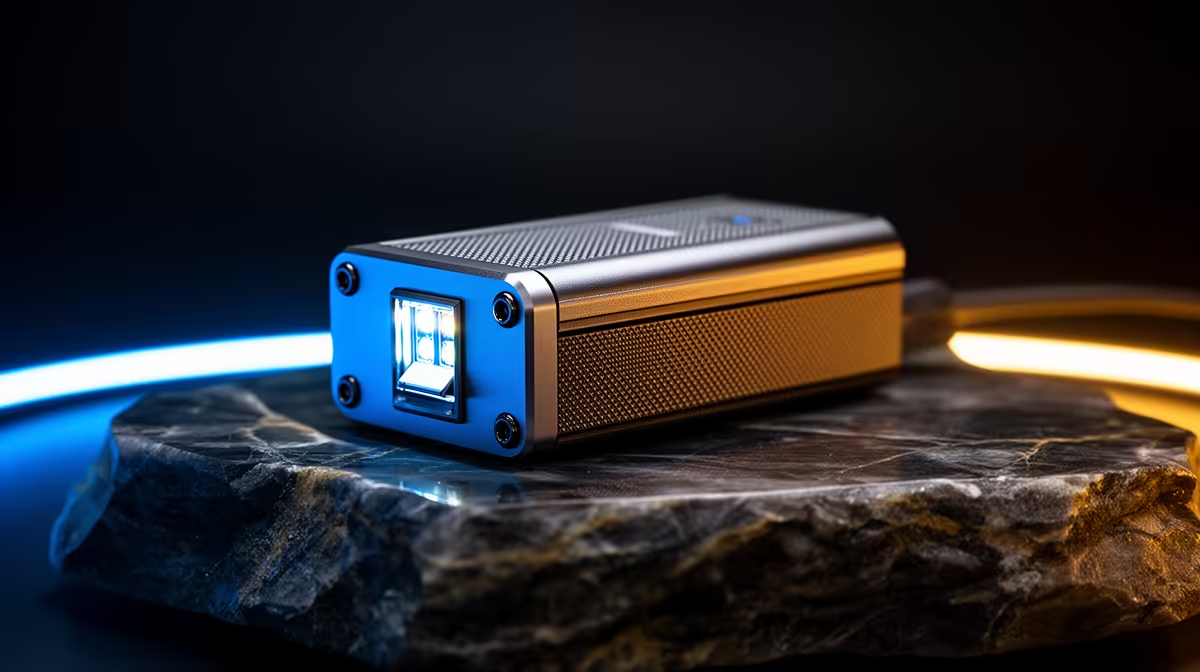
It’s midnight in Mzansi. The house is quiet, the connection should be perfect… but there it is. The dreaded lag spike that costs you the match. Your Wi-Fi signal is weaker than slap chips left out overnight. What's worse? The constant blinking from your network gear is throwing a rave in your dark room. It’s time to find the best LED toggle boosters for quiet nights and reclaim your late-night gaming sessions. 🚀
Why Your Wi-Fi Weakens During Quiet Hours
You’d think with less network traffic in the house, your connection would be flawless. But physical barriers don't sleep. Thick walls, metal appliances, and the simple distance to your router in the lounge can kill your signal, especially in a double-storey home. This is where a Wi-Fi booster, or range extender, becomes your most valuable squad mate. It grabs the existing signal from your router and rebroadcasts it, eliminating those frustrating dead zones where the Wi-Fi disappears completely.
A well-placed booster ensures a strong, stable connection reaches your console or PC, giving you the edge when every millisecond counts. You can explore a massive variety of powerful wireless range extenders designed to push that signal into every corner of your home.
The Secret Feature: Finding Boosters for True Quiet Nights 🤫
Here’s a pro-level secret that most people overlook: the lights. A great gaming environment is all about immersion, and a blinking green or blue light can be seriously distracting. This is where the concept of an LED toggle booster comes in. While it's not an official product category, many modern network boosters include a "stealth mode" or a physical button to turn off the status LEDs.
This feature is perfect for gear in a bedroom or a dedicated gaming den, giving you a visually "quiet" environment to match the silence of the house. When shopping, look for features like "LED Control" or "Night Mode" in the specifications. These are the best boosters for quiet nights, delivering performance without the light pollution. You can browse our full range of wireless networking solutions to find one with the features you need.
Pro Tip: Placement is Everything
Don't place your Wi-Fi booster in the dead zone. For best results, position it roughly halfway between your main router and the area with a weak signal. It needs to receive a decent signal to be able to amplify it effectively.
Is Your Core Network Setup Strong Enough?
A booster can only amplify the signal it receives. If your main router is old or underpowered, you're just boosting a weak signal. Think of it like this: you can't win a race with a flat tyre, no matter how much you polish the car. Sometimes, the best first step is upgrading to one of our top-tier wireless routers. A modern router provides a stronger, more stable foundation for your entire home network. ⚡
For desktop PC gamers who can't run a physical LAN cable, the final piece of the puzzle is the receiver. The built-in Wi-Fi on a motherboard can be average. Investing in a high-gain wireless adapter, especially one with an external antenna, can dramatically improve the speed and stability of your connection.
Banish Buffering & Blinking Lights
Stop letting a weak signal and distracting LEDs ruin your focus. Find the perfect network upgrade from our massive selection of gear and enjoy smooth, uninterrupted gaming. Shop our wireless networking range at Evetech for performance that leaves lag in the dust.