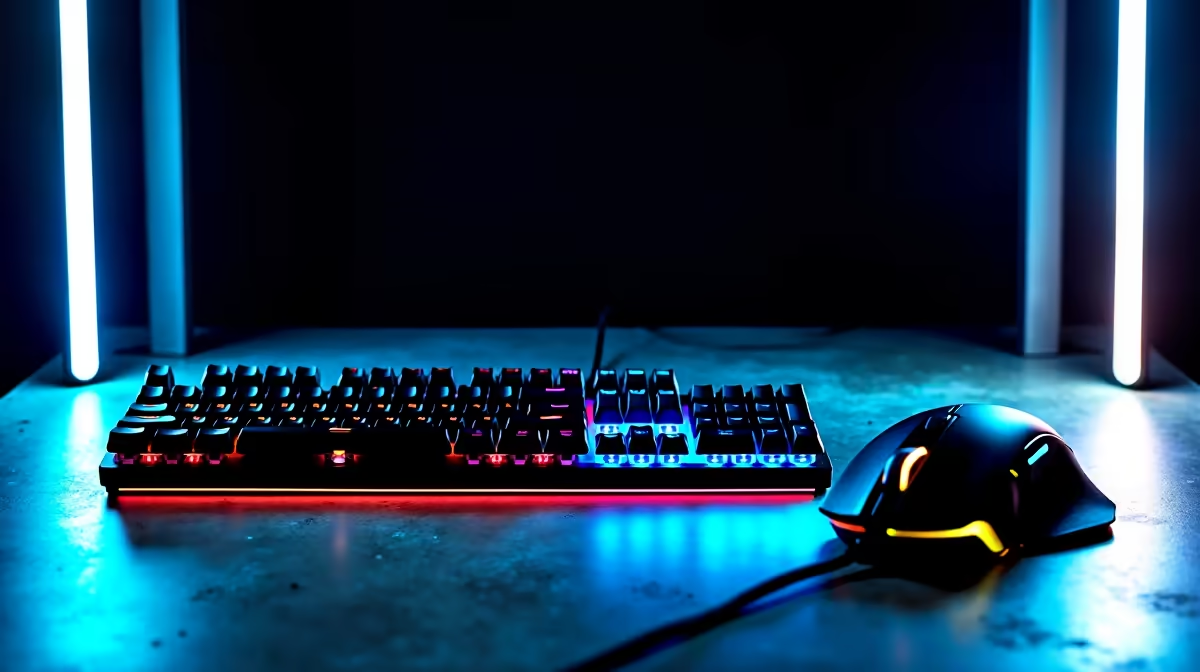
You've spent your hard-earned ZAR on a sweet gaming setup. But after a few intense sessions, that crisp new gear can start looking… well, loved. A sticky mouse button or a grimy keyboard doesn't just look bad; it can cost you a match. The good news? Our affordable gaming accessories maintenance guide is here to show you how a few minutes of care can keep your equipment feeling box-fresh and responsive for years. 🚀
Keep Your Peripherals Clean: A Simple Gaming Accessories Maintenance Routine 🔧
Your keyboard and mouse are your primary connection to the game. They take a beating from sweat, snacks, and thousands of clicks. Keeping them clean isn't just about hygiene; it's about performance.
For Your Keyboard:
Start by unplugging it. Turn it upside down and give it a gentle shake to dislodge loose crumbs and dust. For a deeper clean, use a can of compressed air to blast out debris from under the keys. Finally, wipe the keycaps and frame with a slightly damp microfibre cloth. For stubborn grime, a little isopropyl alcohol on the cloth works wonders.
For Your Mouse:
Unplug your mouse and use an alcohol wipe to clean the shell, buttons, and scroll wheel. Pay special attention to the sensor underneath. A tiny speck of dust here can cause major tracking issues, so a quick, gentle puff of compressed air will clear it out.
Regularly following this simple maintenance for your affordable gaming accessories ensures they last longer, saving you money for the next big upgrade. Sometimes, you can find incredible gaming accessories deals that make adding a new piece of kit to your setup irresistible.
Maintaining Your Headset and Mousepad for Peak Performance 🎧
Don't neglect your audio and your surface! A dirty headset or mousepad can ruin your immersion and accuracy. Proper care is a cornerstone of any good gaming accessories maintenance plan.
Your Headset:
Wipe down the headband and any plastic parts with a damp cloth. For earpads, the method depends on the material. Fabric pads can often be removed and hand-washed with a little soap and water (always check the manufacturer's guide first!). For leatherette pads, a simple wipe-down is best to prevent the material from cracking over time.
Cable Care 101
Don't yank your cables! To prevent internal wire damage, always pull from the hard plastic connector, not the cord itself. Use a cheap velcro strap to bundle excess cable length. This simple habit can double the lifespan of your wired gear.
Your Mousepad:
A clean mousepad provides a consistent, smooth glide essential for accurate aim. For most cloth pads, a simple hand wash in the sink with lukewarm water and a bit of dish soap is all it takes. Lather it gently, rinse thoroughly, and let it air dry completely before use. A clean surface makes a world of difference.
If you're looking to build a complete, cohesive setup, you can explore our gaming accessories to find everything you need in one place.