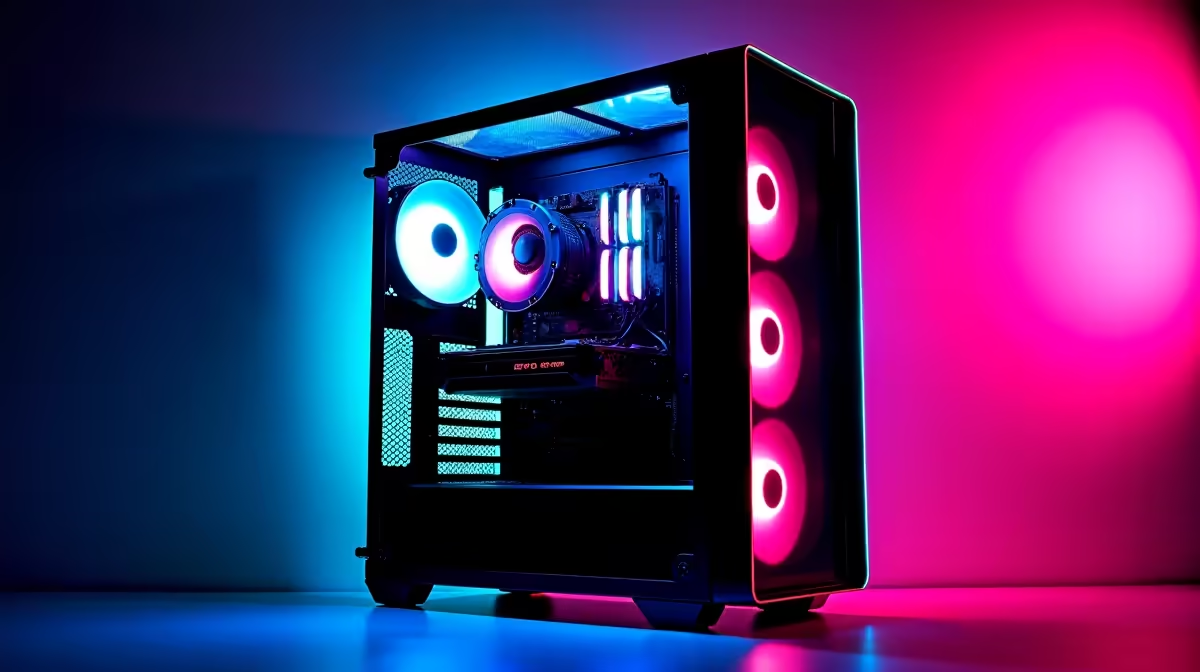
Keeping Your Gaming Rig in Top Shape
In the fast-paced world of South African gaming, where titles like Apex Legends and Valorant demand peak performance, maintaining your PC is crucial. Whether you're a Jozi esports hopeful or a Cape Town casual, regular upkeep ensures smooth gameplay without costly breakdowns. This Q&A deep dive explores essential tips to optimise your setup for longevity and speed ⚡.
Q: Why is regular maintenance important for a gaming PC?
A: Dust buildup and thermal throttling can slash your FPS by up to 20%. In South Africa's humid climates, neglecting this leads to overheating, shortening component life. Clean your rig every three months to keep it running cool and efficient.
Q: How do I clean dust from my PC without damaging parts?
A: Power off, unplug, and use compressed air to blast dust from fans and heatsinks. Avoid vacuum cleaners to prevent static damage. For deeper cleans, consider professional services, especially if you're eyeing upgrades like those in our all Intel PC deals starting from R10,000.
Q: What's the best way to manage cable clutter inside the case?
A: Tidy cables improve airflow, reducing temps by 5-10°C. Use zip ties and route them behind the motherboard tray. If building anew, check our all AMD Ryzen PC deals for pre-optimised setups under R15,000 that prioritise neat internals.
Q: How often should I update drivers and software?
A: Monthly checks for GPU drivers from NVIDIA or AMD can boost performance by 10%. Use tools like GeForce Experience. Pair this with hardware from our NVIDIA GeForce gaming PCs or buy AMD Radeon gaming PCs South Africa sections for seamless compatibility.
Q: Can thermal paste replacement really make a difference?
A: Yes, fresh paste every 1-2 years drops CPU temps by 5-15°C, preventing throttling. Apply a pea-sized amount evenly. For high-end builds, explore our pre-built PC deals with factory-applied premium paste.
Q: How do I monitor and optimise PC temperatures?
A: Use software like HWMonitor to track temps; aim for under 80°C under load. Adjust fan curves in BIOS. Budget-conscious gamers might love our budget gaming PCs with efficient cooling from R8,000.
Q: What about preventing hardware failures through maintenance?
A: Regular stress tests with tools like Prime95 spot issues early. Keep your PSU dust-free to avoid power surges. Dive into our best gaming PC deals for reliable components that stand up to South African power fluctuations.
Q: Should I upgrade components as part of maintenance?
A: If your rig lags, upgrading RAM to DDR5 can future-proof it. Our buy DDR5 gaming PCs South Africa start at R12,000. For value, see buy PCs under R20k or splurge on buy PCs above R20k. Even pros might opt for workstation PCs for heavy multitasking 🔧.
Quick Cooling Hack
Lower your GPU fan curve by 5% in MSI Afterburner to drop temps by 2-3°C... quieter operation without losing frames in intense sessions.
Key Takeaways
- Clean dust quarterly to maintain airflow and prevent overheating 🚀.
- Update drivers monthly for optimal performance gains.
- Monitor temps and replace thermal paste biennially for peak efficiency.
- Tidy cables and stress-test hardware to avoid failures.
- Consider upgrades like DDR5 for long-term speed boosts.
Ready to Level Up Your Rig?
Don't let dust and outdated drivers hold you back from victory royales. Shop now at Evetech for performance that leaves lag in the dust.