



How to Use a Nano SIM 4G Router for Reliable Home Internet
Master using a Nano SIM 4G router as your primary internet solution. Get stable speeds and seamless connectivity for gaming and streaming at home! 🌐🚀
Read moreDeciding between mesh WiFi vs extender for load shedding? This guide compares both systems on power usage, recovery time, and stability to keep you online during outages. Find the ultimate solution for uninterrupted connectivity in South Africa. 💻⚡
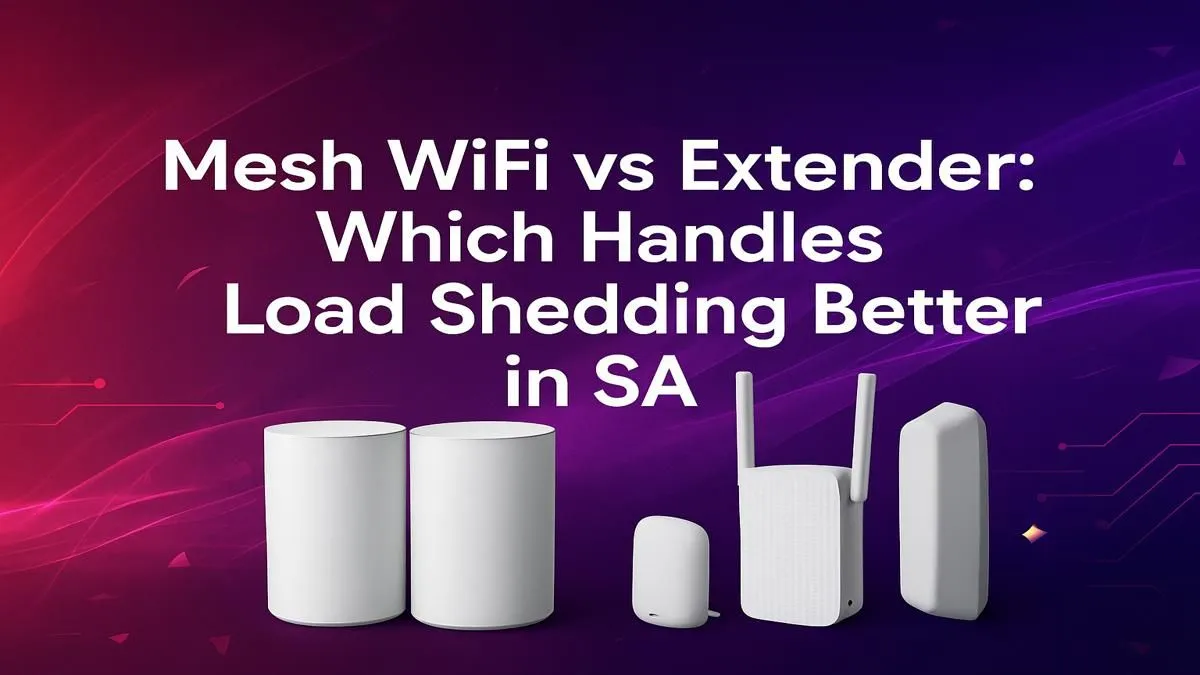
Load shedding strikes again. The lights are off, but your trusty mini-UPS is keeping your fibre router alive. You head to your room for a ranked match, but… nothing. The WiFi signal is weaker than a Monday morning coffee. This is where the great home network debate begins: Mesh WiFi vs Extender. For South African homes plagued by constant power cuts, choosing the right one isn't just about speed; it's about survival and staying connected when it matters most. ⚡
Think of a WiFi extender, or repeater, as a simple signal booster. It captures the existing WiFi signal from your router and rebroadcasts it to cover a specific dead zone, like a far bedroom or the braai area.
It’s a straightforward, often budget-friendly fix for a single problem area. You plug it in, connect it to your main network, and you're mostly good to go. However, this simplicity comes with a few catches. An extender typically creates a new network name (like "MyWiFi_EXT") and can cut your potential internet speed in half for devices connected to it. During load shedding, they can also be slow to reconnect properly once the power returns, sometimes requiring a manual reset. For a quick fix in a small flat, you can browse a variety of WiFi range extenders to see what fits your space.
A Mesh WiFi system is a far more intelligent solution. Instead of one device trying to shout louder, a mesh system uses a team of "nodes" that you place around your home. The main node connects to your modem, and the other satellite nodes communicate with each other to create a single, seamless, and powerful WiFi network under one name. 📶
Your phone, laptop, or console will automatically connect to the strongest node as you move around the house, with no drop-offs or manual network switching. It functions more like the modern wireless routers you might be familiar with, but with a distributed, team-based approach to coverage. This is the key difference when comparing a mesh WiFi vs extender setup; one is a patch, the other is a complete upgrade.
Powering just your main router isn't enough for a mesh system. For seamless recovery after an outage, connect your main router AND your primary mesh node (the one connected via Ethernet) to a mini-UPS. This allows the whole system to re-establish its connection map instantly when the power returns.
So, which system handles Eskom's unpredictable schedule better? Let's break it down.
When the power flicks back on, a mesh system is designed to be self-healing. The nodes quickly talk to each other, figure out the best connection paths, and restore your network's integrity within a minute or two. An extender, on the other hand, can be a bit finicky. It might struggle to find the main router's signal again, leading to frustrating manual reboots just as your game is about to start.
An extender is a bottleneck by design. It repeats a signal that is already weaker than at the source. A mesh system ensures you get more consistent speeds across a much larger area. For a family with multiple devices streaming, gaming, and working online, the choice between an extender or mesh WiFi becomes clear. The mesh system manages traffic intelligently, preventing one person's 4K Netflix stream from wrecking another's ping in Valorant.
So, how do you decide in the mesh WiFi vs extender battle for your South African home? It comes down to your specific needs and frustrations.
Ultimately, a robust home network is built from several quality components. Even the best signal won't help a desktop PC without a decent receiver, so make sure you have one of the latest wireless adapters for your PC to take full advantage of your improved network. If you're ready to overhaul your entire setup, you can explore our full range of complete wireless networking solutions to build your perfect, load shedding-proof system.
Ready to Banish Buffering for Good? Whether it's a mesh system for total home domination or an extender for that one tricky spot, a stable connection is non-negotiable. Explore Evetech's full range of networking gear and build a network that load shedding can't beat.
To power a mesh WiFi system during load shedding, connect the main router and all satellite nodes to a Mini-UPS or a larger UPS (Uninterruptible Power Supply).
Generally, yes. A mesh system on a UPS provides seamless network recovery. Extenders can struggle to reconnect properly after a power cycle, causing more downtime.
No, a WiFi extender requires constant power to function. To use it during load shedding, it must be connected to a power backup solution like a Mini-UPS.
The best WiFi setup for load shedding is a mesh network paired with a reliable UPS. This ensures all nodes stay powered for stable, house-wide coverage.
A typical mesh system consumes 15-30 watts. A small Mini-UPS for each node or a single 650VA UPS can power the entire system through a 2-4 hour outage.
WiFi extenders are generally low-power devices, consuming between 5 to 10 watts. A small, dedicated Mini-UPS is usually sufficient to keep one running.
Master using a Nano SIM 4G router as your primary internet solution. Get stable speeds and seamless connectivity for gaming and streaming at home! 🌐🚀
Read more
Confused by Cat4 vs Cat6 LTE routers? 🌐 We break down the technical differences to help you choose the right router for faster gaming and streaming. Get the speed you deserve today! 🚀
Read more
Learn how to setup a VPN server on your 4G LTE router to secure your remote access. Protect your data and browse safely from anywhere with our easy guide! 🌐🔐
Read more
Choosing the best 4G LTE router for South Africa ensures reliable internet when fibre is unavailable. Discover top connectivity tips for rural and urban areas. 🌐📶
Read more
Discover what is passive PoE and how it streamlines outdoor router installations. Eliminate messy cabling and simplify your network setup with this efficient power delivery method. ⚡🌐
Read more
Need to extend internet coverage to outbuildings or farms? 📡 An outdoor 4G router is the ultimate solution for stable, high-speed connectivity in remote locations. Discover how to boost your range and stay connected anywhere on your property. 🌐
Read more
Wondering if a TKL wireless mechanical keyboard is worth it for everyday productivity? We break down latency, battery life, comfort, and workflow gains for real work. ⚡⌨️

Maximise battery life on a fanless 15-inch laptop using efficiency core architecture. Cut idle drain, tune power profiles, and improve thermals for longer runtime. 🔋⚙️

Learn how to reduce desk clutter with a TKL wireless keyboard using fewer cables, smart placement, and tidy essentials. Get a faster, calmer workspace with better ergonomics. ✅🧼

RGB keyboard lighting too distracting? Learn how to manage backlight modes, set brightness, and reduce distraction for focus and productivity 😌🖱️

Are themed gaming keyboards worth the extra cost? Compare build quality, switch options, features, and resale value to find the best fit for your setup 🎮⌨️

Full-Size vs Tenkeyless mechanical keyboards for gaming: find out if a smaller layout truly improves aim, speed, and comfort. We break down layout, desk space, latency-feel, and keybinds 🎮⌨️

Dedicated media rollers vs function key shortcuts: learn which setup gives you better workflow control, faster media access, and fewer mistakes. 🖱️🎧

Best Mechanical Switch Type for Gaming: Clicky vs Linear vs Tactile. Find your feel, speed, and noise balance with practical guidance for FPS, MOBA, and productivity 😄🎮

Direct mouse answer: Mouse not keeping up with your work? Everything that matters about dual-mode 2.4GHz + BT 5.0: DPI behaviour, channel switching, battery curves and per-app button mapping. Covers when 2.4GHz USB wins (low-latency desk) and when BT 5.0 wins (laptop, d

Plain wireless mouse guide: Mouse not keeping up with your work? Everything that matters about wireless productivity mouse: DPI behaviour, channel switching, battery curves and per-app button mapping. Includes DPI tuning tips, channel switch shortcuts, and ZAR-aware fea

Real productivity numbers: Set up your wireless mouse in this order: everything that matters about wireless productivity mouse: DPI behaviour, channel switching, battery curves and per-app button mapping. Includes DPI tuning tips, channel switch shortcuts, and ZAR-aware

Pen not feeling like paper? Stylus lag and skipping usually trace to old drivers, dirty nibs, or display refresh mismatches, not the pen itself. Covers pressure curve tuning, tilt thresholds, nib swap timing, and SA pricing brackets.