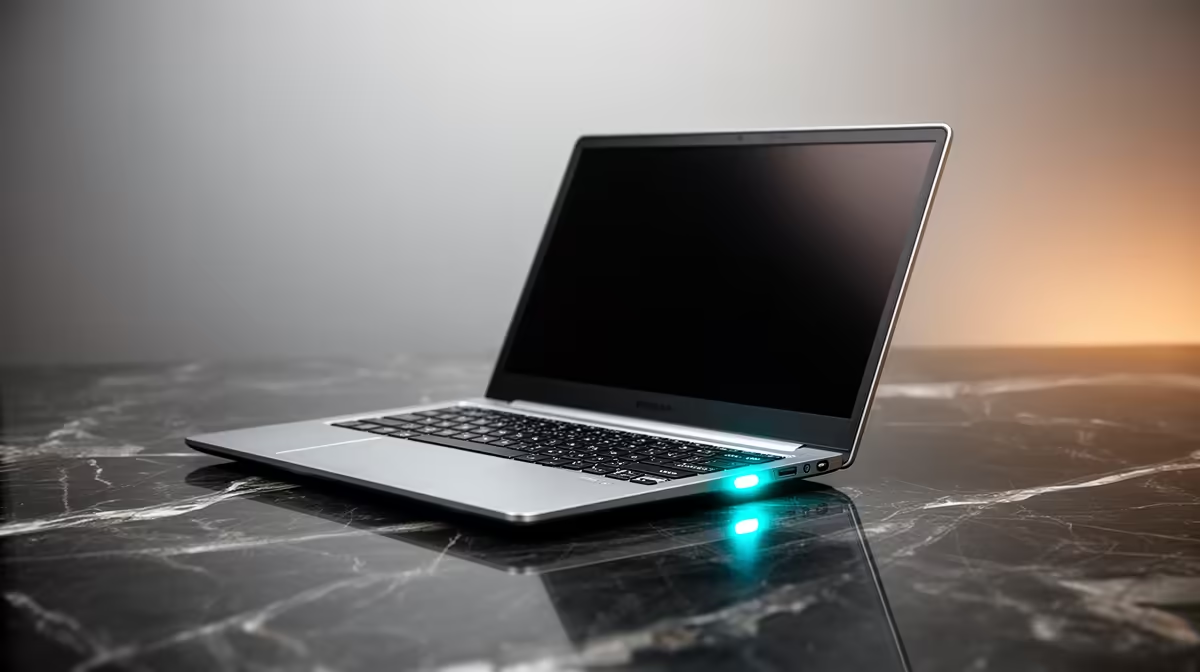
The Silent Guardian: Why Mic Mute LEDs are Crucial for Student Laptops
Stuck in a remote lecture, mid-group project, or just having a private chat, ever wondered if your laptop mic is truly off? In South Africa's bustling student life, privacy isn't just a luxury; it's a necessity. That little light beside your microphone, the mic mute LED on student laptops, is more than just a status indicator—it's your silent guardian. It offers instant peace of mind, ensuring your private conversations stay private and your online presence is always under your control. Let's dive into why this often-overlooked feature is a game-changer for student laptops.
In today's hybrid learning environment, where lectures shift from campus to Zoom in a heartbeat, knowing your microphone status is paramount. Imagine sharing a casual comment with a housemate, only to realise your entire online tutorial heard it. Awkward, right? A dedicated microphone mute indicator eliminates that uncertainty, giving you a clear visual cue that your audio input is off. It's about control, confidence, and avoiding those "oops" moments that can disrupt your focus.
Understanding Your Laptop's Microphone Mute Indicator
So, what exactly does this little light do? The mic mute LED is a hardware indicator, usually built directly into the laptop's chassis or integrated into a function key. When you press the mute button (often F4 or F5, sometimes with a microphone icon), this light illuminates, confirming your microphone is disengaged at a hardware level. This is more robust than a software-only mute, which can sometimes be bypassed or glitch, leaving your audio exposed without you knowing.
Consider a typical student scenario: you're collaborating on a group project via Microsoft Teams, then quickly jump to a YouTube tutorial. With a reliable mic mute light, you can be sure your background chatter isn't bleeding into your academic work or, worse, being recorded without your consent. It’s a small detail that makes a massive difference in maintaining digital boundaries. For students juggling multiple apps and tabs, this visual assurance is invaluable.
Quick Privacy Check
Always check your laptop's physical mic mute LED and the software indicator within your communication app (Zoom, Teams, etc.) to double-confirm your microphone is off. Some apps might show 'muted' even if the hardware isn't, or vice-versa.
Beyond the Light: Essential Privacy Features for Student Tech ✨
While the privacy LED on laptops for microphones is a fantastic starting point, modern student laptops often pack a suite of features designed to protect your digital space. Look out for integrated webcam privacy shutters, which physically block the camera lens when not in use. Some models even offer dedicated physical kill switches for both the microphone and webcam, providing an extra layer of security. These features, combined with a clear mic mute LED, create a fortress around your personal space.
When browsing for your next academic companion, don't just focus on processing power and RAM. Consider the full privacy package. Evetech offers a wide range of laptops with these integrated security features, ensuring students can study, collaborate, and relax with complete peace of mind. Whether you're after a slim ultrabook for lectures or a powerhouse for demanding coursework, you’ll find options that prioritise your digital safety. Check out some of our current laptop specials for sale in South Africa to see what's available.
Choosing the Ideal Laptop: Performance, Privacy, and Value for SA Students 🚀
Selecting the right laptop for student life in South Africa involves balancing performance, portability, battery life, and—increasingly—robust privacy features. A powerful processor like those found in AMD laptops on special can handle intensive tasks, while an efficient Intel laptop on special might offer better battery life for long study sessions. Regardless of your chosen platform, ensure it includes essential features like a visible mic mute LED for ultimate peace of mind.
Even if you're a student who enjoys a bit of gaming after lectures, you don't have to compromise on privacy. Many of the best gaming laptop deals at Evetech now incorporate these crucial privacy features alongside their powerful graphics cards and high refresh rate displays. So, whether you're battling dragons or acing your next presentation, you can do it knowing your personal space is secure. Investing in a laptop with these features isn't just about convenience; it's about smart, secure computing for the modern student.
Ready for Secure Study?
Don't compromise on your privacy or performance. Explore Evetech's extensive range of student-friendly laptops, all designed to keep you connected, productive, and secure. Shop now at Evetech for tech that empowers your academic journey.