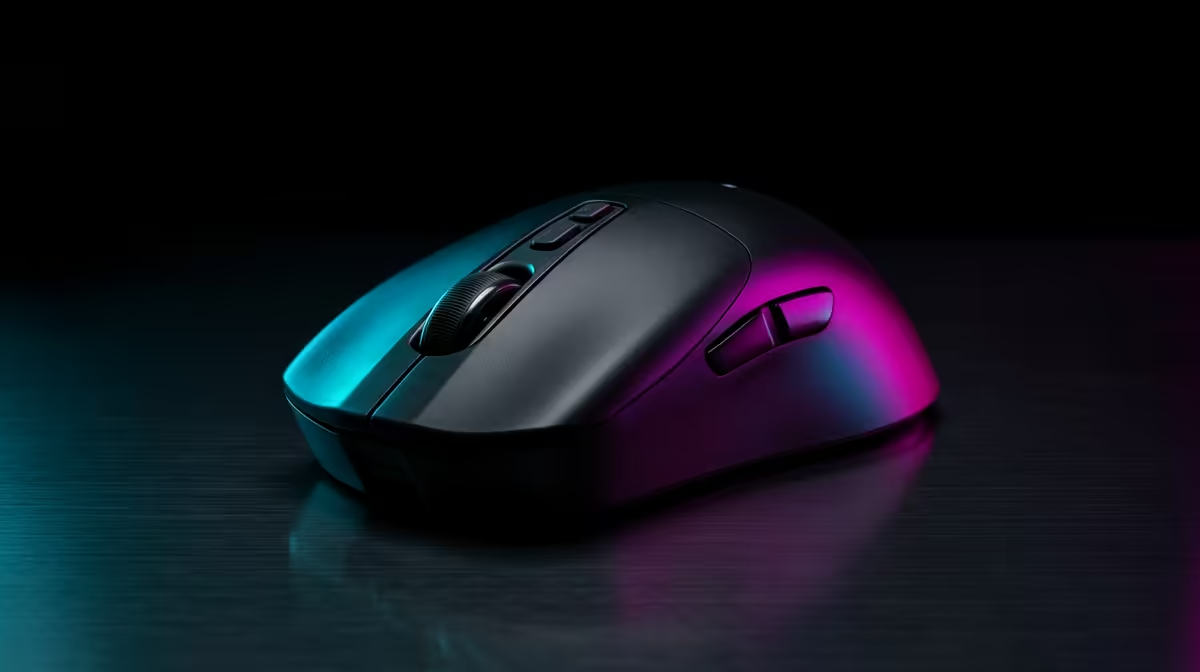
A mouse decision tree should begin with grip style and hand size, because the most premium sensor in the world feels wrong in a shape that fights your hand.
Quick Answer
Choose a gaming mouse by grip and weight first, then sensor. Palm-grip players favour larger ergonomic shells; claw and fingertip players want lighter, smaller bodies. Quality options in SA range from about R600 for capable wired mice to R2,500 for flagship wireless models under 60g.
Working Through The Tree
Branch one is grip style and hand size, which dictate shape. Branch two is weight; competitive players increasingly choose sub-65g wireless mice for faster flicks, while comfort-led users may not mind a heavier body. Branch three is connection: modern wireless is effectively lag-free, but wired remains the cheapest zero-doubt option.
Sensor specs sit near the end of the tree. Almost every current mid-range sensor exceeds what human aim can exploit, so do not let a huge DPI number drive the choice.
Weight And Wireless In Practice
A lighter mouse reduces fatigue in long sessions and speeds repeated flick shots. Wireless at this tier adds convenience without meaningful latency, though it costs more. Match the shape to your hand first; everything else is secondary tuning.
FAQ
Does mouse weight really affect my aim?
For flick-heavy games, a lighter mouse can improve speed and reduce fatigue. For slower, comfort-led play the difference is smaller.
Is wireless gaming mouse latency a problem now?
No. Current wireless gaming mice are effectively as responsive as wired. The trade is price and occasional charging.
How much DPI do I actually need?
Most players use well under 3,200 DPI in practice. Any current sensor far exceeds real-world needs, so ignore inflated headline numbers.
Identify your grip style and hand size first, then shortlist mice by weight and shape before comparing sensors.