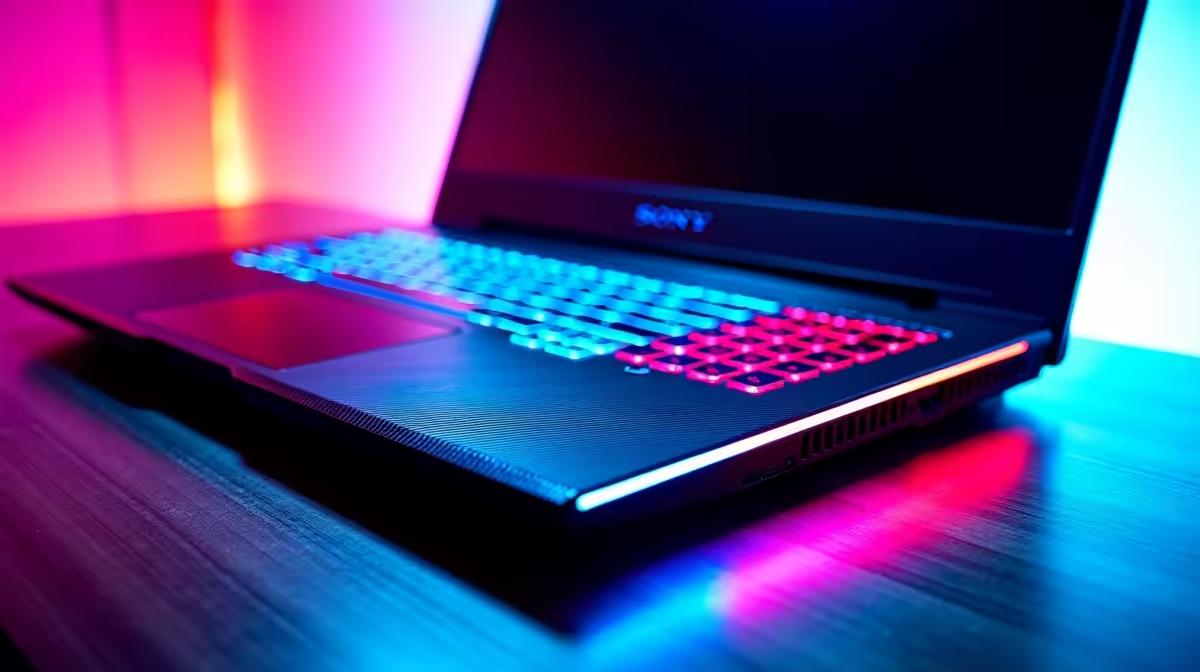
You’ve dropped some serious ZAR on a beautiful MSI gaming laptop. The RGB is perfect, the screen is buttery smooth, and it handles the latest titles without breaking a sweat. But six months down the line, are you noticing higher temps or hearing the fans work a little too hard? Proper MSI gaming laptop maintenance isn't just a chore; it's the secret to keeping your machine running at peak performance for years to come, protecting your investment.
The Foundations: Physical MSI Laptop Care 🔧
South African dust is a real challenge. It gets everywhere and is the number one enemy of your laptop's cooling system. Consistent physical maintenance is your first line of defence against thermal throttling and performance dips.
Clearing the Vents & Fans
Your laptop breathes through its vents. When they get clogged, it suffocates.
- Power Down Completely: Shut down the laptop and unplug it from the charger.
- Use Compressed Air: Grab a can of compressed air. Holding it upright, use short, controlled bursts to blow dust out of the intake and exhaust vents. Never blow air directly into the fan to avoid over-spinning and damaging it.
- Wipe Down the Chassis: Use a microfibre cloth slightly dampened with water (or an appropriate electronics cleaner) to wipe down the exterior. Keep liquids far away from any ports or openings.
Screen and Keyboard Hygiene
A clean screen and keyboard just feel better to use. Fingerprint oils and crumbs can build up quickly. For the screen, use a dedicated screen cleaner and a clean microfibre cloth. For the keyboard, turn the laptop upside down and gently tap to dislodge debris, then use compressed air for anything stubborn.
Battery Health Pro Tip 🔋
Don't leave your MSI laptop plugged in 24 7. Use the MSI Center software to set a battery charge limit (like 60% or 80%) if you're mostly gaming at your desk. This simple step can significantly extend your battery's long-term lifespan and health.
Digital Deep Clean: Optimising Your Software
Great hardware is only half the battle. Keeping your software lean and updated is crucial for smooth gameplay. This aspect of MSI gaming laptop maintenance is just as important as dusting out the fans.
Start by uninstalling bloatware or any programs you no longer use. Then, focus on your drivers. Outdated graphics drivers from NVIDIA or AMD are a common cause of poor performance. Use GeForce Experience or AMD Software to keep them fresh.
Equally important is keeping your system's brain, the BIOS and various controllers, updated. High-performance machines like the MSI Raider GE series often receive performance-tuning updates directly from MSI, accessible via their website or the MSI Center app.
Advanced Maintenance: When to Go Further
For most users, the steps above are more than enough. However, after a couple of years of heavy use, even a top-tier rig might need a little more TLC. If you're confident with electronics, you might consider opening the back panel for a more thorough internal clean.
This is also where tasks like repasting the CPU and GPU with fresh thermal compound come in. Warning: This is an advanced procedure that can void your warranty and potentially damage your device if done incorrectly. For most people, especially those with a prized MSI Vector GP laptop, it's safer to have a professional handle this.
Knowing When It's Time for an Upgrade 🚀
Proper maintenance can dramatically extend the life of your machine. But technology moves fast. If you've cleaned your laptop, optimised your software, and you're still struggling to hit stable frame rates in new games, it might be a sign that your hardware is finally showing its age. No amount of maintenance can make a GTX 1650 run Alan Wake 2 on ultra settings.
When the cost and effort of maintenance or component upgrades start to outweigh the benefits, it's time to look at what the next generation has to offer.
Ready for a New Beast?
Keeping your current rig in top shape is smart, but when it's time to level up, nothing beats that new-laptop feeling. Explore the latest range of MSI gaming laptops at Evetech and find the perfect machine to dominate the next generation of gaming.