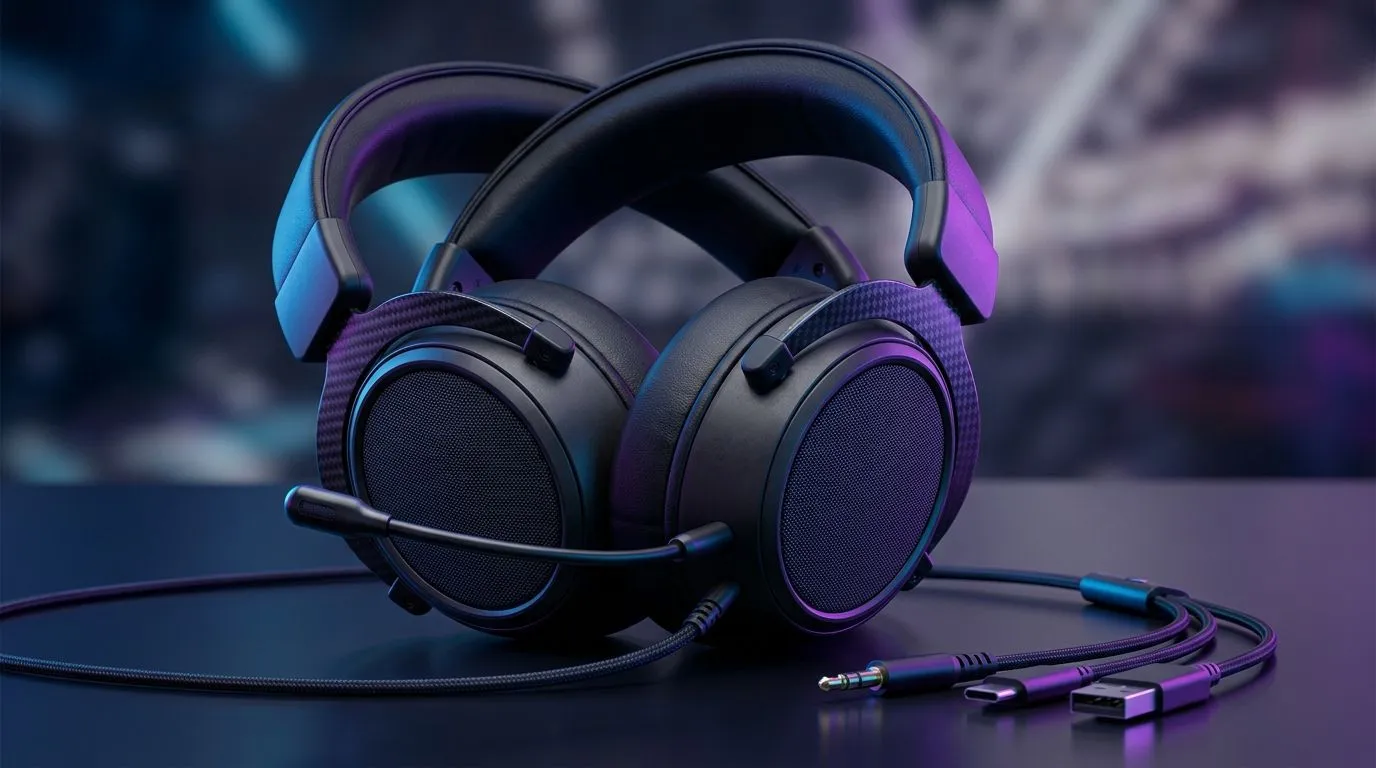
Multi-Platform Compatible Gaming Headsets Explained: Why Your Setup Matters
If you hop between a PC after work, a console on weekends, and maybe even a phone on the road… your headset shouldn’t feel like it needs to be replaced every time. In South Africa, that’s extra painful when budgets are tight and load-shedding timing can turn “quick gaming” into “setup stress”. ⚡
Multi-platform compatible gaming headsets aren’t just about “it works everywhere”. They’re about stable audio, clean mic pickup, and the right connection type for each platform. Let’s break down what to look for, how to avoid common traps, and which features actually matter.
Multi-Platform Compatible Gaming Headsets Explained: What “Compatible” Really Means
When a headset is multi-platform compatible, it usually supports one or more of these connection paths:
Wired 3.5mm (The most reliable route) 🔧
If your headset has a 3.5mm analog cable, compatibility is straightforward: PC, most consoles (with the right controller/adapter), and handheld devices with a 3.5mm port tend to work with minimal hassle. The upside is low latency and consistent audio. The downside? You might lose surround features that require software or digital processing.
USB (Digital audio, platform-specific behaviour)
Some headsets use USB for audio and mic. On PC, USB headsets often include drivers for surround and EQ. On consoles, USB support can vary by model and sometimes by controller generation.
Wireless 2.4GHz dongle (Great range… with a catch)
2.4GHz dongles are popular because they can keep audio stable with low delay. But many headsets ship with a dongle that plugs into a specific device type, meaning you may need to switch connections when you move between PC and console.
Bluetooth (Convenient for phones, not ideal for gaming)
Bluetooth is handy for calls and mobile games. For competitive play, Bluetooth can add latency. Some modern headsets reduce this, but the safest “no surprises” choice is still a wired or 2.4GHz setup.
Multi-Platform Compatible Gaming Headsets Explained: Feature Checklist That Saves Money
Before you buy, check these essentials. They’re the difference between “wow” and “why does it sound tinny?” ✨
Mic clarity that doesn’t fall apart
Look for headsets that advertise a noise-reduction or clear-mic design. Also consider whether the mic is detachable or fixed. Detachable mics often make it easier to store, especially if you travel.
Surround and EQ: useful, but only if it’s supported
Surround processing can be fun for story games and open-world audio. But if surround relies on PC software, you might not get the same result on console.
Comfort for SA gaming sessions (especially on hot nights)
Padded earcups and a lighter clamping force matter more than you think. If you play long sessions, discomfort will show up faster than you expect.
Connectivity Pro Tip ⚡
On a multi-device setup, test audio and mic in each platform before you settle in. Start a party voice chat, then quickly switch connections (PC USB vs 2.4GHz dongle vs Bluetooth). If the mic level drops or you hear echo, you’ll spot it immediately and avoid the “fix it later” panic during a ranked session.
Multi-Platform Compatible Gaming Headsets Explained: Evetech Picks to Consider
If you want one headset that looks at least somewhat future-proof, start by matching connection type to your platforms.
A quick micro-story from the community: many gamers buy a flashy headset first, then realise their console party chat mic monitoring is off. In practice, compatibility isn’t just the audio output. It’s also voice chat behaviour.
Multi-Platform Compatible Gaming Headsets Explained: Final Buying Guidance (So You Don’t Regret It)
Pick your “home base” platform first. If you mostly play on PC, favour USB or dongle stability and software EQ. If you mostly play console, confirm connection support for your exact console model. Then, add Bluetooth only as a “bonus”, not your primary gaming mode. 🚀
Most importantly, don’t ignore comfort. In South Africa, long sessions happen… and the headset you can wear for hours is the one you’ll actually use.
Ready to Find Your Perfect Match?
The Mac vs Windows debate is complex, but for maximum power, choice, and value in South Africa, Windows is hard to beat. Explore our massive range of laptop specials and find the perfect machine to conquer your world.