



Hot-Swappable PCB Architecture in Modern Keyboards: Guide
Learn hot-swappable PCB architecture in modern keyboards—what it is, how sockets and traces work, and how to pick the right board. Speed up swaps, reduce risk, and upgrade faster 🔧⚡
Read moreSick of gameplay stutters and call drops? 🎮🎤 Our packet-loss killers slash latency and stabilize streams for smooth gaming and crystal calls. ✨
You’re lining up the perfect shot... then your character stutters, rubber-banding into a wall. That dreaded packet loss icon flashes, and your match is ruined. For South African gamers, a stable connection isn't a luxury; it's essential for survival. If you’re tired of dropouts, these packet loss fixes will get you back in the fight, delivering the smooth gameplay you deserve. It’s time to stop suffering and start winning. 🚀
Before we jump into the packet loss fixes, let's quickly understand the problem. Imagine your game data travels from your PC to the server in tiny cars (packets) on a highway. Packet loss is when some of those cars crash or get lost along the way. The server never receives them, causing your game to stutter, lag, or disconnect entirely.
Common culprits in South Africa include:
Not every solution requires spending money. Sometimes, a simple software-side tweak is the most effective way to fix packet loss and stabilise your connection. Let's start with the easiest steps.
It sounds basic, but you'd be surprised how often it works.
Command Prompt on Windows and type ping [www.google.com](https: www.google.com)` -t`. Watch the results. If you see "Request timed out," that's a lost packet. This helps confirm if the problem is on your end or further down the line.
If the quick fixes didn't work, it's time to look at your gear. Your network hardware is the foundation of your gaming experience. A weak foundation means a shaky connection, no matter what you do in software. Investing in a solid hardware solution is often the most permanent packet loss fix.
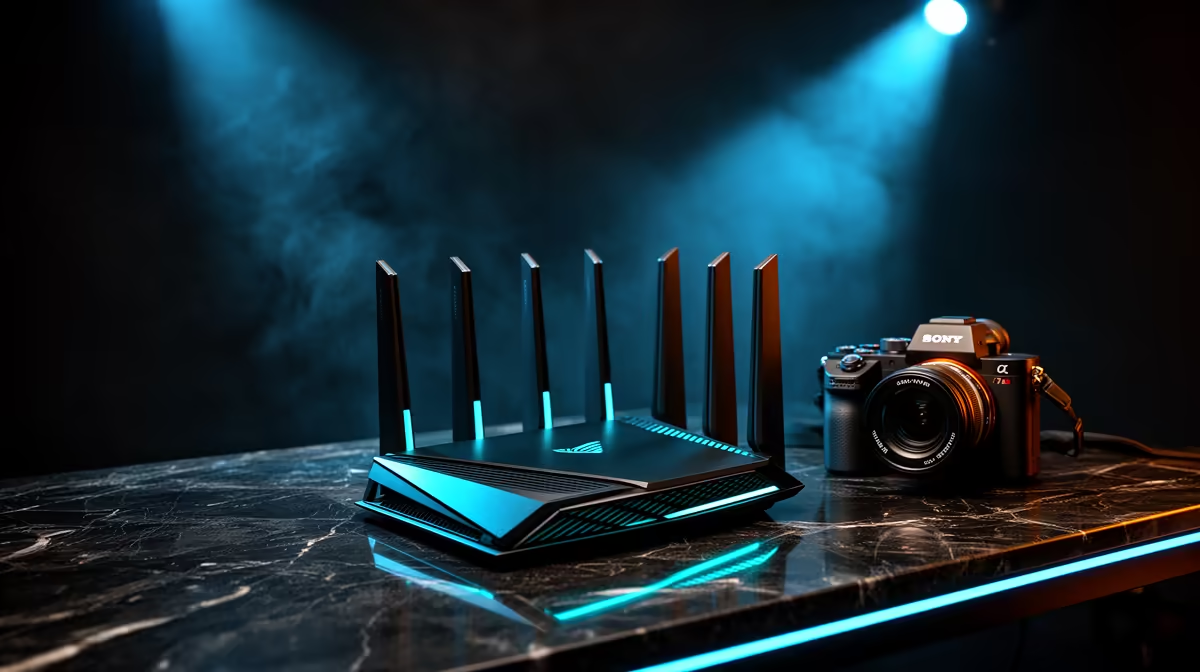
Your router is the heart of your home network. An old or budget model can buckle under the pressure of gaming, streaming, and other devices all demanding bandwidth. Upgrading to one of the modern wireless routers designed for high performance can drastically reduce internal network congestion and provide a stronger, more stable signal throughout your home.
Even with a great router, thick walls and long distances can create Wi-Fi dead zones. Is your gaming setup in a room far from the router? That's a classic recipe for dropouts. Instead of moving your entire setup, a simple wireless range extender can boost the signal, effectively eliminating those dead spots and ensuring your connection remains rock-solid. ⚡
Ready to Fix Packet Loss for Good? Don't let a weak signal dictate your K/D ratio. Explore our full range of powerful wireless networking gear and build a connection that keeps up with your reflexes.
Common culprits include weak Wi-Fi signals, ISP throttling, and network congestion. 📶
Try upgrading bandwidth, switching to Ethernet, or using QoS prioritization. 🎯
Yes! Missing packets create annoying stutters during calls and music. 🔇
Minor loss happens, but persistent issues need router upgrades or signal boosters. 📺
Use PingTest, Wireshark, or ISP-provided network diagnostics. 🔍
Upgrade if you're using old 802.11n routers – latest Wi-Fi 6 models fix most packet issues. 🔌
Yes! Wired connections reduce wireless interference and packet drop rates. 🧵
Learn hot-swappable PCB architecture in modern keyboards—what it is, how sockets and traces work, and how to pick the right board. Speed up swaps, reduce risk, and upgrade faster 🔧⚡
Read more
Mechanical switch lifespan explained—what the 50 million keystroke rating really means, plus tips to extend switch life and reduce double-press issues 🔧⌨️
Read more
60-percent vs full-size mechanical keyboard layouts—learn what each layout includes, who it suits, and how to choose the right fit 🧩⌨️ for typing, gaming, and productivity.
Read more
Double injection keycaps last far longer than standard printed keycaps in most setups. Learn typical lifespan ranges, what shortens them, and how to maximize durability for smoother daily typing and gaming 😊⌨️
Read more
Full-key anti-ghosting: does it stop missed inputs during fast-paced gaming? We break down latency, polling, and key matrix limits so you can buy smarter 🎮⚡
Read more
Protect mechanical keyboard switches from South African dust and summer humidity with practical cleaning and storage habits. Keep your switches smooth, reduce failures, and extend lifespan. 🌬️💧
Read more
Wondering if a TKL wireless mechanical keyboard is worth it for everyday productivity? We break down latency, battery life, comfort, and workflow gains for real work. ⚡⌨️

Maximise battery life on a fanless 15-inch laptop using efficiency core architecture. Cut idle drain, tune power profiles, and improve thermals for longer runtime. 🔋⚙️

Learn how to reduce desk clutter with a TKL wireless keyboard using fewer cables, smart placement, and tidy essentials. Get a faster, calmer workspace with better ergonomics. ✅🧼

RGB keyboard lighting too distracting? Learn how to manage backlight modes, set brightness, and reduce distraction for focus and productivity 😌🖱️

Are themed gaming keyboards worth the extra cost? Compare build quality, switch options, features, and resale value to find the best fit for your setup 🎮⌨️

Full-Size vs Tenkeyless mechanical keyboards for gaming: find out if a smaller layout truly improves aim, speed, and comfort. We break down layout, desk space, latency-feel, and keybinds 🎮⌨️

Dedicated media rollers vs function key shortcuts: learn which setup gives you better workflow control, faster media access, and fewer mistakes. 🖱️🎧

Best Mechanical Switch Type for Gaming: Clicky vs Linear vs Tactile. Find your feel, speed, and noise balance with practical guidance for FPS, MOBA, and productivity 😄🎮

Direct mouse answer: Mouse not keeping up with your work? Everything that matters about dual-mode 2.4GHz + BT 5.0: DPI behaviour, channel switching, battery curves and per-app button mapping. Covers when 2.4GHz USB wins (low-latency desk) and when BT 5.0 wins (laptop, d

Plain wireless mouse guide: Mouse not keeping up with your work? Everything that matters about wireless productivity mouse: DPI behaviour, channel switching, battery curves and per-app button mapping. Includes DPI tuning tips, channel switch shortcuts, and ZAR-aware fea

Real productivity numbers: Set up your wireless mouse in this order: everything that matters about wireless productivity mouse: DPI behaviour, channel switching, battery curves and per-app button mapping. Includes DPI tuning tips, channel switch shortcuts, and ZAR-aware

Pen not feeling like paper? Stylus lag and skipping usually trace to old drivers, dirty nibs, or display refresh mismatches, not the pen itself. Covers pressure curve tuning, tilt thresholds, nib swap timing, and SA pricing brackets.