Quick Answer
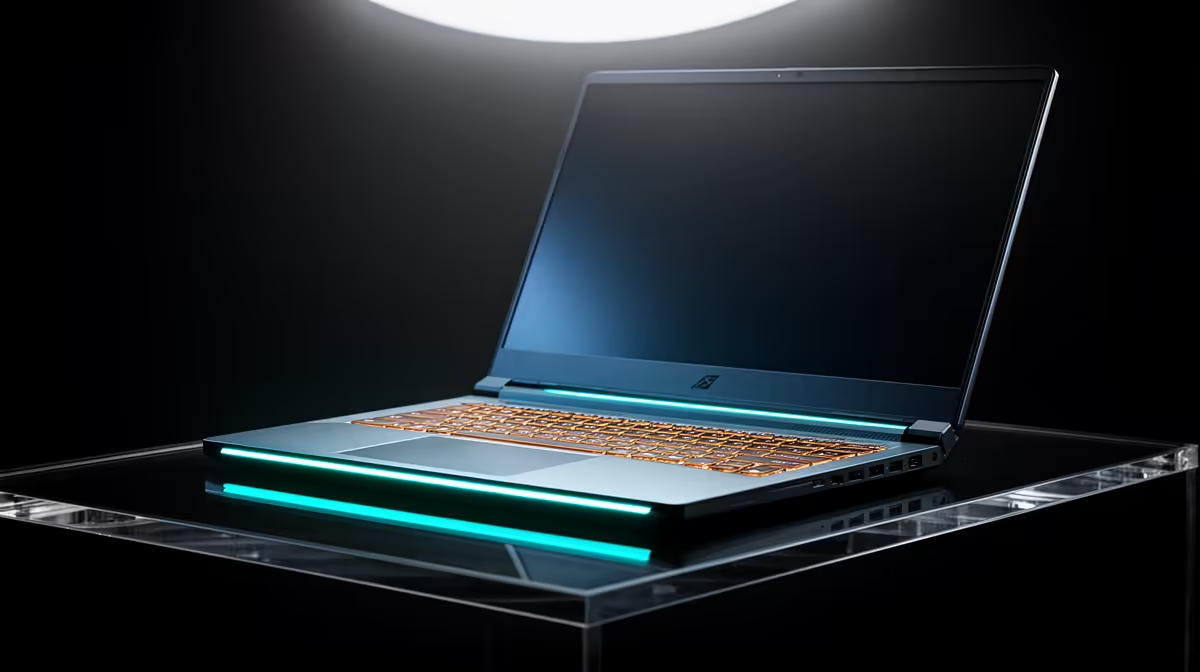
R7,500 is perfectly adequate for a law student's laptop in SA. Law coursework relies on Word, PDF readers, LexisNexis, Jutastat, and note-taking apps — none of which require significant processing power. At R7,500–R8,000, you get a Windows laptop with an i3 or Ryzen 3 quad-core, 8GB RAM, 256GB SSD, and a 15.6-inch FHD display that handles a full day of legal research.
What Law Students Actually Use Their Laptop For
LLB students at Wits, UCT, Stellenbosch, and UJ spend most laptop time in Word (drafting assignments and mooting submissions), Jutastat Online and LexisNexis SA (case law and statutory research), and note-taking tools like OneNote or Notion. Occasionally, legal research tools like Westlaw are accessed via browser. None of these tasks push a modern CPU or GPU — the bottleneck is internet speed for research databases, not hardware.
Key Specs for Law Students
- Battery life: 6–8 hours minimum — law students often study in the Wits Legal Aid Clinic, UCT law library, or campus cafes without power
- Weight: Under 2kg is comfortable for carrying between lectures
- Storage: 256GB SSD is fine; law textbooks are PDFs, rarely over 10MB each
- Display: 1080p FHD at 15.6 inches is the sweet spot for reading dense legal text
At R7,500 from Evetech, options include slim business-class laptops from mainstream brands that check all these boxes.
Jutastat and LexisNexis: Browser-Based, No Special Requirements
Both major SA legal databases are browser-based — they work on any laptop with a modern browser. No downloads or plugins are required. This means even the most modest R7,500 laptop performs identically to an R20,000 machine for primary legal research. Your money is better spent on a reliable laptop with good battery life than on raw processing power.
FAQ
Is a Chromebook sufficient for law students in SA?
Not recommended. While basic law research on Jutastat and LexisNexis works via a browser, many SA universities require Microsoft Word for submission (not Google Docs), and Chromebooks have compatibility issues with certain university VPN and library portal systems. Stick with Windows for guaranteed compatibility.
How much storage does a law student actually need?
For coursework, 256GB is adequate. A full four-year collection of case law summaries, assignments, and scanned readings rarely exceeds 50GB. Use an external drive or cloud storage (OneDrive with your university Office 365 licence) for older years' files.
Should I buy the cheapest option or save for a premium model?
For law school, the cheapest functional Windows laptop at R7,500 is sufficient — processor speed barely matters for Word and PDF work. Invest in a good bag (laptop stress from campus commuting between Braamfontein and Parktown beats up cheap plastic chassis) and consider a laptop with a metal lid for durability.
Jutastat and LexisNexis cases as PDFs before going to an area with patchy Wi-Fi — annotating PDFs offline in Foxit or Adobe Reader works just as well as the live database view.