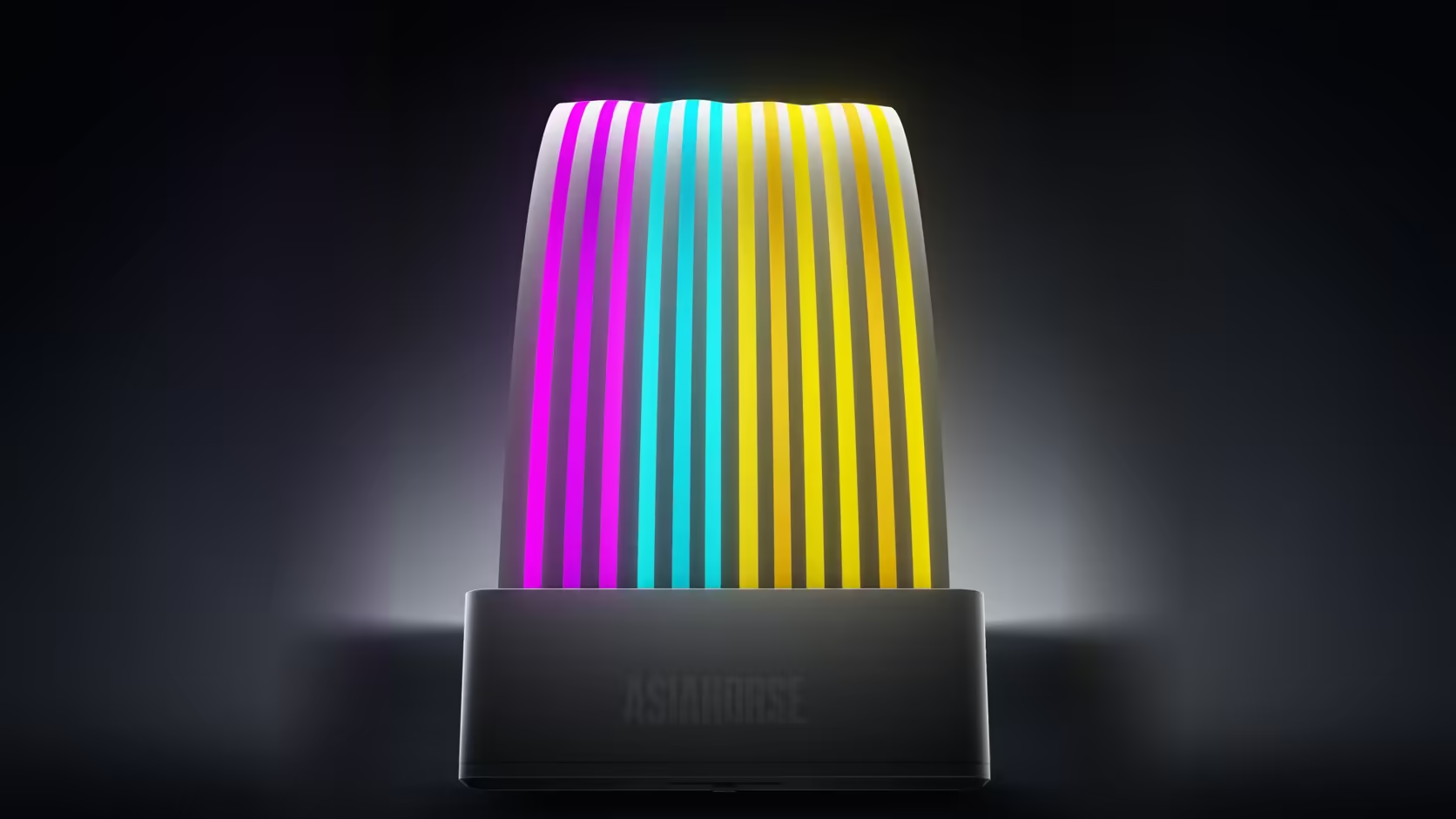
Only having budget or space for one Aurora Learn ARGB PSU Cable Cover forces a genuine decision most two-cover builds never have to make, and in a side-window case that decision has a fairly consistent answer once you look at which cable run the window actually frames.
Quick Answer
With a single Aurora Learn cover to place at R599, the graphics run generally wins out in a side-window build because it tends to cross more open, visible space than the board run, which is often tucked closer to the edge of the motherboard. Whichever run you choose, the shell length has to match it: 260mm for the graphics version, 205mm for the 24-pin board version. Getting that length wrong is a fitment problem regardless of which run looks better on paper.
🪟 Which run actually shows through a side window
The graphics run
Rising from the shroud toward the card, this run frequently crosses a wide open stretch of visible space in a windowed case, making it the more commonly chosen placement for a single cover.
The board run
Hugging the edge of the motherboard, the 24-pin cable is often partly hidden behind components or the edge of the board itself, though in some layouts that right-hand edge is fully exposed and this run wins instead.
📏 Matching shell length to whichever run you pick
The graphics version measures 260mm and needs a correspondingly long straight section of power supply cable to sit over, while the 205mm board version needs less length but a similarly straight run underneath it.
🧭 Why the graphics run is often the harder fit despite winning visually
That same run tends to curve as it rises toward the card, which can make finding a full 260mm of genuinely straight cable the harder of the two placement tasks, even when it is clearly the more visible choice.
💰 Does either option cost more?
No, both the 24-pin and graphics versions of Aurora Learn are listed at the same R599, so the decision genuinely comes down to placement and visibility rather than price.
🔦 What the chosen run looks like once lit
A graphics run under a window
With the shell sitting in open space, the individually glowing strands of the 108 LEDs are visible along their full length, which is generally what a side-window build is trying to achieve when only one run can be lit.
A board run near the edge
A board-cable placement tends to read more as an accent along the frame of the build than as a centrepiece, since part of its length often sits closer to other components than the graphics run typically does.
🧱 What else competes for that same visible space
A single-window build often has other lit elements already planned, whether that is a case lighting strip along the front or fans mounted where the window can see them. Whichever run the cover ends up on, it is worth stepping back and checking the whole visible area together rather than judging the cover's placement in isolation from everything else that will eventually share that view.
🌗 How lighting changes the impression either run makes
A graphics run lit along open space tends to draw the eye toward the card itself, reinforcing it as the visual centrepiece of the build, while a board-cable placement reads more like a frame around the edge of the whole system. Which impression a builder actually wants is worth thinking through alongside the purely practical fitting question, since the two runs genuinely tell a different visual story once lit rather than simply differing in where they happen to sit inside the case once the side panel finally goes back on. Photographing both candidate positions with a phone, ideally at the time of day the build will mostly be seen, is a cheap way to compare the two impressions side by side before either shell is ever clipped into place.
🎯 Settling the choice before ordering
Measuring both runs for their available straight length, then standing back and looking at which one the window genuinely frames best, is a more reliable way to decide than defaulting to whichever run is conventionally chosen across most builds.
🧑🎨 Letting the rest of the build guide the final call
A build with a striking graphics card, a distinctive shroud design or an unusual colourway often benefits most from lighting that draws attention toward that card rather than away from it, which tips the scales toward the graphics run even in cases where the board cable would technically be the easier fit. A more understated build, where the components themselves are not the visual focus, can afford to treat either run as simply the more practical option to install, since there is less of a centrepiece to reinforce either way, and the fitting question can simply be settled on its own practical merits without a visual argument pulling the decision one way or the other.
Frequently Asked Questions
Which cable run typically shows more in a side-window build?
Usually the graphics run, since it crosses open space between the shroud and the card rather than hugging the edge of the board.
When does the board run end up being the better choice instead?
In builds where the right-hand edge of the case is fully exposed and the graphics cable is short or largely hidden behind the card.
Does the shell length actually affect this decision?
It does. The graphics version measures 260mm and needs a longer straight section than the 205mm board version requires.
Which of the two runs is generally harder to fit?
The graphics run often curves as it rises, making a full 260mm of straight cable the harder of the two to find.
Do both versions cost the same amount?
Yes, both are listed at R599, so the choice is really about placement and visibility rather than any difference in price.
Can a second cover be added to the build later?
Each is sold as a separate product, so adding a second later means an additional controller and SATA connection to plan for as well.
Which run suits a build with a vertically mounted card?
A vertical mount changes both runs considerably, so it is worth examining the actual layout rather than assuming the usual answer applies.
Choosing between the board run and graphics run for a single cover?
Browse Evetech's power supply range and check which cable run your side window actually frames.