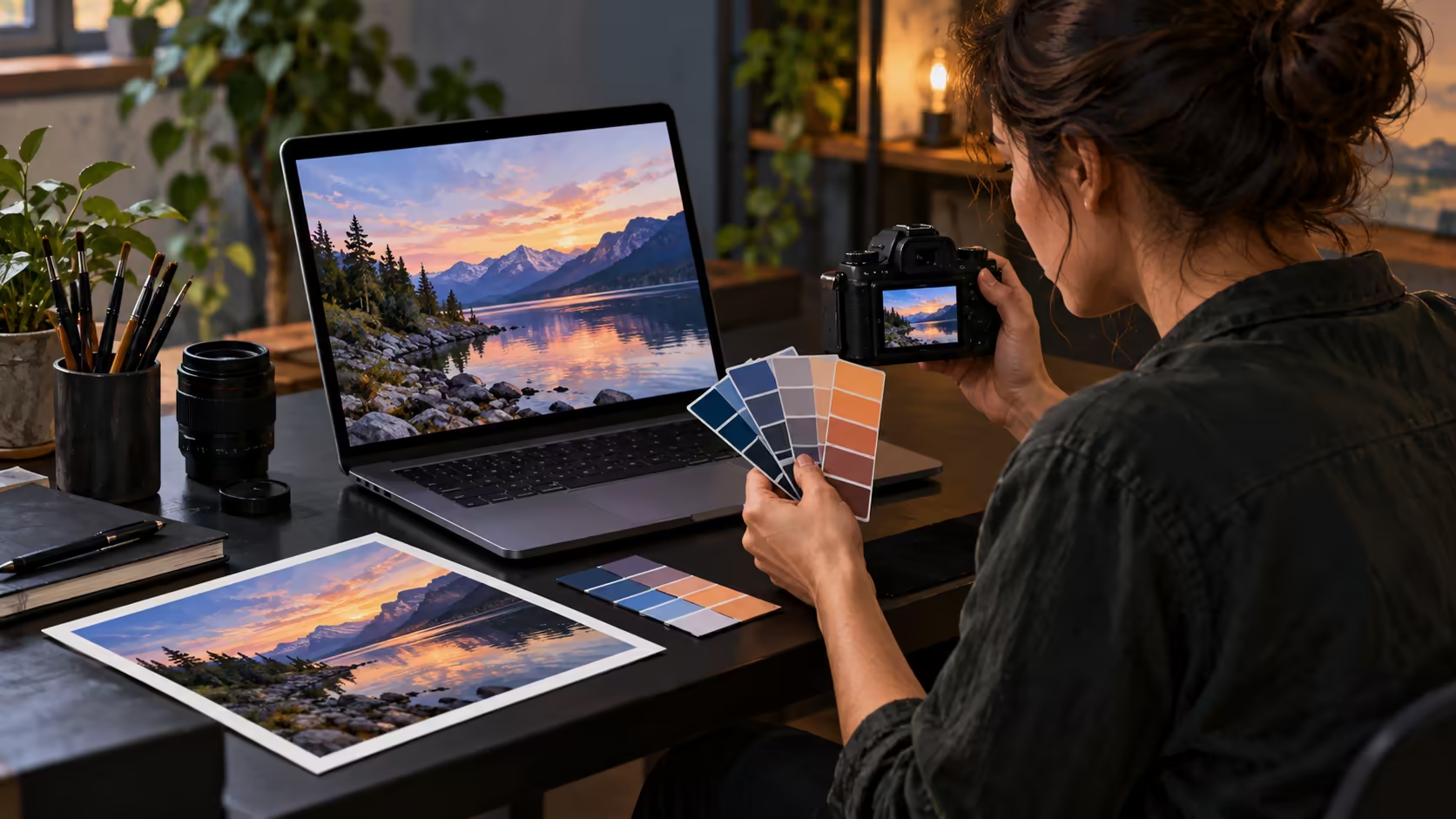
The same photograph can be prepared for a phone screen, a print or an HDR display. Photography reference modes give the PROLED MacBook Pro a way to set its display for the kind of image you are assessing.
Quick Answer
Yes. Apple lists Photography P3-D65, Photography Adobe RGB-D65 and HDR Photography P3-D65 reference modes for the PROLED XDR MacBook Pro. As at 29 October 2026, Evetech listed an existing 1TB configuration of the M5 Pro MacBook Pro for R50,999; it is a separate model from the new PROLED machine.
📷 What a reference mode does
A photography reference preset defines how the built-in screen renders images. Its settings include brightness, white point, transfer function and colour space. The mode helps define the display's behaviour while you review an image; it does not rewrite the file or guarantee that another screen will look the same.
Those characteristics give an editor a repeatable starting point for a specific task.
The PROLED specifications list several photography choices rather than one universal photo setting. Photography P3-D65 and Photography Adobe RGB-D65 are intended for standard-dynamic-range photography workflows. HDR Photography P3-D65 addresses HDR photography. Start with the output you intend to assess and the appropriate viewing conditions.
Apple's Preset menu guidance describes these modes as intended for appropriately set-up, controlled environments. Lighting matters because reflections and the light around a display affect the conditions in which you judge an image. A mode name alone is not a replacement for the full viewing setup.
In Displays settings, Apple places reference modes in the Preset menu. Selecting a photography preset sets the screen for the chosen colour space and white point; the image file retains its own colour information.
🎨 P3, Adobe RGB and the white point
P3 and Adobe RGB describe different colour primaries. Apple's Photography P3-D65 mode uses P3 with a D65 white point, which its guide associates with screen-based viewing. The Photography Adobe RGB-D65 mode uses Adobe RGB primaries and a D65 white point. Apple describes it for standard-dynamic-range print photography in a controlled viewing environment, distinct from its HDR photography mode.
A colour space is only one part of a complete image workflow. The file's profile, the application's handling of colour and the eventual screen or printer can all matter. A display that lists Adobe RGB does not, on its own, promise an exact match to a finished print.
The D65 label identifies the white point used by these photography modes. Apple's Design and Print modes use a D50 white point instead. That difference is a reason to select a preset for the output being evaluated rather than assuming every wide-gamut mode serves the same purpose.
If a photograph is intended for a website, Apple also lists an Internet and Web sRGB reference mode. Apple recommends a 64-lux environment for this web preset. It addresses a different output target from the photo-specific modes. Compare the image with its intended delivery in mind; selecting a mode does not change the audience's device.
Think of the preset as a viewing condition you choose for a task. A web image and a print photograph can begin with the same capture but end in different destinations. Apple associates its web mode with sRGB and a controlled environment, while its print-oriented presets specify a D50 white point. Recording which version you reviewed helps avoid confusing two output decisions later.
☀️ Standard and HDR photographs
The HDR Photography P3-D65 preset is listed separately from the two standard photography modes. Apple describes it for HDR digital photography in controlled viewing conditions. An HDR photograph and an SDR export can have different highlight and brightness behaviour, so assess the version you plan to deliver.
Apple rates PROLED XDR at a 2,000-nit HDR peak and 1,000 nits sustained across the full screen. The peak figure is not a promise that the full screen remains at that level. A small bright highlight and a full-frame image are different display conditions.
The panel uses tandem OLED and has a standard antireflective coating, plus optional nano-texture glass. These specifications explain the available display features, but ambient reflections still matter to a photo review. A consistent, controlled workspace makes comparisons easier to interpret than alternating between very different lighting conditions.
For example, a bright window behind the viewer can create a reflection over a dark area of a picture. Changing the laptop's position can reduce that distraction before you judge shadow detail. That practical adjustment is separate from the reference preset: one changes the surroundings, while the other sets the display characteristics.
💻 Choose the local setup
The R50,999 figure refers to the earlier 14-inch M5 Pro configuration, equipped with a 1TB drive, not a price for the newly announced PROLED model. South African buyers can compare currently listed configurations in the MacBook range, then decide whether the announced reference modes change the purchase decision.
For desk work, an external screen offers another workspace, but its own colour coverage, inputs and calibration controls are separate from the laptop's built-in display. Browse the monitor range with the intended output and connection in mind. The PROLED specifications do not describe every monitor in that category.
Storage and mobility also shape the choice. A local 1TB laptop listing gives a concrete price reference, while the best configuration for a photo library depends on the size of the files and the working copies you keep. A reference mode helps you view an image; it does not replace storage planning or a backup.
Frequently Asked Questions
Does the PROLED MacBook Pro have a photography preset?
Yes. Apple lists Photography P3-D65 and Photography Adobe RGB-D65 among its reference modes.
Is there an HDR photography mode?
Yes. The PROLED specification lists HDR Photography P3-D65 separately from the SDR photography modes.
Does an Adobe RGB mode guarantee a matching print?
No. The image profile, application, printer and viewing conditions also affect the final comparison.
What does D65 describe in the preset name?
D65 identifies the reference white point used by Apple's listed photography modes.
Is the R50,999 model the new PROLED laptop?
No. That 29 October 2026 catalogue price belongs to a separate existing M5 Pro MacBook Pro with 1TB storage.
Ready to plan your photo workspace?
Compare MacBook configurations and monitors at Evetech with your image output and desk setup in mind.