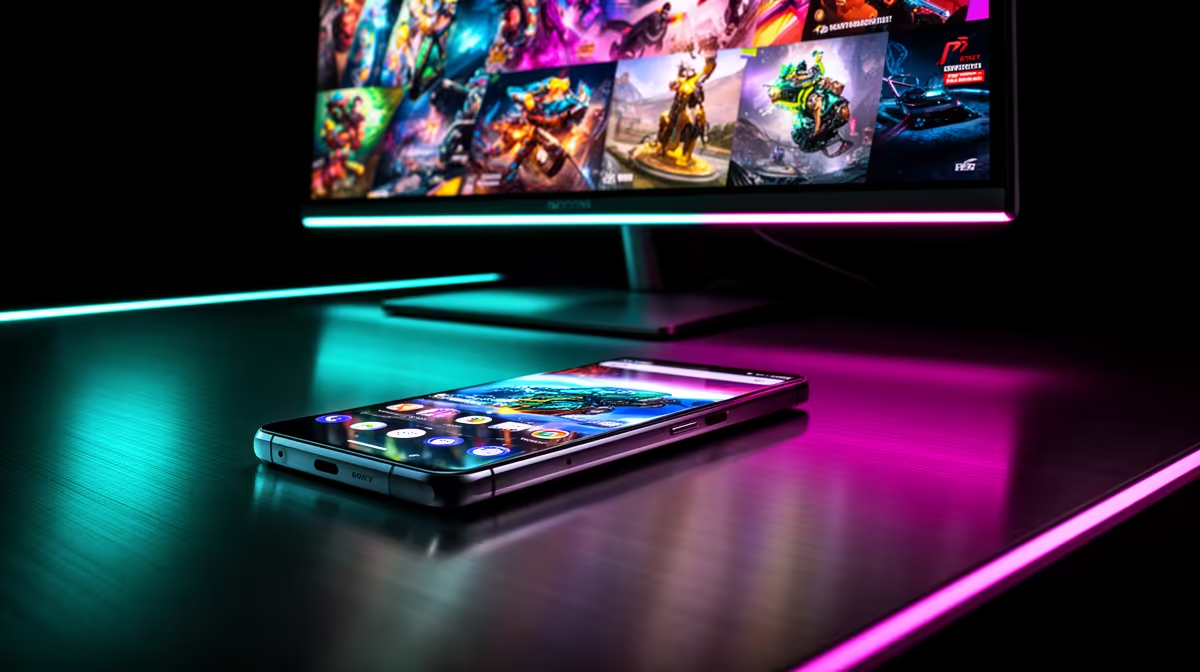
An oled phone makes a workable secondary display for chat, stats and Discord, though it will never match a dedicated panel for gaming itself.
Quick Answer
Yes, an OLED phone works as a second monitor for chat, guides and monitoring tools, but wireless options add 30-80ms of latency, so keep gameplay on your main panel. A wired connection or a true USB-C display output is far more responsive than apps that stream over Wi-Fi.
Latency and refresh limits to expect
Wireless second-screen apps typically add 30-80ms of latency and often cap at 30-60Hz, so an OLED phone is poor for anything fast. Treat it as a static or slow-updating surface and never run a competitive game on it.
Desk space and the better-value alternative
A used 24-inch 1080p monitor in SA often costs little more than the cables and stands you would buy to mount an OLED phone properly. If the second screen becomes permanent, a cheap dedicated panel usually delivers more usable space per rand.
Setup tips that make an OLED phone usable
Mount an OLED phone on an adjustable arm at a comfortable angle, keep it charging during long sessions, and dedicate it to one job - chat, stats or OBS - so it does not distract from the main display.
Making the call in South Africa
Weigh the upfront cost against how you actually play and how long you keep your gear, since the right choice for a competitive player differs from a casual one. Local pricing and availability shift, so compare current SA options on second monitor before you commit, and prioritise the feature that affects your daily use most.
FAQ
Will an OLED phone drain quickly as a second screen?
Yes, running a display app is power-hungry, so keep an OLED phone plugged in. Brightness and an always-on screen drain the battery fast during multi-hour gaming sessions.
Is an OLED phone cheaper than a real second monitor?
Often not, once you add a stand and cables. A used 24-inch 1080p panel in SA can cost about the same and gives more reliable, larger screen space for a permanent setup.
Can I game on an OLED phone as a second monitor?
Not well. Wireless options add 30-80ms of latency and often cap refresh at 30-60Hz, so keep gameplay on your main panel and use an OLED phone for chat, guides or stats.
Pro Tip
Dedicate an OLED phone to one slow-updating job and budget for an arm so it earns its desk space.