Quick Answer
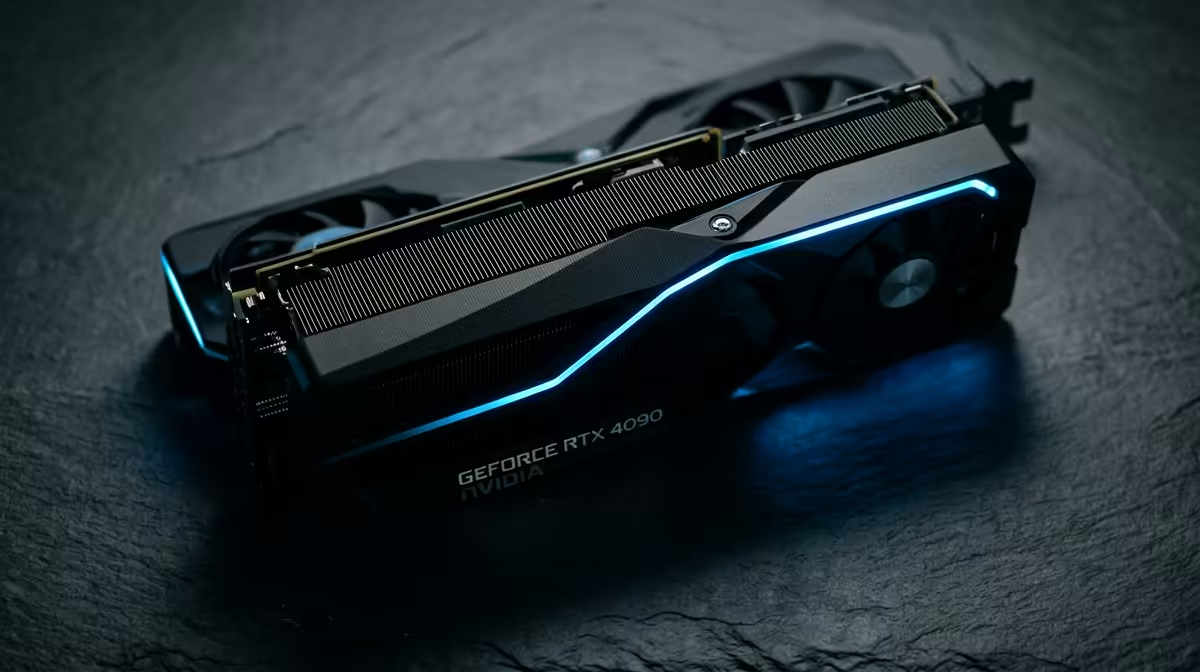
RTX 5070 TI SUPER is powerful for SA esports, but the value depends on whether your monitor is 240Hz or 360Hz. In South Africa, treat R22,000-R34,000 as a cautious broad price band and check live Evetech stock before comparing models. The key spec is a high-end 16GB-class target if the Super listing is live, so match the card to workload, monitor, case airflow, and PSU capacity.
Pros That Actually Matter
The main pro is headroom: RTX 5070 TI SUPER gives 240+ fps in Valorant or Rocket League and strong 1440p high-refresh play without forcing a full platform rebuild in many AM5 or current Intel systems. Named options such as ASUS Dual, MSI Ventus, Gigabyte Gaming OC, or Zotac Trinity-class cards are useful comparison anchors because cooler size, warranty path, and noise can matter as much as the chip name. For SA buyers, local warranty and available stock beat tiny spec differences.
Cons And Where It Is Overkill
The cost is the obvious downside, especially when the rest of the PC still needs a good CPU, 32GB RAM, NVMe storage, and a reliable PSU. For esports, the wrong buy is a card that leaves no room for a monitor, microphone, keyboard, or cooling upgrade. Also check case length and power connectors before ordering because high-end cards can be physically larger than older builds expect.
Best Fit For SA Buyers
Choose this tier when it solves a measurable problem: higher esports refresh, faster exports, smoother 1440p/4K gaming, or local AI work that needs VRAM. If the workload is light, a cheaper RTX tier or integrated graphics may be the smarter call. If the workload is heavy, pair the card with a quality 750W-1000W PSU depending on the model class and keep airflow clean.
FAQ
Is RTX 5070 TI SUPER worth it for esports?
Yes, when the workload uses the GPU every week and the rest of the PC is already balanced. No, if the machine is mainly for browser tabs, documents, and occasional light gaming.
What price should SA shoppers expect?
Use R22,000-R34,000 as a broad category band, then check live Evetech listings for the exact model. Cooler design, VRAM variant, and factory overclock can move the final price.
What should I check before buying?
Check PSU wattage, case clearance, monitor refresh, and whether your apps use GPU acceleration. A strong card only pays off when the surrounding setup can use it.
Buyer Check
the GPU to one clear target: 240Hz esports, 4K gaming, faster exports, or local AI. If the target is vague, step down a tier and spend on the monitor or storage.