



Hot-Swappable PCB Architecture in Modern Keyboards: Guide
Learn hot-swappable PCB architecture in modern keyboards—what it is, how sockets and traces work, and how to pick the right board. Speed up swaps, reduce risk, and upgrade faster 🔧⚡
Read moreChoosing the right PSU wattage for modern GPUs and CPUs is key 💡. Our step-by-step guide ensures optimal performance and prevents overload. Maximize your PC’s potential today →
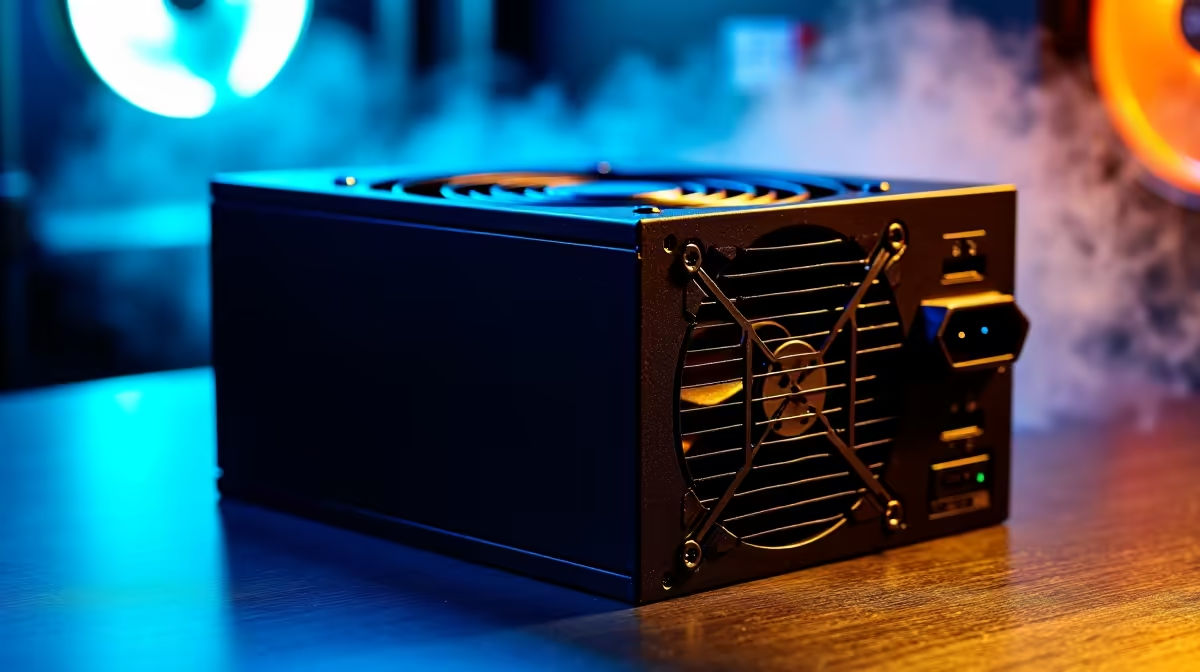
Building a new gaming rig in South Africa? Lekker. But before you pair that shiny new RTX 4070 with your CPU, there's a vital part you can't ignore: the power supply unit (PSU). Choosing the wrong wattage can cause crashes, instability, or even component damage. Don't guess. Using a PSU wattage calculator is the smartest first step to help you choose the right power supply for your GPU and CPU build. 🚀
Think of your PSU as the heart of your PC. It doesn't just give power; it provides stable, clean electricity to every single component, from your beastly graphics card down to the RGB lights on your case fans. Skimping on it is a recipe for disaster.
A power supply that's too weak will struggle under load, leading to random shutdowns right in the middle of a competitive match... or worse, it could permanently damage your expensive motherboard or GPU. On the flip side, buying a massively overpowered PSU means you're wasting money and running it outside its most efficient range, which can mean a slightly higher electricity bill.
Finding that "just right" balance is key. That’s where a good power supply calculator becomes your best friend.
A PSU wattage calculator is a simple tool that estimates the total power your system will draw. It does this by adding up the maximum power consumption (TDP or Total Design Power) of all your individual components. To get an accurate reading, you’ll need to know what’s going into your build.
Once you’ve entered your parts, the calculator will recommend a minimum PSU wattage. But don't stop there...
Your calculated wattage is the minimum. Always add 20-30% extra wattage on top. This "headroom" accounts for power spikes, ensures the PSU runs efficiently and quietly, and gives you breathing room for future upgrades without needing to buy a whole new unit.
Choosing the right power supply isn't just about the watts. Two other factors are crucial for a stable, efficient, and clean-looking build.
You've probably seen stickers like "80 Plus Gold" or "80 Plus Bronze" on PSU boxes. This rating isn't about quality; it's about efficiency. It tells you how much power from the wall socket makes it to your PC components. For example, an 80 Plus Gold PSU is at least 87% efficient at all loads.
A more efficient PSU wastes less energy as heat, which can lead to a cooler, quieter system and small savings on your electricity bill over time. In South Africa, every little bit helps! ✨
A well-managed case isn't just for looks; better airflow means lower temps and a longer lifespan for your components.
Ready to Power Up Your Build? Now that you know how to choose the right power supply for your GPU and CPU, find the perfect heart for your rig. Shop our wide range of PSUs at Evetech for reliable performance that keeps you in the game.
Use a PSU wattage calculator to factor in GPU/CPU TDPs, peak loads, and overhead. High-end builds often need 750W–850W+ for stability.
Undersized PSUs risk system instability, crashes, or component damage. Always use a power supply calculator to avoid undervolting risks.
It’s tight—use our PSU wattage calculator. A 500W PSU may suffice for mid-tier GPUs like RTX 3060 and 65W CPUs, but 650W offers safer headroom.
Pair your PSU with CPU requirements. Modern Ryzen or Intel chips vary from 65W–150W. Use a power supply calculator for accurate matching.
A 750W–850W PSU ensures peak performance. Check our calculator to adjust for overclocking or expansion in your build.
Efficiency matters. A Gold or Platinum PSU paired with correct wattage reduces heat and energy costs, critical for modern GPU/CPU combos.
Use our calculator, add a 15–20% buffer, and check PSU recommendations for your GPU model. RTX 4090 needs at least 750W baseline.
Learn hot-swappable PCB architecture in modern keyboards—what it is, how sockets and traces work, and how to pick the right board. Speed up swaps, reduce risk, and upgrade faster 🔧⚡
Read more
Mechanical switch lifespan explained—what the 50 million keystroke rating really means, plus tips to extend switch life and reduce double-press issues 🔧⌨️
Read more
60-percent vs full-size mechanical keyboard layouts—learn what each layout includes, who it suits, and how to choose the right fit 🧩⌨️ for typing, gaming, and productivity.
Read more
Double injection keycaps last far longer than standard printed keycaps in most setups. Learn typical lifespan ranges, what shortens them, and how to maximize durability for smoother daily typing and gaming 😊⌨️
Read more
Full-key anti-ghosting: does it stop missed inputs during fast-paced gaming? We break down latency, polling, and key matrix limits so you can buy smarter 🎮⚡
Read more
Protect mechanical keyboard switches from South African dust and summer humidity with practical cleaning and storage habits. Keep your switches smooth, reduce failures, and extend lifespan. 🌬️💧
Read more
Wondering if a TKL wireless mechanical keyboard is worth it for everyday productivity? We break down latency, battery life, comfort, and workflow gains for real work. ⚡⌨️

Maximise battery life on a fanless 15-inch laptop using efficiency core architecture. Cut idle drain, tune power profiles, and improve thermals for longer runtime. 🔋⚙️

Learn how to reduce desk clutter with a TKL wireless keyboard using fewer cables, smart placement, and tidy essentials. Get a faster, calmer workspace with better ergonomics. ✅🧼

RGB keyboard lighting too distracting? Learn how to manage backlight modes, set brightness, and reduce distraction for focus and productivity 😌🖱️

Are themed gaming keyboards worth the extra cost? Compare build quality, switch options, features, and resale value to find the best fit for your setup 🎮⌨️

Full-Size vs Tenkeyless mechanical keyboards for gaming: find out if a smaller layout truly improves aim, speed, and comfort. We break down layout, desk space, latency-feel, and keybinds 🎮⌨️

Dedicated media rollers vs function key shortcuts: learn which setup gives you better workflow control, faster media access, and fewer mistakes. 🖱️🎧

Best Mechanical Switch Type for Gaming: Clicky vs Linear vs Tactile. Find your feel, speed, and noise balance with practical guidance for FPS, MOBA, and productivity 😄🎮

Direct mouse answer: Mouse not keeping up with your work? Everything that matters about dual-mode 2.4GHz + BT 5.0: DPI behaviour, channel switching, battery curves and per-app button mapping. Covers when 2.4GHz USB wins (low-latency desk) and when BT 5.0 wins (laptop, d

Plain wireless mouse guide: Mouse not keeping up with your work? Everything that matters about wireless productivity mouse: DPI behaviour, channel switching, battery curves and per-app button mapping. Includes DPI tuning tips, channel switch shortcuts, and ZAR-aware fea

Real productivity numbers: Set up your wireless mouse in this order: everything that matters about wireless productivity mouse: DPI behaviour, channel switching, battery curves and per-app button mapping. Includes DPI tuning tips, channel switch shortcuts, and ZAR-aware

Pen not feeling like paper? Stylus lag and skipping usually trace to old drivers, dirty nibs, or display refresh mismatches, not the pen itself. Covers pressure curve tuning, tilt thresholds, nib swap timing, and SA pricing brackets.