Silence Your Rig: Essential PC Cooling Hacks for Gamers 🚀
South African gamers, ever wonder why your powerful rig sounds like a jet engine during intense sessions? We’re diving into the essential world of quiet PC cooling. Nobody wants to lose immersion to fan noise. This guide provides actionable desktop hacks to keep your system frosty and silent, letting you focus on the frag, not the fans. Let's optimise your experience.
Your Questions Answered: Quieter Gaming Explained
Q: Why is my gaming PC so loud, and what's the biggest culprit?
A: The primary culprit is often fan noise. As components like your CPU and GPU heat up during demanding games, their fans spin faster to dissipate heat, creating that familiar whirring sound. Dust build-up, poor airflow, and default aggressive fan curves also contribute. Even well-built systems might need tweaking; many pre-built PC deals offer great performance, but optimising their cooling for quiet operation is always possible.
Q: What's the deal with airflow? How does it affect noise and cooling?
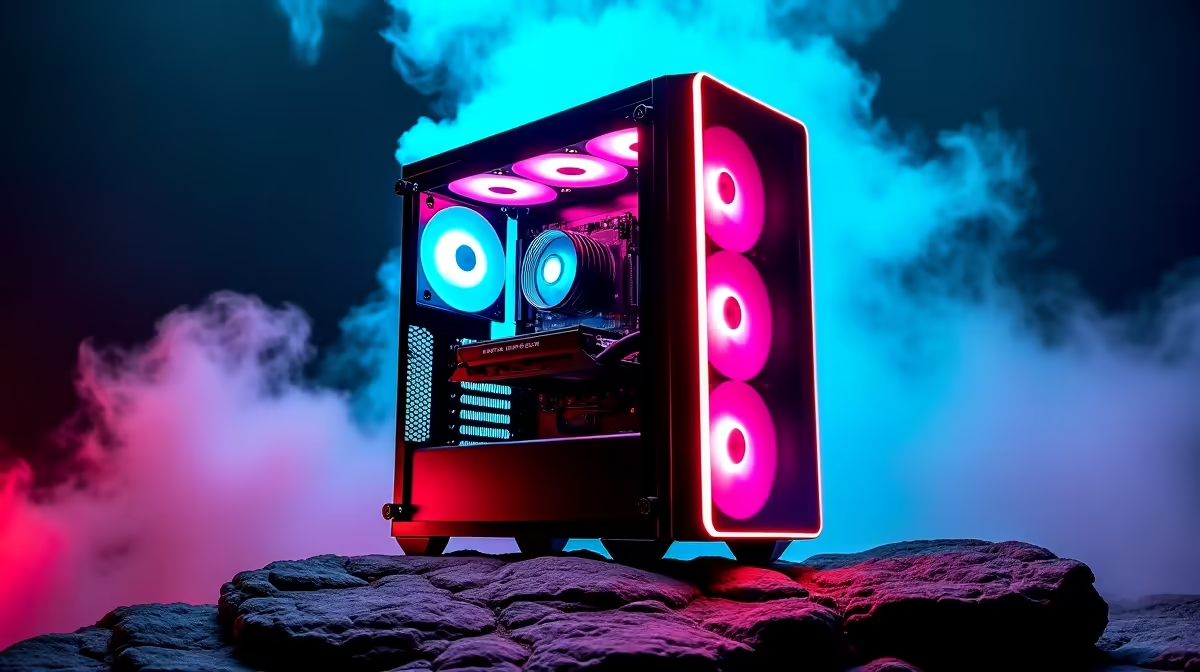
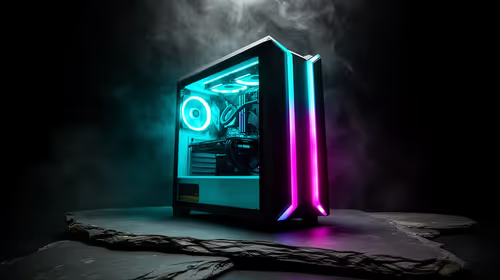
A: Airflow is critical. It's about efficiently moving cool air in and hot air out of your PC case. Poor airflow means stagnant hot air, making fans work harder and louder. Aim for positive pressure – more intake fans than exhaust – to push dust out and maintain a steady cool breeze over components. This is crucial whether you’re running a powerful Intel PC or a high-performing AMD Ryzen PC.
Q: Air cooling vs. Liquid cooling – which is quieter for a gaming PC?
A: Both can be quiet. High-end air coolers are effective and often have fewer moving parts than an All-in-One (AIO) liquid cooler. AIOs typically offer excellent cooling performance, especially for hot CPUs, but pump noise can be a factor. Custom liquid loops offer the best potential for silence and extreme cooling but involve more complexity and cost. For your high-powered NVIDIA GeForce gaming PC or a robust AMD Radeon gaming PC, choose based on your budget and willingness to maintain.
Q: How important is thermal paste, and when should I reapply it?
A: Thermal paste is vital. It bridges microscopic gaps between your CPU/GPU heat spreader and the cooler's cold plate, ensuring efficient heat transfer. Old or poorly applied paste can drastically increase temperatures, leading to louder fans. Reapply it every 2-3 years, or whenever you remove your cooler. This simple step can significantly impact the thermal performance of your DDR5 gaming PC.
Q: What are some practical "desktop hacks" to reduce fan noise immediately? 🔧
A: First, clean your PC! Dust is a fan's worst enemy. Second, adjust your fan curves in BIOS or software like MSI Afterburner. Set them to ramp up gradually, avoiding sudden loud bursts. Excellent cable management also prevents obstructions, improving airflow. Even for budget gaming PCs, these small adjustments make a huge difference.
Optimise Your Fan Curves
Lower your fan curve by 5‑10% at idle and moderate loads to shave off a few decibels. You might see a slight 1‑2°C temperature increase, but often, the gain in quietness is well worth it, without impacting peak gaming performance.
Q: Are there specific PC builds or components that naturally run quieter?
A: Absolutely. Look for cases with good sound dampening or excellent airflow designs. High-quality fans from brands like Noctua or be quiet! are designed for silence. Consider larger CPU coolers, as bigger heatsinks need less aggressive fan speeds. Many of the best gaming PC deals often incorporate premium, quieter components. Similarly, workstation PCs are often engineered for minimal noise during extended operation.
Q: I'm planning an upgrade. What should I look for in a quiet gaming PC, whether under R20,000 or above?
A: Prioritise high-quality CPU coolers (large air or AIOs with quiet pumps), case fans with good static pressure and low RPM, and a well-ventilated case. Check reviews specifically for noise levels. For a powerful yet quiet setup, whether you're looking at gaming PCs under R20k or investing in top-tier gaming PCs above R20k, researching component acoustics is key to a serene gaming experience.
Key Takeaways for a Quieter Gaming Rig ✨
- Dust is the Enemy: Regular cleaning dramatically improves cooling efficiency and reduces fan noise.
- Master Airflow: Proper case fan setup (positive pressure recommended) ensures optimal heat exchange.
- Smart Cooling Choices: Invest in quality CPU coolers and case fans; both air and liquid cooling can be quiet.
- Thermal Paste Matters: Reapply thermal paste every few years for sustained CPU/GPU cooling.
- Tune Your Fans: Custom fan curves in BIOS or software provide precise control over noise levels.
- Component Awareness: When upgrading or buying new, consider sound-dampened cases and low-noise components.
Upgrade Your Experience Today
Ready to build or buy a gaming PC that purrs, not roars? Discover amazing deals and components engineered for performance and quiet operation. Shop now at Evetech for a gaming experience that leaves noisy distractions in the dust.